If you’ve ever Googled Best AI Tools for Data Science, you probably felt overwhelmed five minutes later.
lass=”yoast-text-mark” />>Too many lists. Too many tools. Too little honesty.
I’ve been there. You’re not looking for hype. You’re looking for tools that help you clean data faster, build better models, explain results clearly, and honestly… get home on time.
So that’s what this guide is.
A human breakdown of the best AI tools for data science right now, based on real workflows, real strengths, and real limitations.
We’ll talk about what works, what doesn’t, and which tools actually deserve a spot in your stack.
How I Chose These Tools (My Selection Parameters)
Before we jump into the list, here’s how I filtered things. Because not every shiny AI tool belongs in a data scientist’s workflow.
I focused on tools that:
- Solve real data science problems, not just demos
- Fit into actual data science workflows, from cleaning to deployment
- Balance automation with control
- Are used by working data scientists, not just marketers
- Help both beginners and experienced professionals
If a tool looked impressive but added friction instead of removing it, it didn’t make the cut.
The Best AI Tools for Data Science Right Now
1. ChatGPT (Advanced Data Analysis)
Let’s be honest.
This tool changed how many of us think about data analysis.
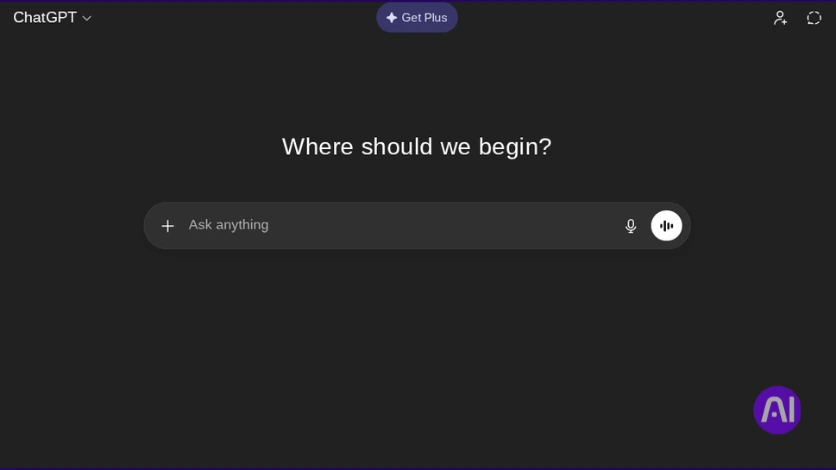
ChatGPT with Advanced Data Analysis isn’t just a chatbot. It’s like having a patient data science partner who doesn’t get tired of your follow-up questions. You upload data, ask questions, test assumptions, and iterate fast.
It’s especially powerful when you’re exploring data or explaining results to non-technical stakeholders.
Key features:
- Upload datasets and analyze them directly
- Generate Python code for data cleaning and modeling
- Explain statistical results in plain English
- Quick visualizations without boilerplate setup
Best for:
Exploratory analysis, rapid insights, and thinking through problems out loud.
Pros and Cons of ChatGPT
Pros
- Extremely fast iteration
- Beginner-friendly
- Great for explaining complex ideas
Cons
- Not a full production environment
- Needs validation for critical decisions
2. TensorFlow
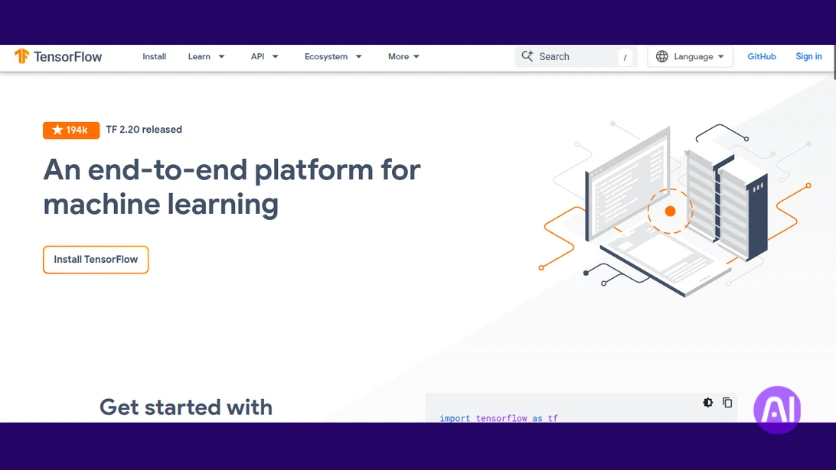
TensorFlow is still a backbone of modern machine learning platforms.
It’s powerful, scalable, and built for serious deep learning work.
If you’re dealing with large datasets, complex neural networks, or production-level models, TensorFlow earns its reputation.
Key features:
- End-to-end machine learning framework
- Strong support for deep learning
- Scales well in cloud AI environments
- Massive ecosystem and community
Best for:
Advanced deep learning and production-grade ML systems.
Pros and Cons of TensorFlow
Pros
- Highly scalable
- Industry-tested
- Excellent deployment tools
Cons
- Steep learning curve
- Overkill for simple projects
3. PyTorch
If TensorFlow feels rigid, PyTorch feels… human.
PyTorch is loved by researchers and practitioners because it’s flexible, intuitive, and forgiving when you’re experimenting. Many data scientists use it during model development before moving to production.
Key features:
- Dynamic computation graphs
- Research-friendly deep learning framework
- Strong community adoption
- Seamless Python integration
Best for:
Experimentation, research, and custom model development.
Pros and Cons of PyTorch
Pros
- Easy to debug
- Natural Python feel
- Great for prototyping
Cons
- Deployment takes extra setup
- Less beginner-friendly than AutoML tools
4. DataRobot
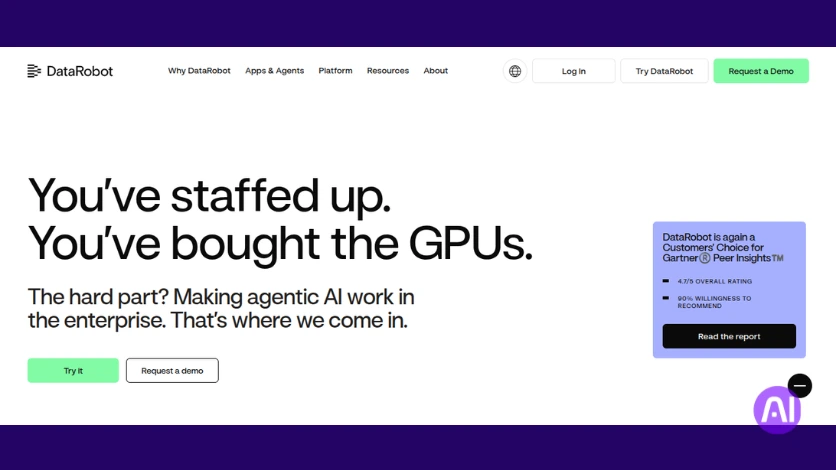
DataRobot is where automation really shines.
This is one of the strongest AI tools for predictive analytics, especially if you want results without hand-coding every step. It automates feature engineering, model selection, and evaluation in a structured way.
Key features:
- Automated machine learning pipelines
- Built-in model comparison
- Enterprise-ready deployment
- Explainability and monitoring tools
Best for:
Teams that want fast, reliable predictive models.
Pros and Cons of DataRobot
Pros
- Saves massive time
- Strong governance features
- Minimal manual tuning
Cons
- Expensive
- Less control for advanced users
5. H2O.ai
H2O.ai sits in a sweet spot between control and automation.
It’s an open-source friendly platform with serious AutoML capabilities. If you want transparency in how models are built but still want speed, this one delivers.
Key features:
- AutoML for structured data
- Open-source core
- Strong performance on tabular datasets
- Integrates with Python and R
Best for:
Data scientists who want automation without losing visibility.
Pros and Cons of H2O.ai
Pros
- Transparent modeling
- Strong community
- Cost-effective
Cons
- UI feels dated
- Less polished enterprise features
6. Google Vertex AI
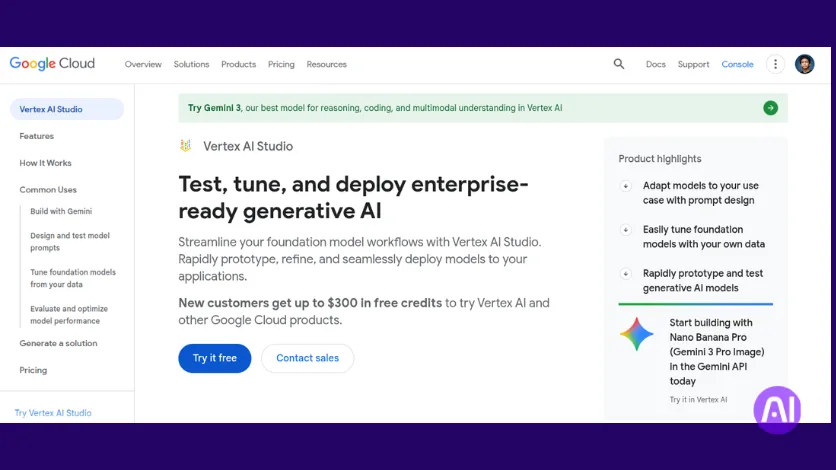
Vertex AI is Google’s answer to end-to-end cloud AI for analytics.
It connects data ingestion, training, deployment, and monitoring in one ecosystem. If your data already lives in Google Cloud, this becomes very attractive.
Key features:
- Unified ML pipeline
- AutoML and custom training
- Scales easily in the cloud
- Built-in monitoring
Best for:
Cloud-based data science workflows.
Pros and Cons of Vertex AI
Pros
- Strong scalability
- Integrated ecosystem
- Reliable infrastructure
Cons
- Cloud lock-in
- Cost management takes care
7. Apache Airbyte
Data science starts with data.
And messy data pipelines slow everything down.
Airbyte helps automate data ingestion, making it easier to pull data from multiple sources into your analytics stack.
Key features:
- Automated data integration
- Supports many data sources
- Open-source flexibility
- AI-ready pipelines
Best for:
Data scientists tired of manual data pulls.
Pros and Cons of Airbyte
Pros
- Saves setup time
- Customizable connectors
- Active development
Cons
- Requires setup knowledge
- Monitoring takes effort
8. DVC (Data Version Control)
This one’s underrated.
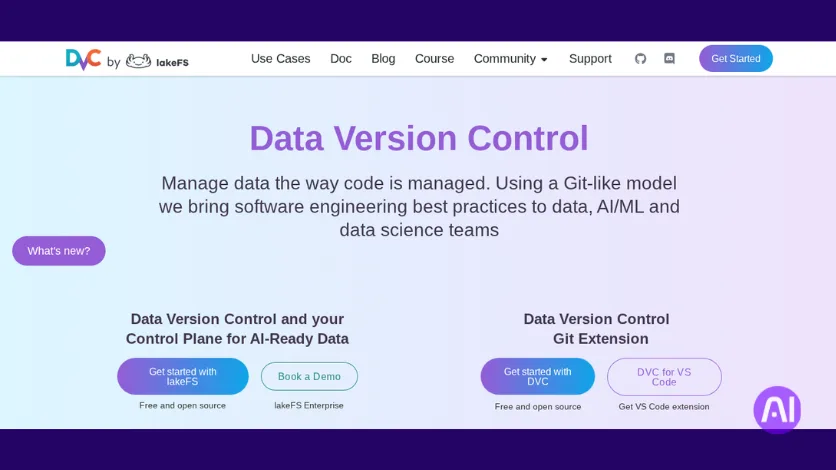
DVC brings version control to datasets and machine learning models. If you’ve ever lost track of which model used which data… yeah. This fixes that.
Key features:
- Dataset versioning
- Model tracking
- Git integration
- Reproducible pipelines
Best for:
Teams working on collaborative ML projects.
Pros and Cons of DVC
Pros
- Improves reproducibility
- Lightweight
- Works with existing tools
Cons
- Learning curve
- Requires discipline
9. Kaggle & Google Colab
I’m grouping these together because they often go hand in hand.
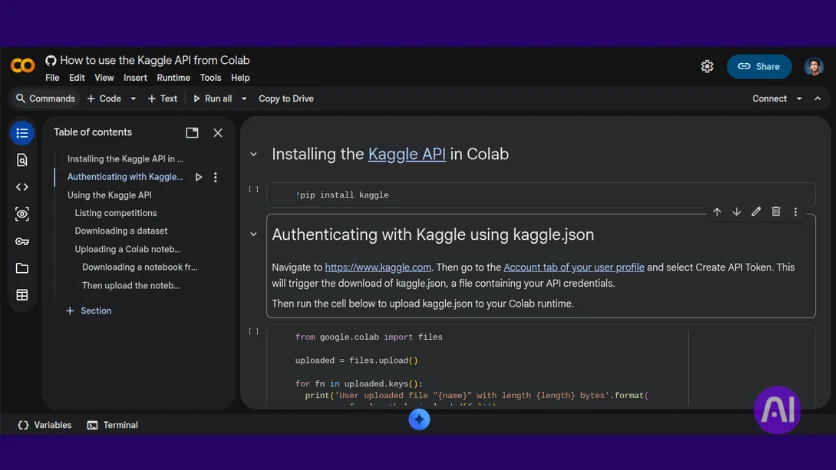
Kaggle is where many data scientists sharpen skills, while Colab provides free cloud compute. Together, they’re incredible for learning, testing, and sharing ideas.
Key features:
- Free notebooks and GPUs
- Massive datasets
- Community notebooks
- Easy collaboration
Best for:
Learning, experimentation, and quick prototypes.
Pros and Cons
Pros
- Free access
- Community-driven
- Easy to start
Cons
- Limited production use
- Resource limits
Comparing These Best AI Tools for Data Science
Each of these AI data science tools solves a different problem.
So comparison matters.
| Tool | Best Use Case | Automation Level | Skill Level |
|---|---|---|---|
| ChatGPT | Exploration & explanation | Medium | Beginner |
| TensorFlow | Deep learning at scale | Low | Advanced |
| PyTorch | Research & prototyping | Low | Advanced |
| DataRobot | Predictive analytics | High | Intermediate |
| H2O.ai | AutoML with transparency | High | Intermediate |
| Vertex AI | Cloud ML pipelines | Medium | Advanced |
| Airbyte | Data ingestion | Medium | Intermediate |
| DVC | Version control | Low | Advanced |
| Kaggle/Colab | Learning & testing | Medium | Beginner |
Which Tool Stands Out?
If I had to pick one tool that impacts the most workflows today, it’s ChatGPT with Advanced Data Analysis.
Not because it replaces everything.
But because it speeds up thinking. And that’s where data science usually slows down.
That said:
- TensorFlow & PyTorch win for deep learning
- DataRobot & H2O.ai dominate predictive modeling
- Vertex AI shines in cloud-first teams
Best AI Tools for Data Analysis and Visualization
Data analysis becomes much easier when tools are chosen based on what they help you do, not how popular they are. Using the reference content, here are the most valuable purpose-based areas in data analysis and visualization, along with the tools that genuinely fit each role.
Exploring data quickly and generating early visuals
ChatGPT with Advanced Data Analysis stands out here. It allows you to upload datasets, explore patterns, create simple visualizations, and ask follow-up questions in natural language. This makes it ideal for early-stage analysis, where the goal is to understand the data rather than perfect the output. It’s especially helpful when you want fast insights and clear explanations without writing much code.
Explaining results in a clear and human way
ChatGPT is also highly effective when the focus shifts from analysis to explanation. It can translate statistical results and charts into plain English, making insights easier to communicate to non-technical audiences. This is valuable when presenting findings or validating whether conclusions actually make sense.
Automated analysis for structured datasets
DataRobot is a strong choice when you need reliable analysis with minimal manual effort. It automates feature engineering, model selection, and evaluation while offering built-in visual comparisons and explainability. This makes it useful for predictive analysis where speed and consistency matter more than custom experimentation.
Automation without losing visibility
H2O.ai fits well when you want automation but still want to understand how results are produced. It performs strongly on tabular data and offers transparent modeling workflows. This helps analysts trust their outputs while still benefiting from faster analysis and built-in performance insights.
Learning, experimenting, and testing ideas
Kaggle and Google Colab are practical tools for experimenting with data and visualizations. They provide free notebooks, access to datasets, and easy visualization support, making them ideal for learning, testing models, and sharing analytical ideas quickly.
AI Tools for Machine Learning and Predictive Modeling
For serious ML work, the strongest AI machine learning tools remain TensorFlow, PyTorch, and DataRobot. They handle complexity, scale, and evaluation better than lighter tools.
AutoML platforms especially help when time matters more than perfect tuning.
Check another purposeful list of AI tools: Fix Bugs 10x Faster: Best AI Tools for Debugging
No-Code vs Code-Heavy AI Data Science Tools
In data science, the real difference between tools isn’t about intelligence, it’s about how much control you want versus how fast you want results. Based on the reference content, AI tools clearly fall into two camps: no-code automation and code-heavy flexibility.
No-code and low-code tools focus on speed and simplicity. Platforms like DataRobot and H2O.ai automate feature engineering, model selection, and evaluation. They are ideal when you want reliable results without writing everything from scratch. These tools work well for structured data, predictive analytics, and teams that care about consistency and explainability more than custom modeling.
The trade-off is control. While they save time, they limit how deeply you can customize models or experiment with unconventional approaches.
Code-heavy tools like TensorFlow and PyTorch sit on the other end of the spectrum. They require more effort but offer full flexibility. These tools are preferred when working on deep learning, research, or complex models where fine-grained control matters. Visualization here is usually tied to model performance and experimentation rather than quick insights.
Between these two extremes, tools like ChatGPT with Advanced Data Analysis help bridge the gap. They speed up thinking, exploration, and explanation without fully removing the need for technical judgment.
The practical takeaway:
No-code tools help you move fast. Code-heavy tools help you go deep. Strong data science workflows often use both automation to save time, and code when precision truly matters.
Conclusion: How to Choose the Right Tool
Here’s the truth.
There is no single best AI tool for data science. There’s only the best tool for your problem.
Pick one tool from this list and really learn it. That alone will put you ahead of most people.
For exploring data and getting quick insights, use ChatGPT with Advanced Data Analysis. For fast predictive modeling with minimal coding, DataRobot or H2O.ai are best. If you need full control for research or deep learning, go with TensorFlow or PyTorch. For learning, testing ideas, or visualizing data quickly, Kaggle and Google Colab are ideal. Choosing tools based on what you need to achieve makes data analysis faster, clearer, and more effective.
For more purposeful lists of AI tools, visit AI Ashes’s blog category “AI Tools” which is a treasure of AI tools listicles, comparisons and various other topics.
Suggested one for you: Best AI Chatbots in 2026: 9 AI Chatbot Tools Worth Using