AI tools for startup teams make it easier to move faster, automate work, and turn data into clear decisions. I built this roundup highlights dedicated platforms that help lean teams uncover insights, cut manual tasks, and reach value much sooner.
My evaluation of AI tools for startup teams covers marketing, sales, customer support, and project management. I look for ease of use, integrations, scalability, reviews, and real performance so a small team can prove outcomes quickly.
Each entry follows the same format: a short overview, core features, pros, cons, and who it’s best for. That way you can skim or dive in depending on your needs.
I call out balance between powerful insights and a clean user experience. New teams should not need weeks of onboarding to get value. I also favor data portability and integrations to avoid vendor lock-in as your product and market evolve.
I note where free plans like HubSpot, Canva, and Trello can compress time to value. Expect sections covering content, design, product, media, and analytics so you can build a modular stack that grows with your business.
Key Takeaways
- I prioritize dedicated solutions that deliver fast, measurable value.
- Evaluation covers marketing, sales, support, and project management.
- Look for integrations, data portability, and scalable pricing.
- Free tiers and trials can speed early adoption and testing.
- Choose modular tools that fit current priorities and future growth.
How I choose dedicated AI tools for startups in the United States today
I pick platforms the same way I would hire a teammate: they must add clear value fast. My focus is on moves that save time, improve sales or reduce support backlog for small business teams.

What I prioritize for lean teams
I follow a concise framework when reviewing AI tools for startup efficiency. I identify needs, map use cases, and compare features like automation and data capture.
- Align tools to measurable goals such as shorter sales cycles or fewer open tickets.
- Prefer features that remove manual work and speed routine tasks for users.
- Require integrations and APIs to keep information flowing across systems.
- Assess pricing against expected ROI and ease of training for teams.
Integration, scalability, and real support
I confirm each vendor offers reliable integration, documented APIs, and clear security practices a software development company for startups would expect when building scalable products. I run a time-boxed trial and measure time-to-first-value before committing.
| Criteria | Why it matters | What I check |
|---|---|---|
| Integrations | Preserves workflows | APIs, plugins, sync |
| Usability | Drives adoption | Onboarding time, user tests |
| Security | Protects data | SOC 2, GDPR, data residency |
After pilots, I finalize a pick and schedule reviews to track performance as the startup scales its business.
Best AI Tools for Startup: my short list
Here I present a tight selection of practical platforms that save time and reduce manual work for lean teams. Each entry is a dedicated, battle-tested option small teams can adopt without heavy implementation.

What you will find in this roundup
I list eight widely used tools and show where each shines. Every entry follows the same micro-structure: a brief overview, core features, pros, cons, and who it suits best. That keeps comparisons fair and fast.
Categories I cover for real-world workflows
The shortlist spans marketing, sales, customer support, knowledge, and project workflows so you can build a practical stack. I call out which platform speeds content or design, which gives pipeline visibility, and which automates routine work.
- Focus on time-to-value: results in days, not quarters.
- AI features that deliver real insights and automation.
- Pick one tool per category to pilot, then layer in others.
| Category | Time-to-value | Typical benefit |
|---|---|---|
| Marketing & content | Days | Faster campaigns |
| Sales & pipeline | Days | Clearer forecasts |
| Customer & project | Days | Lower manual work |
1. HubSpot
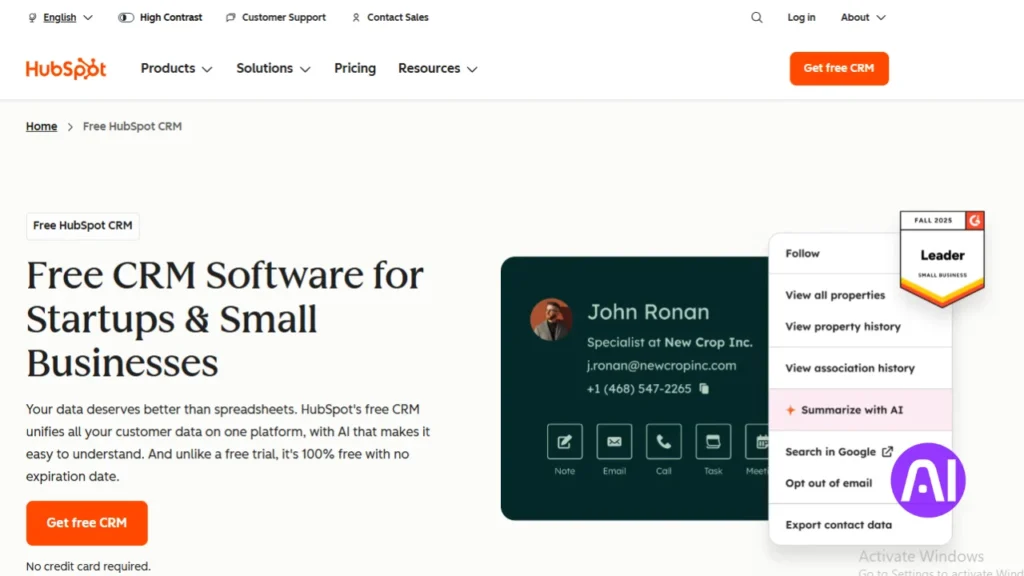
If you need a single system to capture demand, score leads, and personalize outreach, HubSpot covers those bases. I find it useful when teams want marketing automation, CRM, and analytics in one platform.
Brief overview
HubSpot is an all-in-one inbound marketing and CRM solution. It combines automation with predictive lead scoring so you can prioritize deals and keep customer data connected.
Core features
- AI-powered lead scoring that ranks the highest-likelihood conversions using behavioral data.
- Content strategy suggestions based on search trends and keyword signals.
- Email personalization that adapts to recipient behavior and templates for rapid campaigns.
- Built-in integrations that reduce friction across sales, marketing, and support systems.
Pros
HubSpot blends marketing and sales workflows in a single pane. Onboarding is friendly, dashboards surface actionable insights, and the free tier helps small businesses get started quickly.
Cons
Pricing grows with contacts and advanced features. Setup needs deliberate process design, and deep customization can add complexity for teams that want speed.
Best for
I recommend HubSpot to startups and small teams that want a proven platform to run marketing, sales, and customer engagement with fast time-to-value.
| Feature | Impact | Watch |
|---|---|---|
| Lead scoring | Prioritizes pipeline focus | Requires clean contact data |
| Content recommendations | Improves organic reach | Needs editorial process |
| Email personalization | Boosts engagement | Depends on behavior tracking |
| Templates & integrations | Speeds campaign time | Over-customization risks complexity |
2. Canva
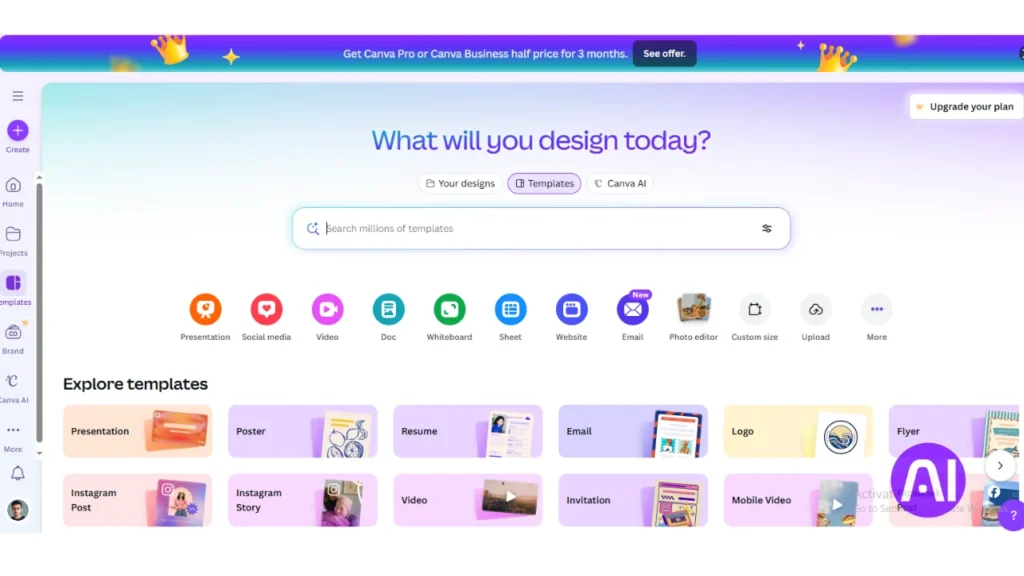
Canva puts design power into the hands of small teams so they can ship polished visuals without a dedicated designer.
Brief overview
I present Canva as a design-first platform that helps startups turn content ideas into visuals for campaigns, ads, and presentations. It reduces dependency on specialists and speeds time-to-publish.
Core features
- Magic Resize adapts one layout into multiple formats for social media, display, and print.
- Smart suggestions for layouts and color palettes keep designs balanced.
- Text-to-image generation converts brief prompts into custom assets fast.
- Extensive templates and simple brand kits maintain consistency across media.
Pros
Canva enables rapid content creation and smooth collaboration. It performs well in the browser and scales with team needs.
Cons
It can struggle with highly complex design work. Some generated images need manual refinement, and governance is needed as asset libraries grow.
Best for
I recommend Canva to startups that need steady output of posts, ads, and pitch materials without a large design budget.
| Feature | Impact | Recommended use |
|---|---|---|
| Magic Resize | Saves hours on multi-channel layouts | Social media campaigns, ad variants |
| Text-to-image | Speeds prototype visuals | Hero images, concept art |
| Templates & Brand Kit | Ensures consistent branding | Decks, marketing collateral |
| Collaboration | Improves team throughput | Cross-functional content creation |
3. Jasper
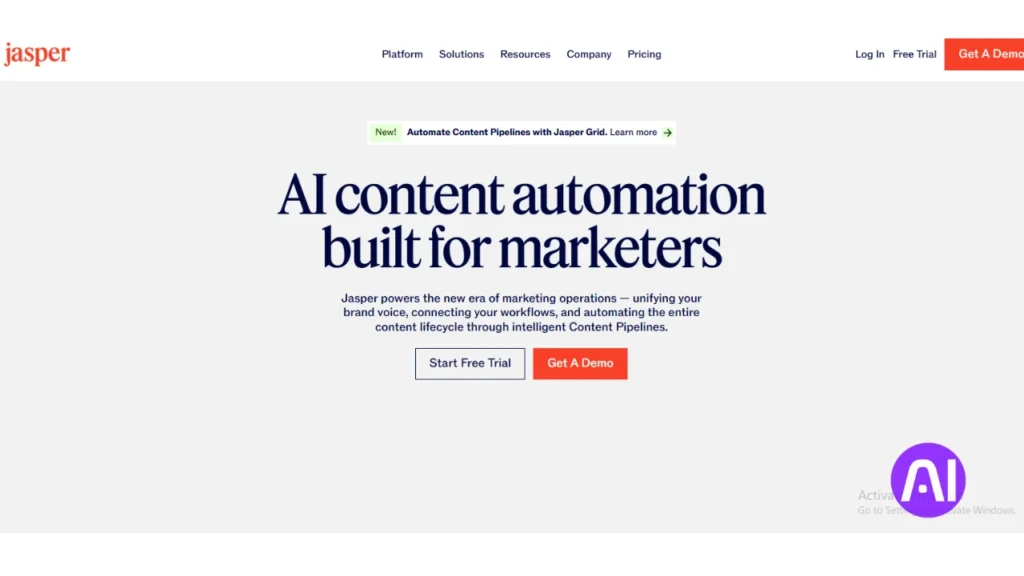
I lean on writing assistants that let small teams publish more high-quality content with less friction.
Brief overview
I describe Jasper as the writing assistant that helps me draft long-form articles, ads, and social posts quickly. It adapts tone and style so each draft matches brand voice and supports marketing goals.
Core features
- Guided content generation to produce outlines and full drafts.
- SEO suggestions that recommend keywords and structure for search.
- Tone and style controls plus templates for repeatable content creation.
Pros
Speed to first draft is a real time-saver. I keep a consistent voice across posts and ads, and the assistant surfaces useful prompts when I need ideas for an audience.
Cons
Human editing remains essential for factual accuracy. Nuanced brand narratives and specialist text often need subject-matter review.
Best for
I recommend Jasper to startups and small business teams that must scale content production while holding tone steady. It’s a practical tool to speed workflows without replacing editors.
| Feature | Impact | Recommended use |
|---|---|---|
| Guided drafts | Faster publishing | Blog posts, long-form articles |
| SEO suggestions | Improved discovery | Marketing pages, posts |
| Templates | Consistent voice | Ad copy, email campaigns |
4. Salesforce Einstein
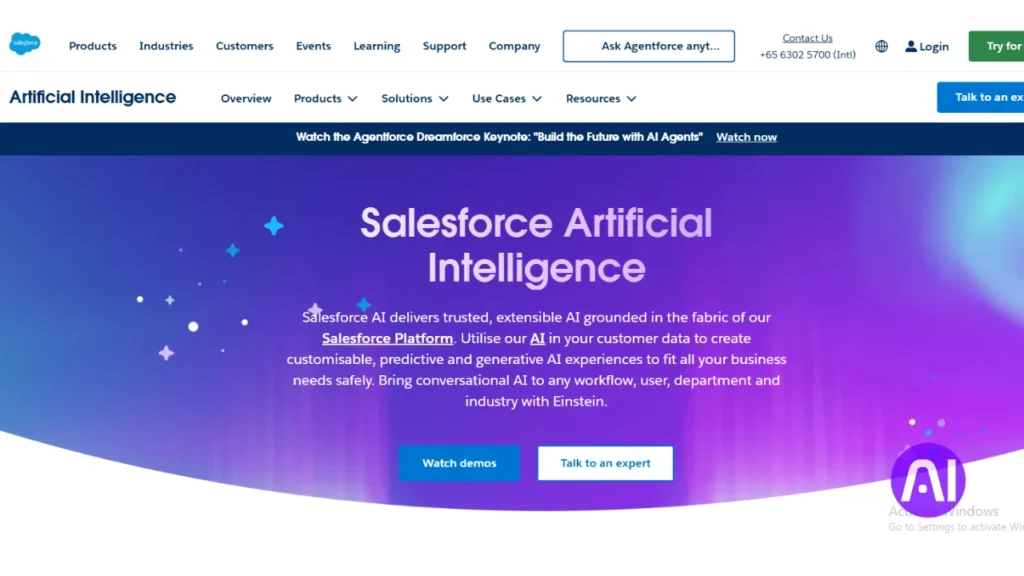
I evaluate platforms that turn CRM activity into clear, prioritized work so reps can focus on closing deals instead of logging tasks. Salesforce Einstein is the intelligence layer that adds predictive signals to the CRM and nudges teams toward higher impact actions.
Brief overview
I describe Einstein as the built-in intelligence inside Salesforce that converts historical CRM data into prioritized pipelines. It recommends the next best actions and shortens sales cycles by surfacing what matters now.
Core features
- Predictive lead scoring to direct reps to the highest-probability opportunities.
- Automated data capture that reduces manual entry from emails and interactions.
- Opportunity insights that suggest timing and sequencing for outreach based on past patterns.
Pros
Einstein delivers enterprise-grade analytics and robust insights tied directly to sales activity. Teams often see better forecasting and improved deal health signals that lift overall performance.
Cons
It performs best when you already use Salesforce. Configuration takes work, and licensing costs grow as you expand scope across the business.
Best for
I recommend this tool to startups scaling on Salesforce that want data-driven sales management and guided prioritization. It suits teams that can invest time in setup to gain longer-term gains.
| Feature | Benefit | Note |
|---|---|---|
| Predictive scoring | Sharper rep focus | Needs clean contact data |
| Automated capture | Less manual work | Improves CRM hygiene |
| Opportunity insights | Better outreach timing | Depends on activity history |
| Forecast analytics | Stronger planning | Best with full pipeline use |
5. Intercom
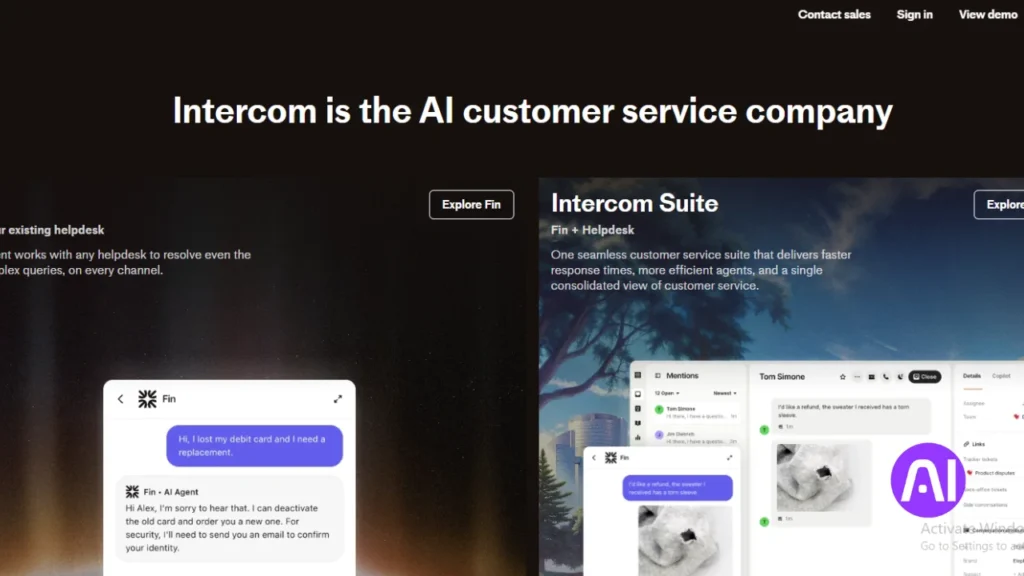
Intercom helps teams keep conversations human while automating routine replies. I present it as a customer messaging platform that blends chat, bots, and inbox workflows so small teams can deliver fast, personalized support.
Brief overview
I see Intercom as a single platform that connects sales, support, and product teams around real-time conversations. It gives startups tools to answer common questions immediately and to reach users with timely outreach.
Core features
- AI chatbots that provide 24/7 answers and reduce wait times.
- Behavior-based customer segmentation to send relevant messages.
- Automated workflows that route tickets and surface suggestions to reps.
Pros
Intercom improves response times with live messaging and measurable gains in customer satisfaction. The unified inbox scales as volume grows and helps sales and support share context.
Cons
Advanced automation takes setup and careful bot design to keep service quality high. Pricing rises with contacts and usage, which can affect early-stage budgets.
Best for
I recommend Intercom to startups that need modern customer support and proactive messaging in one platform to boost retention and conversions.
| Capability | Impact | Consideration |
|---|---|---|
| AI chatbots | 24/7 basic answers, lower volume | Needs good training and flows |
| Behavioral segmentation | More relevant outreach | Requires tracking events |
| Automated workflows | Faster routing and fewer handoffs | Setup time for complex rules |
| Unified inbox | Shared context across team | Discipline needed for tagging and SLAs |
6. Notion AI
Notion AI becomes the single source where scattered notes turn into clear, searchable knowledge. I use it to keep project context, meeting notes, and SOPs in one place so teams stay aligned.
Brief overview
I position Notion AI as the knowledge and documentation hub that turns scattered information into organized, searchable workspaces. It makes it easier to manage documents and link them to projects and tasks.
Core features
- AI summaries of notes and docs to capture key points quickly.
- Rewriting and tone adjustments to make internal content clearer.
- Action-item extraction that turns meeting discussion into assignable tasks.
- Templates that standardize SOPs, project plans, and onboarding flows.
Pros
Faster onboarding comes from accessible information and consistent docs. Collaboration improves when everyone can find the same context and insights inside shared pages.
Cons
Large workspaces need governance to avoid chaos. AI summaries still need review, and building consistent templates takes initial effort.
Best for
I recommend Notion AI to startups that want a central tool for documentation, tasks, and knowledge management. It works well when customer notes, project plans, and operational templates must live together.
| Aspect | Benefit | Note |
|---|---|---|
| Management | Centralizes information | Requires naming conventions |
| Tasks | Auto-extracted from meetings | Assign and track in linked pages |
| Collaboration | Shared context and faster handoffs | Needs editing discipline |
7. Trello
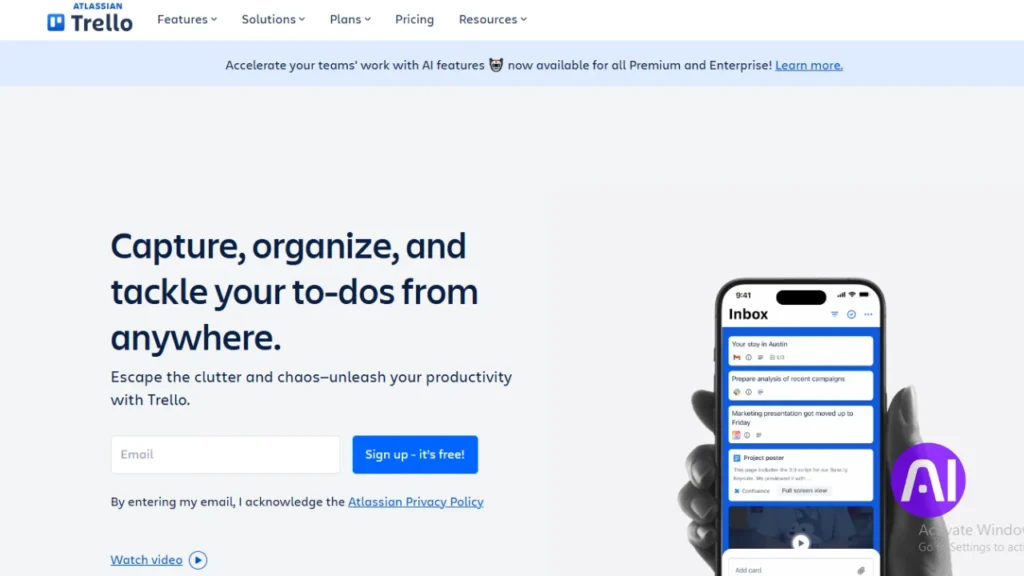
My go-to when organizing short sprints is a visual board that stays simple and flexible. Trello gives teams a clean canvas to map work, assign owners, and see progress at a glance.
Brief overview
I describe Trello as the visual project management tool that makes it easy to organize work, assign owners, and automate repetitive tasks with minimal setup.
Core features
- Butler automation: rules that move cards, add labels, and notify teammates on triggers.
- Smart suggestions: recommendations for due dates and assignments to keep tasks on schedule.
- Power-Ups: integrations like time tracking and reporting that extend board capabilities.
- Drag-and-drop UI and ready-made templates to jumpstart common project boards.
Pros
Teams adopt Trello fast because the interface is familiar and low-friction. Automation saves time by handling repetitive actions. Power-Ups let you scale features as needs grow without rebuilding boards.
Cons
Deep portfolio reporting often needs add-ons. Card sprawl can occur without cleanup. Advanced workflows may take testing and iteration to get right.
Best for
I recommend Trello to startups that need simple, flexible task and project execution. It fits teams that want quick wins from automation and a friendly drag-and-drop design.
| Capability | Benefit | Note |
|---|---|---|
| Butler automation | Reduces manual work | Easy to set up |
| Power-Ups | Adds time tracking & reports | Choose only what you use |
| Templates | Speeds board creation | Good starting point for common projects |
8. Pipedrive
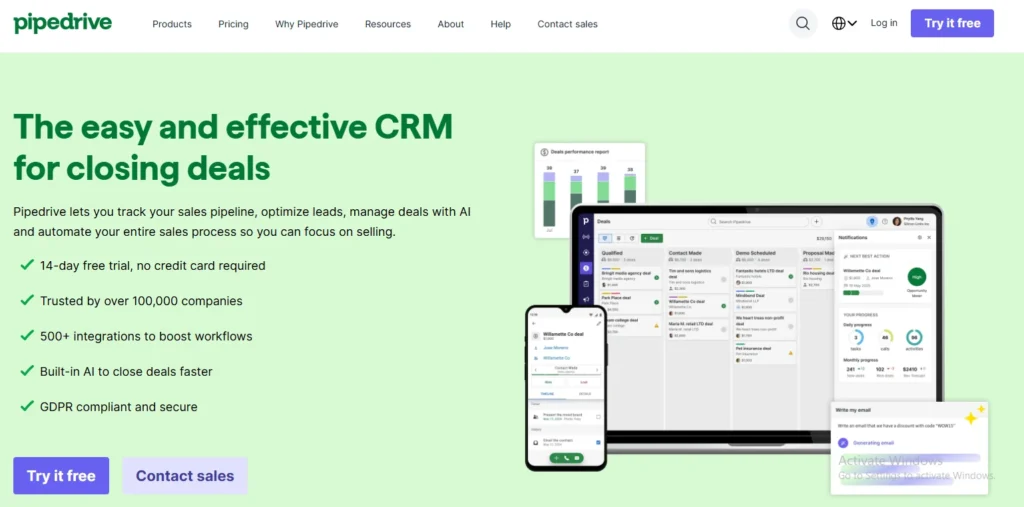
I use Pipedrive when I want a sales-first CRM that keeps the pipeline visible and action-oriented. The platform pairs a clean visual pipeline with practical intelligence so I can prioritize deals and move faster.
Brief overview
Pipedrive is a sales-focused CRM with practical AI that helps me prioritize deals, draft outreach, and generate metrics-backed reports without heavy setup. It keeps customer data connected and puts pipeline health front and center.
Core features
- AI Sales Assistant that recommends next-best actions from sales trends and pipeline performance.
- AI email writer that drafts context-aware messages to speed outreach.
- SmartApps that suggest the right integrations to connect other business systems.
- AI report generation that creates insights from data using plain-language prompts.
- Visual drag-and-drop pipeline and built-in dashboards to track performance.
Pros
Guided workflows improve sales performance and save time. The visual pipeline is easy to adopt, so teams see value quickly. Automated communications cut routine work and keep outreach consistent.
Cons
Deeper marketing automation often needs additional platforms. Custom reporting can take iteration. Advanced forecasting depends on clean, consistent data hygiene across the business.
Best for
I recommend Pipedrive to startups and small teams that want a focused sales platform with a practical assistant that drives pipeline momentum and measurable outcomes.
| Feature | Benefit | Note |
|---|---|---|
| AI Sales Assistant | Prioritizes daily actions | Improves rep focus |
| AI email writer | Speeds outreach | Requires message review |
| SmartApps & integrations | Connects systems | Suggests common links |
| AI reports | Fast data-backed insights | Best with clean data |
Conclusion
Wrapping up, small teams win when they pick a few pragmatic platforms and measure impact. I recommend starting with one or two tools that remove your biggest bottlenecks and then expand as you see value.
Simple design and social media work often deliver wins in days, while CRM-driven sales and management gains typically show in two to four weeks as data improves. Reputable vendors emphasize security, APIs, and marketplaces so your stack can scale with product and market needs.
Track response times, pipeline velocity, project milestones, and content performance. Keep your team aligned with short rituals and a regular review cadence to retire overlap and double down on what helps customers and the business.
When choosing AI tools for startup success, start with one priority area. Pick one tool to pilot this week, run two sprints, and let the results guide your next step.
FAQ
What criteria do I use when choosing tools for lean startup teams?
I look for simplicity, clear ROI, fast onboarding, and strong integrations with platforms the team already uses like Slack, Google Workspace, and HubSpot. I also weigh pricing tiers and available templates so small teams can move fast without hiring extra specialists.
How do I evaluate integration and scalability when picking a platform?
I check native connectors, API availability, and whether the vendor supports Zapier or Make. I test role-based access and multi-workspace options to ensure the platform grows with headcount and data volume without requiring full migrations.
Which categories do I consider essential in my roundup?
I cover marketing, customer support, sales enablement, design, content creation, project management, and analytics. These areas map directly to common startup workflows and revenue-driving processes.
How do I decide which product is “best” for a specific startup need?
I match tool strengths to use case: CRM and sales automation for pipeline-driven teams, visual editors for non-designers, conversational support for high-touch customers, and lightweight project boards for fast-moving teams. I also factor team size and budget.
Can small teams use enterprise-grade platforms like Salesforce Einstein effectively?
Yes, if they focus on a subset of features and leverage partner implementations or prebuilt templates. For many early-stage companies, starting with a CRM like HubSpot or Pipedrive and adding advanced analytics later is more practical.
How do I balance cost versus functionality across tools like Canva, Notion, and Trello?
I recommend auditing actual usage for 30 days. Keep one paid tool where it matters most—design or CRM—and use free tiers for collaboration and notes. Consolidating tools reduces context-switching and often saves money.
What should I expect from conversational platforms such as Intercom in terms of support?
Intercom offers chat routing, bots for FAQs, and customer data enrichment. I expect quicker response times, fewer repetitive tickets, and improved conversion when combined with clear playbooks and integration into the CRM.
How do content assistants like Jasper and Notion AI fit into a marketing workflow?
I use them to draft outlines, social posts, and landing copy. Human editing remains essential to align voice and accuracy. These assistants speed up ideation and A/B testing of messages across channels.
Which project management approach works best with Trello for startups?
I favor Kanban-style boards for product iteration and marketing pipelines. Trello’s power-ups let me add automation, time tracking, and calendar sync without forcing heavy process changes on the team.
How do I measure impact after introducing a new platform to my stack?
I set 30- and 90-day KPIs tied to adoption (active users, completed workflows), efficiency (time saved per task), and business outcomes (lead conversion, churn reduction). Regular check-ins help me decide whether to expand, optimize, or sunset the tool.