Animation is one of those crafts where time disappears. In a good way… and sometimes in a brutal way. One tiny movement tweak turns into an hour. A “quick idea” becomes a full-day render. I’ve been there. And honestly, that’s why AI tools for animators have become less of a novelty and more of a survival kit.
This guide isn’t a random roundup. These are tools animators are genuinely using right now to speed up workflows, clean up motion, generate assets, and get unstuck when the blank canvas hits. Some help with 2D animation. Some shine in 3D animation. Others help with storyboarding, motion capture, or visual experimentation.
Let’s walk through them together. No hype. Just what actually works.
Before we jump into the list, here’s how I filtered things out. Because yes, there are hundreds of AI animation tools floating around right now.
I focused on tools that:
- Solve real animation problems, not gimmicks
- Are already used by working animators, studios, or solo creators
- Improve speed without killing creative control
- Support common animation workflows (2D, 3D, motion, pre-production)
- Feel learnable, not overwhelming
If a tool looked impressive but didn’t help you animate better, faster, or calmer… it didn’t make the cut.
1. Runway ML
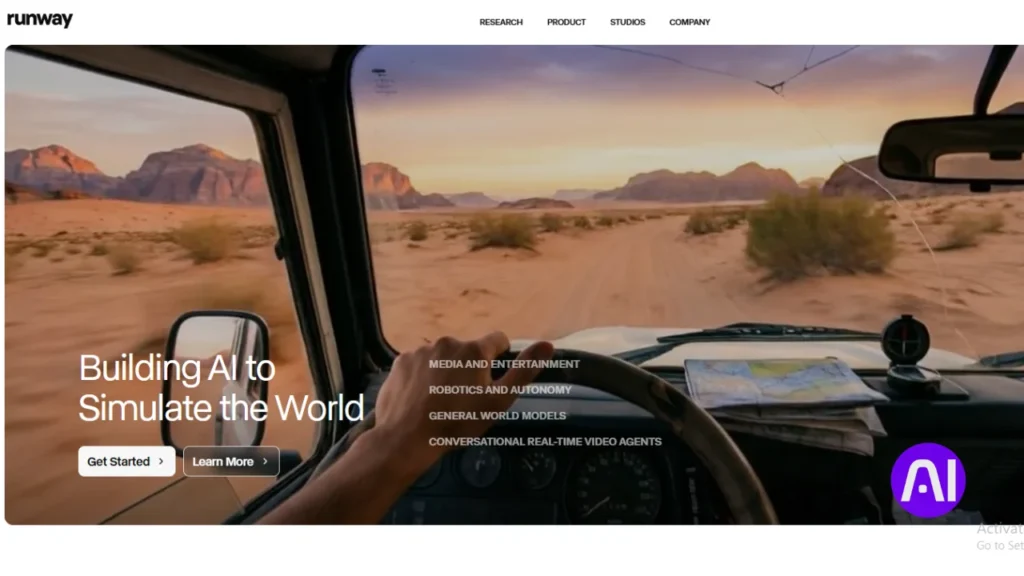
Runway ML feels like that creative friend who always knows a shortcut you didn’t think of. It blends AI video generation, editing, and animation-friendly tools into one clean workspace.
Animators love it because it helps bridge the gap between concept and motion. You can generate visuals, remove backgrounds, experiment with styles, and build animation-ready footage without hopping between ten apps.
Key features:
- AI video generation and video-to-video tools
- Background removal and object isolation
- Style transfer for animated visuals
- Timeline-based editing for motion workflows
Best for: Experimental animators, motion designers, and storytellers who want fast visual exploration.
Pros and Cons of Runway ML
Pros
- Very beginner-friendly
- Fast ideation and prototyping
- Strong visual AI models
Cons
- Limited fine-grain animation control
- Can feel abstract for traditional frame-by-frame animators
2. Adobe Sensei
If you’re already inside Adobe, Sensei quietly powers some of the most helpful AI features you’re using… sometimes without realizing it.
For animators, Adobe Sensei enhances motion tracking, auto-masking, character rigging, and repetitive cleanup tasks. It doesn’t replace your skills. It just removes the boring parts.
Key features:
- AI-assisted motion tracking
- Auto lip-sync for character animation
- Smart masking and object selection
- Performance optimization inside Adobe tools
Best for: Professional animators working in After Effects, Animate, or Premiere Pro.
Pros and Cons of Adobe Sensei
Pros
- Deeply integrated into existing workflows
- Very accurate for production work
- Trusted industry ecosystem
Cons
- Requires Adobe subscription
- Less experimental than standalone AI tools
3. Kaiber
Kaiber is one of those AI animation tools that surprises you. You feed it an image, video, or idea, and it turns that into animated visuals with rhythm and movement.
It’s especially popular with music video creators and visual artists who want animation without traditional rigging.
Key features:
- Image-to-animation generation
- Audio-reactive animations
- Style-driven motion presets
- Easy export for social or video projects
Best for: Animators creating music visuals, abstract motion, or fast concept animations.
Pros and Cons of Kaiber AI
Pros
- Super fast results
- Great for visual experimentation
- No heavy setup
Cons
- Limited control over exact motion
- Not ideal for character animation
4. DeepMotion
This one’s big if you work with characters. DeepMotion uses AI motion capture to turn simple videos into full 3D character animation.
No suits. No markers. Just upload a video and get usable motion data.
Key features:
- AI-powered motion capture
- Automatic rigging support
- Export to Blender, Maya, Unity
- Physics-aware body movement
Best for: 3D animators, indie game developers, and virtual production teams.
Pros and Cons of DeepMotion
Pros
- Huge time saver for mocap
- Works with basic video footage
- Affordable compared to traditional mocap
Cons
- Facial animation is limited
- Complex movements may need cleanup
5. Pika Labs
Pika Labs is still evolving, but it’s already making noise among animators who love AI-generated motion.
It’s especially useful for generating short animated clips from text prompts or images. Think visual brainstorming on steroids.
Key features:
- Text-to-animation generation
- Image-to-video animation
- Style-driven motion outputs
- Fast iteration cycles
Best for: Concept artists, storyboarders, and early-stage animation ideas.
Pros and Cons of Pika Labs
Pros
- Extremely fast idea generation
- No technical animation knowledge needed
- Creative and fun
Cons
- Short clip limitations
- Less control for detailed animation work
6. Blender
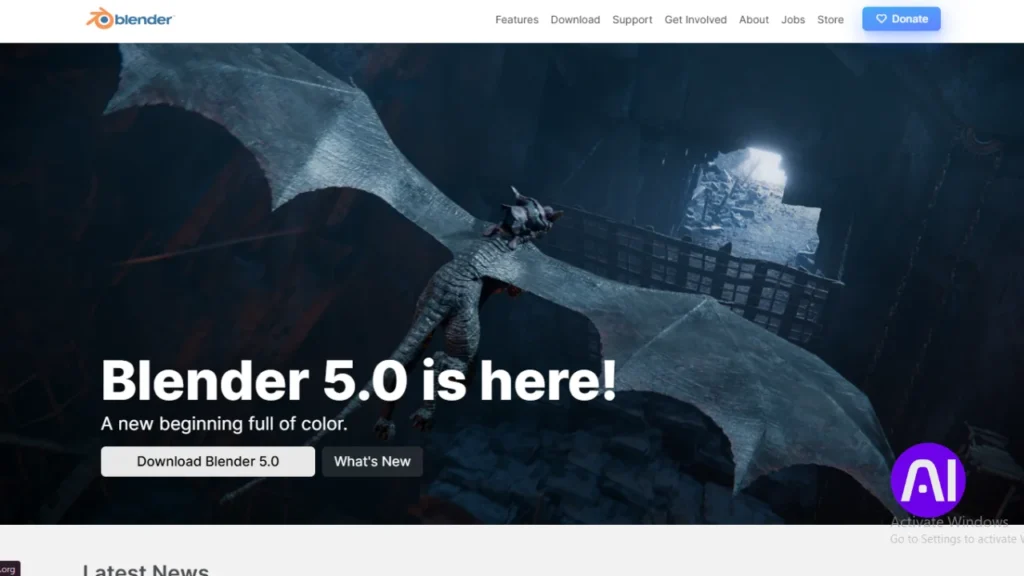
Blender itself isn’t new. But the AI add-ons around it absolutely change the game.
From AI-assisted rigging to animation cleanup and physics simulation helpers, Blender has quietly become one of the most powerful AI tools for animators when customized properly.
Key features:
- AI-powered auto-rigging add-ons
- Motion smoothing and cleanup tools
- Physics and simulation enhancements
- Fully open-source ecosystem
Best for: Serious animators who want full control without paying monthly fees.
Pros and Cons of Blender + AI
Pros
- Free and extremely powerful
- Endless customization
- Strong community support
Cons
- Steeper learning curve
- Requires setup and experimentation
7. ChatGPT
This one surprises people. But honestly? ChatGPT has earned its spot.
Not for animating frames. But for everything around animation. Scripts. Shot ideas. Storyboards. Workflow troubleshooting. Even Python scripts for Blender.
Key features:
- Story and script generation
- Shot breakdowns and animation planning
- Blender and Maya scripting help
- Creative ideation support
Best for: Animators who work solo or juggle creative and technical roles.
Pros and Cons of ChatGPT
Pros
- Huge creative support
- Saves thinking time
- Adapts to your workflow
Cons
- Doesn’t create visuals directly
- Output depends on prompt quality
Choosing between AI tools for animators depends on what stage you’re in. Some help you create motion. Others help you plan it. Some remove technical friction.
Here’s a quick comparison to ground things:
| Tool | Best Use | Animation Type | Skill Level |
|---|---|---|---|
| Runway ML | Visual experimentation | Video / Motion | Beginner |
| Adobe Sensei | Production workflows | 2D & Motion | Intermediate |
| Kaiber AI | Music & abstract visuals | Video Animation | Beginner |
| DeepMotion | Character animation | 3D | Intermediate |
| Pika Labs | Concept animation | Short clips | Beginner |
| Blender + AI | Full animation control | 2D & 3D | Advanced |
| ChatGPT | Planning & scripting | Support tool | All levels |
Which tool stands out?
If I had to pick one standout? Blender with AI add-ons wins for long-term value and creative control.
But here’s the honest truth:
- Want speed and visuals? Runway ML or Kaiber
- Want character motion? DeepMotion
- Want production polish? Adobe Sensei
- Want creative thinking help? ChatGPT
The best setup is usually a combo, not a single tool.
AI doesn’t replace animators. It reshapes the workflow.
Most animators I see using AI successfully use it in three places:
- Pre-production (ideas, storyboards, references)
- Production shortcuts (rigging, motion capture, cleanup)
- Post-production polish (editing, effects, refinements)
When you use AI intentionally, you spend less time fixing things… and more time animating.
Traditional software gives you control. AI gives you momentum.
The sweet spot is letting AI handle:
- Repetitive motion
- Technical setup
- Early exploration
And keeping human judgment for:
- Timing
- Emotion
- Style
- Story
That balance is where great animation still lives.
Short answer? Yes, if you use them thoughtfully. Studios already use AI-assisted tools quietly. The key is transparency, originality, and not over-relying on auto-generated results.
FAQs
1. Can AI make a whole cartoon for me?
AI can help you a lot, but it cannot do everything. It can make short clips or moving parts. You still need to be the boss to tell the story and pick the best parts.
2. What is the best free tool for 3D animation?
Blender is the top choice because it is free for everyone. You can add special AI tools to it. These helpers make it easier to fix bones in characters or smooth out shaky movements.
3. Is there an AI that turns my drawings into video?
Yes, tools like Runway and Kaiber can do this. You upload a still picture and tell the AI how to move it. This is great for making your art come to life quickly.
4. How do animators use AI to save time?
Animators use it for boring tasks like lip-syncing or cleaning up lines. This lets them spend more time on the fun parts. It helps them finish big projects much faster than before.
5. Can I use AI to copy my own movement?
DeepMotion is one of the best AI tools for animators for this. You can film yourself with a phone. The AI then turns your real life walk or dance into a 3D character motion.
6. Will AI take away jobs from real animators?
Most experts say no. AI is like a fast pencil or a smart brush. It helps people work better. You still need a human to have the big ideas and feel the emotions.
7. Which AI tool is best for making talking avatars?
Adobe Express and Hedra are very popular for this. You just give them a voice recording and a character. The AI then moves the mouth and face to match the words perfectly.
8. Do I need a powerful computer to use these tools?
Many of the best AI tools for animators work in your web browser. This means you do not always need a fancy computer. You can create cool things using just the internet.
9. Can AI help me write scripts for my animations?
ChatGPT is a great partner for writing. It can help you think of story ideas or shot lists. It can even write code to help you use other animation software better.
10. What is the best tool for beginners to start with?
Animaker and Canva are very easy to learn. They have simple buttons and templates. You can start making moving videos in just a few minutes without being an expert.