That’s where AI tools for software testing actually help. Not magically. Not overnight. But in very real, practical ways.
In this guide, I’m sharing the best AI tools for software testing that teams genuinely use to reduce flaky tests, speed up automation, and improve software quality without burning out testers.
Before we dive in, here’s how I chose them.
Every tool in this list was selected based on:
- Real AI usage (not just marketing labels)
- Practical value for QA and engineering teams
- Stability and maintenance reduction
- Support for modern workflows like CI/CD and agile testing
- Credibility from first-party capabilities
If a tool didn’t clearly improve the testing workflow, it didn’t make the list.
1. Testim
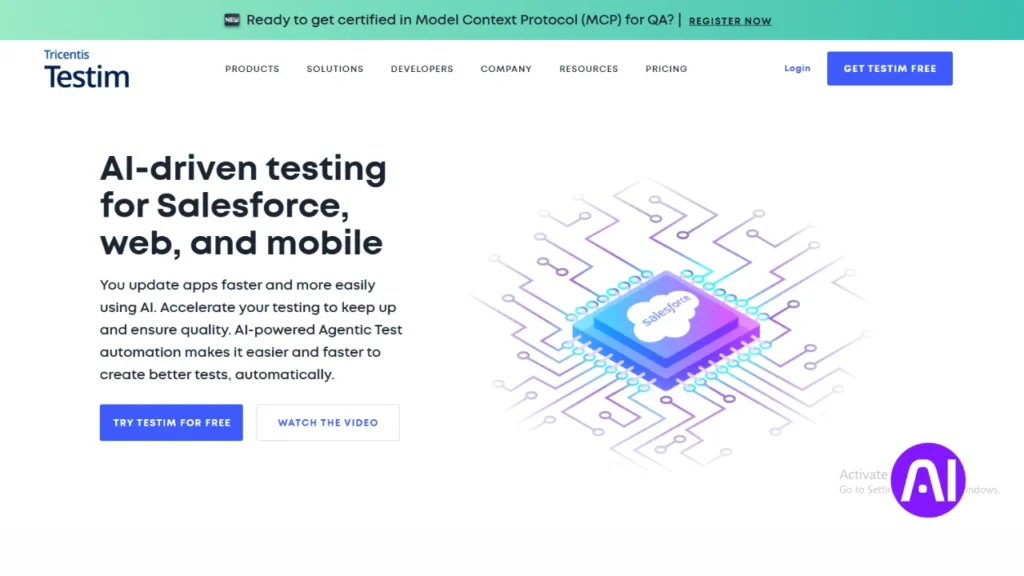
Testim is designed for teams tired of maintaining fragile UI tests. Its AI-powered self-healing locators automatically adjust when the interface changes. This significantly reduces flaky tests and manual updates. It’s one of the most trusted AI test automation tools for fast-moving teams.
Key features:
- AI-based self-healing locators
- Smart reusable test steps
- Cross-browser execution
- Stability analytics
Best for: Agile teams managing large UI test suites.
Pros and Cons of Testim
Pros
- Strong test stability
- Reduced maintenance effort
Cons
- Higher pricing
- UI-focused
2. Applitools
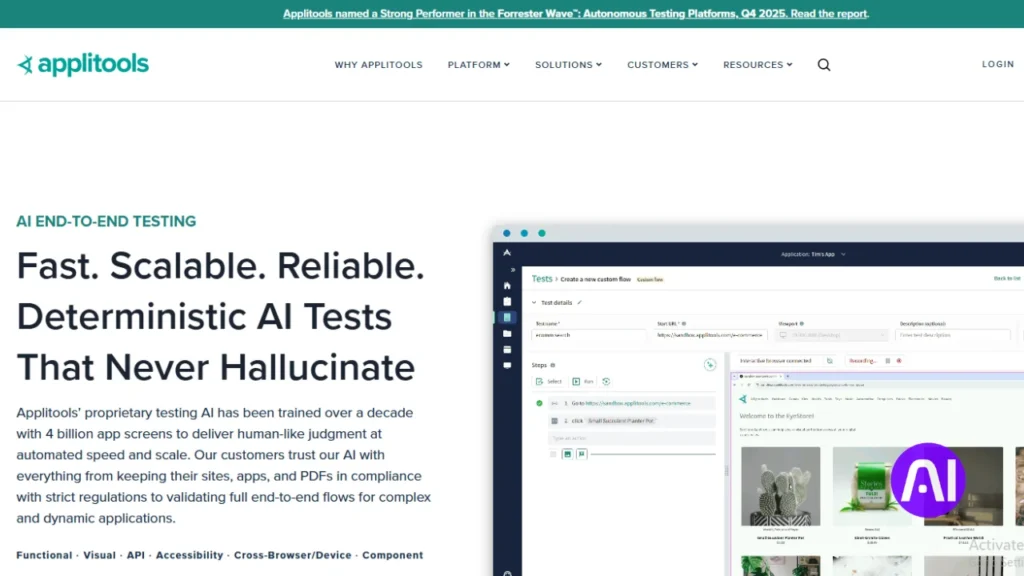
Applitools focuses on visual testing using AI that sees applications like humans do. Instead of checking code or DOM structure, it compares visual differences across screens. This helps catch UI bugs users actually notice. It’s widely considered the leader in AI visual testing.
Key features:
- Visual AI validation
- Cross-browser and device testing
- Smart baseline management
- CI/CD integrations
Best for: Teams where UI accuracy is critical.
Pros and Cons of Applitools
Pros
- Industry-leading visual detection
- Very accurate results
Cons
- Not a full automation suite
- Needs pairing with other tools
3. Mabl
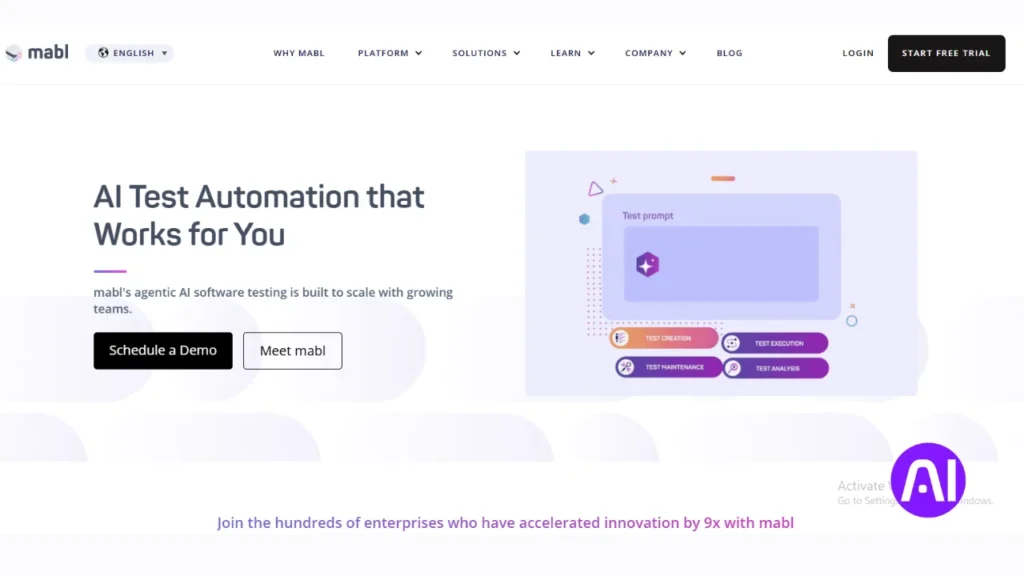
Mabl combines AI-driven test automation with insights and monitoring. It learns application behavior and flags unstable areas early. The platform feels more like a QA assistant than a traditional tool. It fits naturally into continuous testing pipelines.
Key features:
- Intelligent test creation
- Self-healing automation
- Performance and accessibility checks
- CI/CD support
Best for: Continuous testing in DevOps teams.
Pros and Cons of Mabl
Pros
- All-in-one testing approach
- Good analytics
Cons
- Learning curve
- Cloud-only
4. ACCELQ
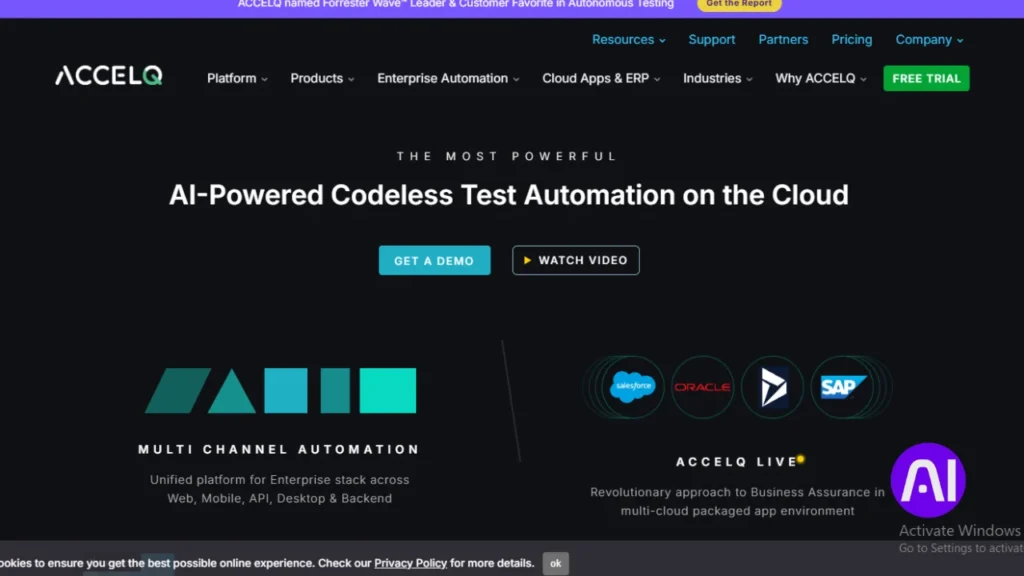
ACCELQ is a no-code AI test automation platform that focuses on simplicity. It uses AI to model application flows and create reusable tests. This helps teams move from manual to automated testing faster. Coding knowledge isn’t required.
Key features:
- No-code test automation
- AI-driven test design
- API, web, and mobile testing
- Detailed reporting
Best for: Teams new to automation.
Pros and Cons of ACCELQ
Pros
- Beginner-friendly
- Broad test coverage
Cons
- Limited customization
- Heavy interface
5. TestRigor
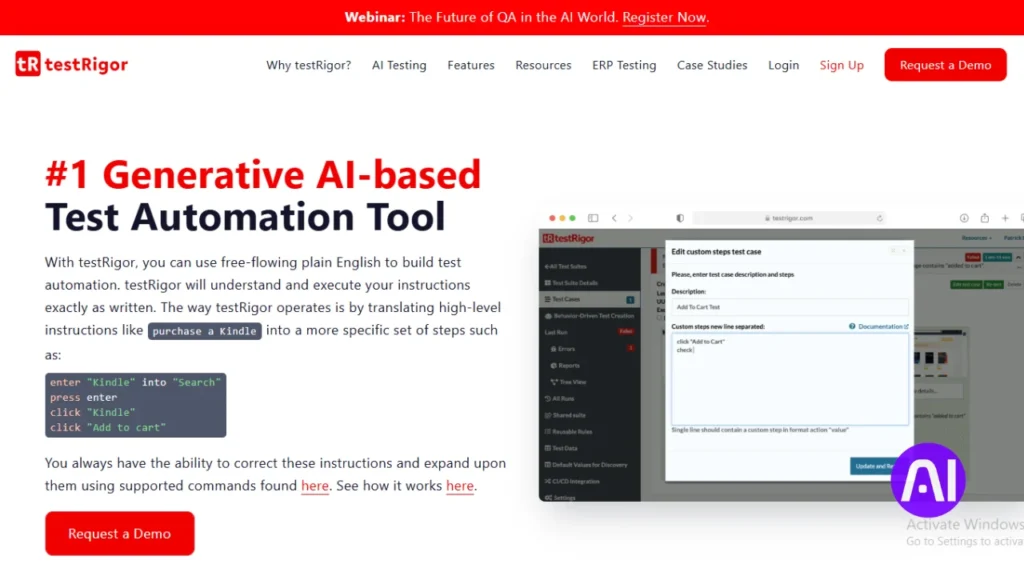
TestRigor allows teams to write automated tests in plain English. Its AI converts those steps into stable, self-healing tests. This removes the need for complex scripts. It’s especially useful for non-technical testers.
Key features:
- Plain-English test creation
- Self-healing automation
- Web, mobile, and API testing
- CI/CD integrations
Best for: Non-technical QA teams.
Pros and Cons of TestRigor
Pros
- Very easy to use
- Low maintenance
Cons
- Limited flexibility
- Abstract debugging
6. Katalon Studio
Katalon Studio blends traditional automation with AI-powered enhancements. It supports web, mobile, and API testing with smart object recognition. Many teams adopt it because it feels familiar yet modern. It works well as an all-in-one testing solution.
Key features:
- AI-assisted object detection
- Multi-platform testing
- Plugin ecosystem
- Reporting and analytics
Best for: Teams wanting a balanced testing tool.
Pros and Cons of Katalon Studio
Pros
- Mature platform
- Strong community
Cons
- AI features are lighter
- Performance varies at scale
7. Parasoft
Parasoft focuses on enterprise-grade AI software testing. It excels in API testing, static code analysis, and compliance-driven environments. The platform prioritizes quality, security, and governance. It’s built for serious, large-scale testing needs.
Key features:
- AI-driven static analysis
- API and service testing
- Compliance reporting
- Enterprise integrations
Best for: Regulated industries.
Pros and Cons of Parasoft
Pros
- Deep analysis
- Strong governance
Cons
- Expensive
- Overkill for small teams
8. Functionize
Functionize uses AI to automate test creation, execution, and maintenance. It minimizes scripting and focuses on autonomous workflows. The platform scales well for complex applications. Maintenance stays low as products grow.
Key features:
- Autonomous test creation
- Self-healing execution
- Natural language inputs
- Cloud scalability
Best for: Large, complex applications.
Pros and Cons of Functionize
Pros
- Low maintenance
- Scales efficiently
Cons
- Limited customization
- Pricing transparency
9. Test.ai
Test.ai uses AI agents that behave like real users. Instead of following scripts, it explores applications intelligently. This approach is especially effective for mobile testing. It helps uncover issues traditional tests often miss.
Key features:
- AI exploratory testing
- Mobile and visual testing
- Real device coverage
- Human-like behavior
Best for: Mobile app testing.
Pros and Cons of Test.ai
Pros
- Realistic testing
- Finds hidden issues
Cons
- Narrow focus
- Less control
10. CoTester
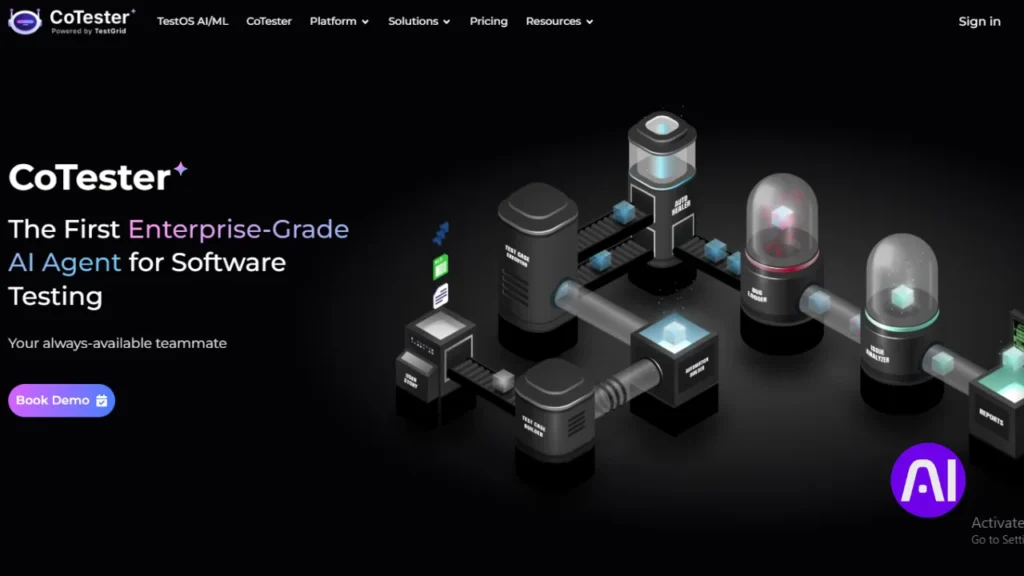
CoTester acts as an autonomous AI testing agent that runs continuously. It adapts tests automatically as applications change. This reduces manual effort and maintenance. It’s built for teams that want hands-off automation.
Key features:
- Autonomous test execution
- Self-updating logic
- Web and mobile testing
- Cloud-based runs
Best for: Minimal test management.
Pros and Cons of CoTester
Pros
- Easy setup
- Continuous coverage
Cons
- Limited transparency
- Still evolving
11. BugBug
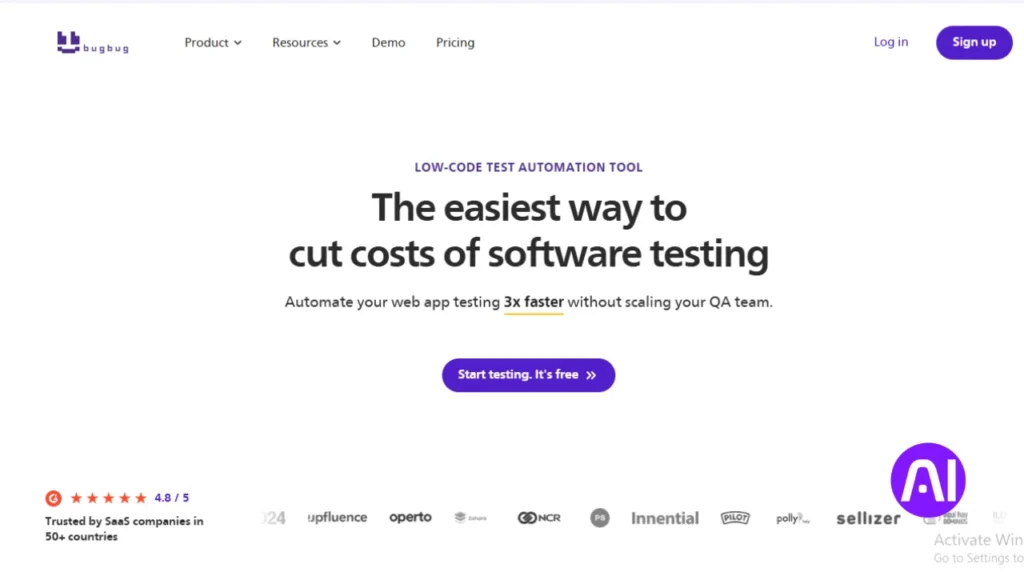
BugBug is a lightweight, codeless testing tool for web applications. It focuses on simplicity and quick setup. While its AI depth is limited, it’s effective for basic automation needs. A good fit for smaller teams.
Key features:
- Record-and-playback testing
- Cloud execution
- CI integration
- Easy collaboration
Best for: Startups and small QA teams.
Pros and Cons of BugBug
Pros
- Affordable
- Easy to use
Cons
- Web-only
- Limited AI features
12. UFT One
UFT One brings AI into traditional functional testing environments. It supports a wide range of technologies and legacy systems. AI-based object recognition improves test stability. It’s designed for enterprise-scale automation.
Key features:
- AI object recognition
- Functional and regression testing
- Broad tech support
- Enterprise integrations
Best for: Legacy enterprise systems.
Pros and Cons of UFT One
Pros
- Very stable
- Wide compatibility
Cons
- High cost
- Heavy setup
| Tool | Primary Use | AI Focus |
|---|---|---|
| Testim | UI automation | Self-healing |
| Applitools | Visual testing | Visual AI |
| Mabl | Continuous testing | Smart insights |
| ACCELQ | No-code automation | Test modeling |
| TestRigor | Plain English tests | NLP automation |
| Katalon | General testing | Smart detection |
| Parasoft | Enterprise QA | Code analysis |
| Functionize | Large apps | Autonomous testing |
| Test.ai | Mobile testing | Exploratory AI |
| CoTester | Hands-off QA | AI agents |
| BugBug | Small teams | Lightweight automation |
| UFT One | Enterprise legacy | AI recognition |
Which tool stands out?
Overall, Testim offers the best balance of AI capability, usability, and reliability. That said, Applitools dominates visual testing, TestRigor excels for non-technical teams, and Parasoft leads in enterprise QA.
AI tools won’t replace testers. But they do remove repetitive, fragile work and help teams focus on quality.
If you’re serious about scaling QA without chaos, start with one of these tools. Test it in a real project. And build from there.
That’s how AI software testing actually delivers value.
Here is the FAQ section for your article. I have written it in simple language so a 4th or 5th grader can understand it. I also used your keywords naturally and followed your formatting rules.
FAQs
What is an AI software testing tool?
An AI software testing tool is a smart computer program. It uses artificial intelligence to check if an app or website works correctly. It helps find mistakes much faster than a person can.
Can AI tools help people who make cartoons?
Yes, they can. While these tools test software, there are also best AI tools for animators that help create videos. Both types of tools save time by doing the boring work for you.
Why should a team use AI for testing?
AI makes testing easier because it does not get tired. It can run thousands of checks at once. This helps teams fix bugs before users ever see them.
What does self-healing mean in testing?
Self-healing means the tool can fix its own tests. If a button on a website moves, the AI finds it anyway. This stops the test from breaking for no reason.
Do I need to know how to code to use these?
No, you do not always need to code. Many tools use plain English. You can just type what you want the AI to do, and it follows your instructions.
Will AI replace human software testers?
AI will not replace humans. It is like a helpful assistant. It does the repetitive parts so testers can focus on more important and creative tasks.
Are AI testing tools expensive for small teams?
Some tools cost a lot of money, but many have free versions. Small teams can start with simple tools like BugBug to save money while they grow.
How does AI find visual bugs?
AI looks at the screen like a human eye does. It compares the old version of an app to the new one. It flags any weird colors or overlapping text automatically.
Can AI testing work on mobile phones?
Yes, most of these tools work on phones and tablets. They test how apps look and feel on different screens to make sure everyone has a good experience.
How do I pick the right tool for my team?
You should think about what you need to test first. Some tools are best for websites, while others are best for phone apps. Pick one that feels easy for your team to use.