I’ve spent time testing dedicated platforms like Runway, Kling AI, HeyGen, Hailuo AI, OpenAI Sora, and Google Veo 2 to see how these AI tools for content creation handle video and animation workflows.
In this article I explain how I evaluate these solutions, covering output quality, export options, licensing, and the real-world speed of generation. I’ll compare generators that range from avatar-focused platforms to motion-capture engines that improve production value.
I’ll keep each tool section uniform: a short overview, core features, pros and cons, and best-for guidance so you can scan quickly and pick a platform that fits your US-centered needs.
My goal is practical: show where these platforms replace stock media, speed up production, and where human oversight still matters for storytelling and consistent scenes.
Key Takeaways
- I outline a repeatable review structure to help you compare video and animation platforms fast.
- You’ll learn which generators excel at avatars, text-to-video, or motion capture.
- Export quality, access, and licensing are top concerns for US creators.
- Some platforms speed production dramatically; others still need human direction.
- I cover practical questions about pricing, timelines, and the learning curve.
Why I’m Rounding Up the Best AI Tools for Animation Right Now
I’m assembling this roundup because U.S. teams need clear guidance on access, export specs, and workflow fit for modern video projects.
The market changed fast in 2025. Agencies report real time savings, but agency reports also show the creative lead still matters.
What creators and businesses in the United States need today
Teams want predictable export options, licensing clarity, and formats ready for social media and marketing channels.
They need platforms that slot into existing production pipelines and scale for repeatable projects.
How intelligence streamlines production time without replacing creativity
Auto lip-sync, script analysis, and phone-based motion capture cut setup and edit time.
But AI still misses pacing, complex physics, and brand nuance. That keeps design and editorial control central.
| Platform | Access & Licensing | Where it saves time |
|---|---|---|
| Runway | Wide access; clear export specs | Replaces some stock video; fast edits |
| HeyGen | Commercial licenses; good for spokespeople | Reduces camera/lighting needs |
| Kling AI | High-quality output; slower renders | Great visual fidelity; plan more time |
How I Chose These AI Animation Tools
To pick the platforms here, I ran hands-on trials that mirrored real U.S. production needs. I used the same rubric across every platform so each section stays comparable and useful for project planning.
Evaluation criteria: quality, control, speed, cost, and experience
I define quality as visual fidelity, motion realism, and output resolution. That includes notes like Runway’s 720p cap and Veo 2’s stronger physics fidelity.
Control covers prompt responsiveness, storyboard-style guidance, and shot-level edits. Kling’s Elements and HeyGen’s lip-sync show how control changes output fast.
Speed measures generation time and total production time with manual edits. Cost weighs subscription plans, credits, and time saved versus traditional shoots.
Use-case fit: social media, explainers, training, and marketing
I mapped platforms to use cases: short social media clips, explainer video sequences, training modules, and product marketing demos. DeepMotion excelled at movement for training, while Animaker’s libraries help script-to-scene content creation.
| Criterion | What I measured | Why it matters |
|---|---|---|
| Quality | Resolution, realism | Consistent cuts and brand fidelity |
| Control | Tools like Elements, timelines | Faster edits and predictable outcomes |
| Speed | Render and end-to-end time | Deadlines and throughput |
| Cost & Experience | Pricing, onboarding | Budget fit and team skills |
- I normalized section length so you can compare apples to apples.
- I flagged limits early to avoid surprises in schedules and deliverables.
1. Runway
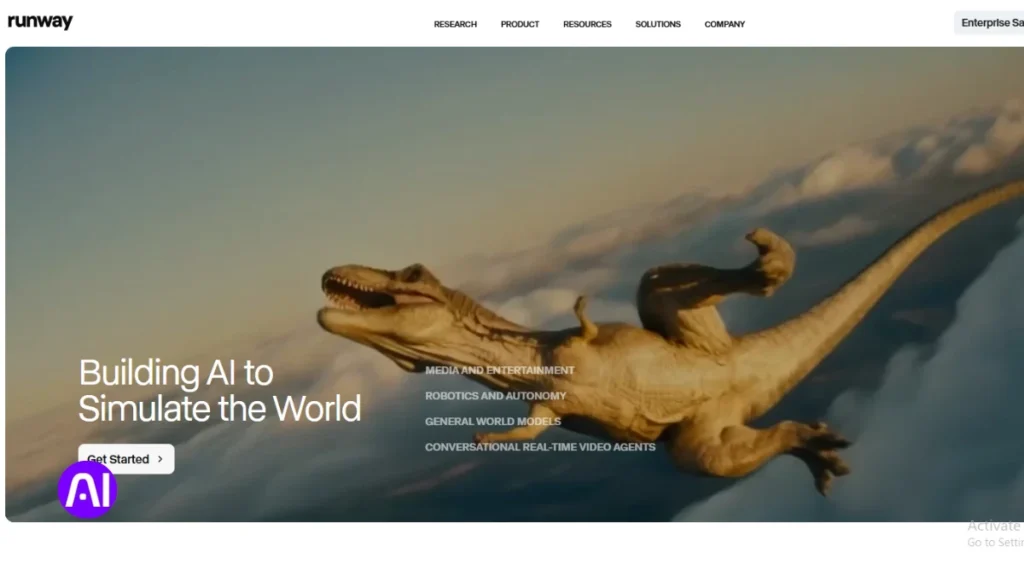
Runway blends text-to-video generation and timeline editing into a single platform aimed at quick concept iterations. I use it when I need to move from a prompt to assembled clips without bouncing between apps. It shines at mixed-media drafts and replacing short stock clips in tight schedules.
Overview
Runway offers text-to-video and image-to-video outputs plus built-in editing. Gen-3 Alpha improved realism and consistency in generated footage. Act-One handles facial motion capture, making it easier to match lips and expressions in many clips.
Core features
- Gen-3 Alpha model for more consistent visuals and style control.
- Act-One facial mocap to map expressions without full body tracking.
- Frame interpolation and timeline editing inside the same platform.
- Export options suited to quick social and product content projects.
Pros and cons
Pros: Fast iteration, less app-hopping, good for mixed-media production and captioned clips. Designers use it to test style directions before higher-res shoots.
Cons: 720p resolution cap limits final delivery quality. Lip-sync can drift and Act-One won’t track full body or background motion perfectly. Stylized looks sometimes need manual cleanup.
Best for
Runway fits social-first assets, short explainers, and early-stage concept visuals. It saves time on editing and assembly, and it works well when teams pair it with separate audio cleanup and captioning in the final production chain.
2. Kling AI
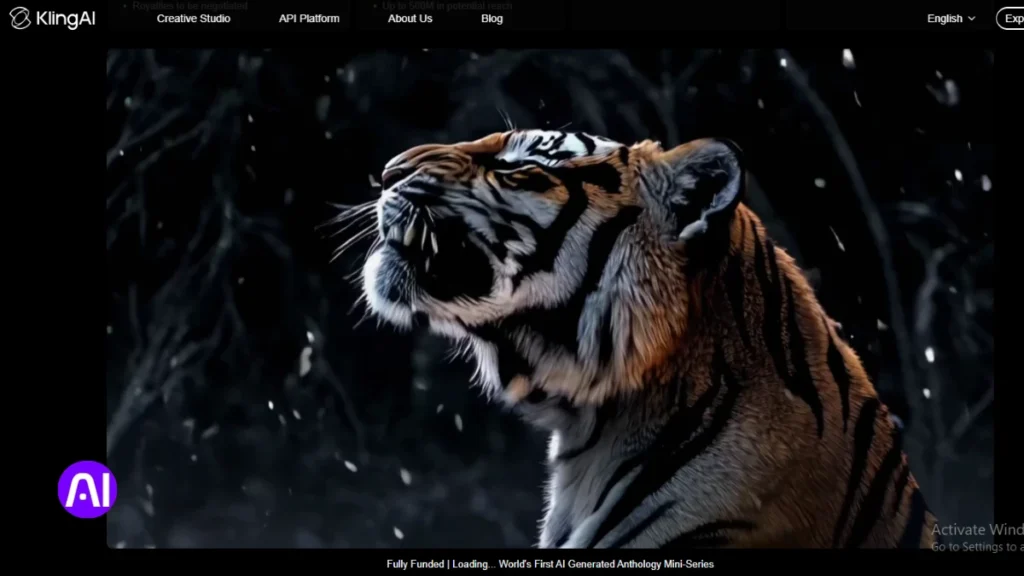
For projects that prioritize realism over speed, Kling AI delivers consistent visuals and nuanced lip-sync. I use it when output fidelity matters more than immediate turnaround.
Overview
Kling AI is a high-value generator that rivals or exceeds Runway in visual fidelity at a lower cost. Its focus is on precise results, so generation runs longer—typically five to thirty minutes per clip.
There’s no built-in editor, so you should plan to finalize cuts and captions in a separate NLE. That trade-off keeps the core output strong for dialogue-driven and cinematic short videos.
Core features
- Elements module for granular scene and style control from text prompts.
- Robust text-to-video generation with consistent color and motion.
- Industry-leading lip-sync that holds up with spoken content and localization.
- Export-ready clips that pair well with standard editing workflows.
Pros and cons
- Pros: excellent quality, realistic visuals, lower price point, strong control over scenes.
- Cons: slow render times (5–30 minutes), no native editing timeline, extra time needed for assembly and revisions.
- Workflow note: queue renders overnight and batch exports to avoid blocking production schedules.
Best for
I recommend Kling AI for cinematic social clips, concept visuals, and projects where fidelity outweighs turnaround speed. It’s ideal when you need tight lip-sync and consistent scenes across multiple takes.
Pair Kling with an NLE for finishing, audio cleanup, and subtitles. In mixed stacks, use Kling for final-quality clips and combine it with avatar or mocap platforms to fill movement and coverage gaps.
| Strength | Typical trade-off | When to schedule |
|---|---|---|
| Visual quality & lip-sync | Longer render time | Off-peak or overnight |
| Elements control | No built-in editing | After core renders, in NLE |
| Lower cost than rivals | Extra assembly time | Plan buffer in project timelines |
3. HeyGen
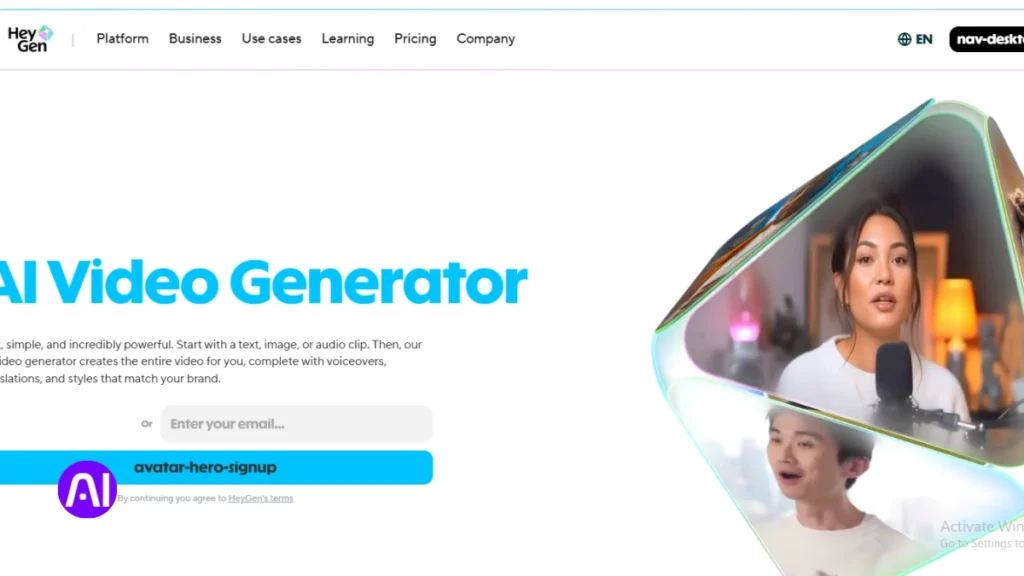
When I need a polished spokesperson clip without a studio, I turn to HeyGen to test avatar-driven workflows.
Overview
HeyGen focuses on realistic avatars and tight lip sync to create spokesperson video quickly. It translates and localizes clips, so teams can reuse the same on-screen talent across markets.
The platform can generate video from text or uploaded audio, cutting camera and lighting needs for many internal and marketing projects.
Core features
- 120+ ready avatars and support for custom avatar training.
- Multi-language voices and voice cloning to match tone and locale.
- Text- or audio-driven generation with strong facial and body motion.
Pros and cons
- Pros: Very accurate lip-sync, natural facial movement, speeds content production for businesses that need polished spokespeople.
- Cons: Higher cost, a less intuitive UI, and narrower scope—its strength is avatar creation rather than full editing suites.
- Tip: Pair HeyGen output with motion graphics and an NLE to add brand overlays, refine timing, and polish audio.
Best for
I recommend HeyGen for training updates, product announcements, and internal communications where on-camera talent is impractical. It also works well for executive messaging and help-center clips.
Plan time for custom avatar training when you need consistent presenters across campaigns. Add captions and accessible audio tracks to boost reach on social media and US marketing channels.
| Strength | Trade-off | When to use |
|---|---|---|
| Avatar realism | Higher price | Executive messaging, help-center content |
| Translation & voice cloning | Custom training per shot | Localized marketing and training |
| Camera-free production | Limited editing tools | Quick spokespeople videos |
4. Hailuo AI
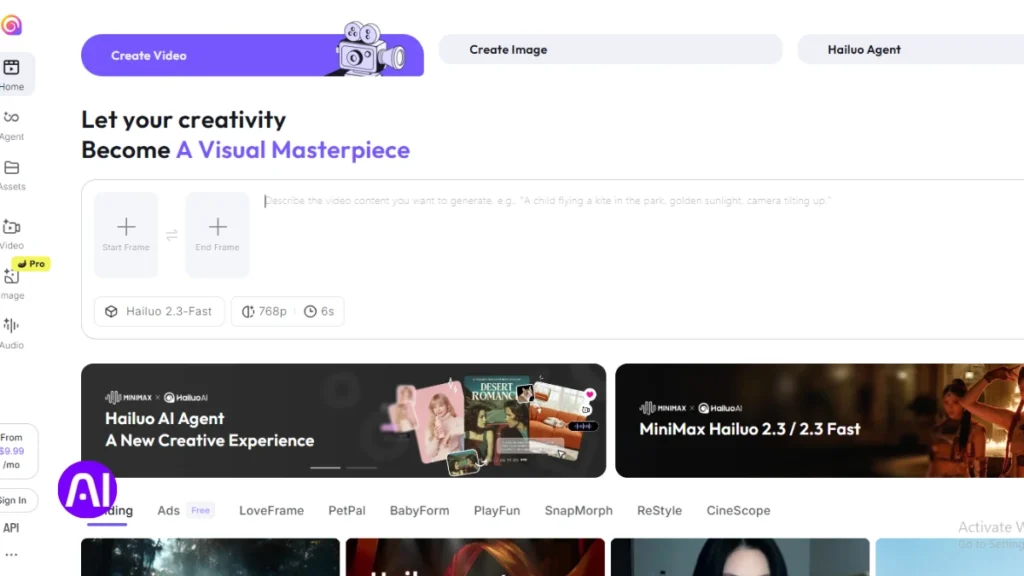
Hailuo brings a distinct, stylized approach to short video generation that favors character and look over hard realism. I rely on it when I want cohesive characters and a clear visual identity across multiple clips.
Overview
Hailuo is an accessible generator with standout animated aesthetics. It keeps character consistency well, which helps serialized content and episodic projects.
Core features
- Style-forward generation tuned to memorable visuals.
- Multi-clip character consistency to match look and timing.
- Simple onboarding and free trial access to test styles quickly.
Pros and cons
Pros: strong, appealing animations and reliable character continuity. That boosts brand storytelling when realism isn’t required.
Cons: physics for dynamic movement is weaker, and fast motion can show artifacts. I plan camera moves carefully and do quick compositor cleanups when scenes get complex.
Best for
Use Hailuo for stylized explainers, narrative shorts, and concept pieces. Blend its video with motion graphics and voiceover to deliver polished content with minimal shoots. I always run test renders to lock in style and avoid surprises on longer sequences.
5. OpenAI Sora
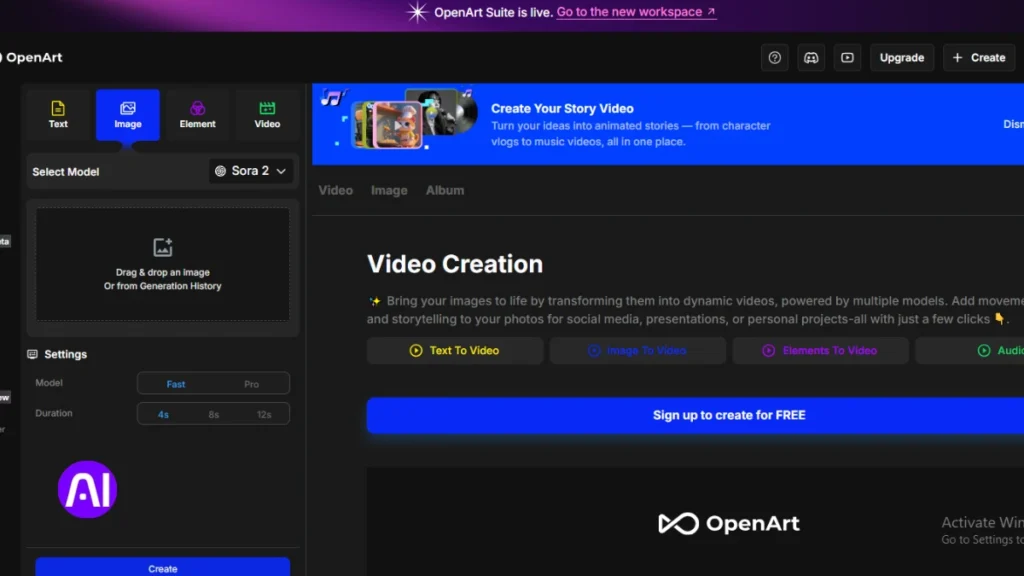
I use Sora when I need moody, cinematic video that reads like a series of concept stills in motion. It leans into frame composition and atmosphere, which makes it strong for visuals that sell tone more than action.
Overview
Sora generates cinematic sequences best suited to teasers, mood boards, and pitch visuals. It can take creative liberties if prompts are broad, so tight direction matters to keep scenes on track.
Core features
- Prompt-driven generation that prioritizes cinematic framing and color.
- Remix tools to iterate looks and refine single frames into sequences.
- Storyboard tools to guide scene evolution and test pacing before final edits.
Pros and cons
Pros: stunning visuals, strong design sense, and quick concept output that helps align stakeholders.
Cons: limited accuracy on dynamic movement and no built-in editing. Long scenes can drift without strict text prompts.
Best for
I recommend Sora for teasers, previsualization, and high-level concept work. Finish structure, captions, and sound in an external editor and pair Sora with mocap or avatar systems when motion control is critical.
| Strength | Limitation | When to use |
|---|---|---|
| Cinematic visuals and mood | Weak dynamic motion | Teasers, pitch decks, mood boards |
| Remix & storyboard tools | No native editing timeline | Previsualization and concept iterations |
| Fast concept output | Creative drift with broad text prompts | Tighter prompts for coherent multi-clip projects |
6. Google Veo 2
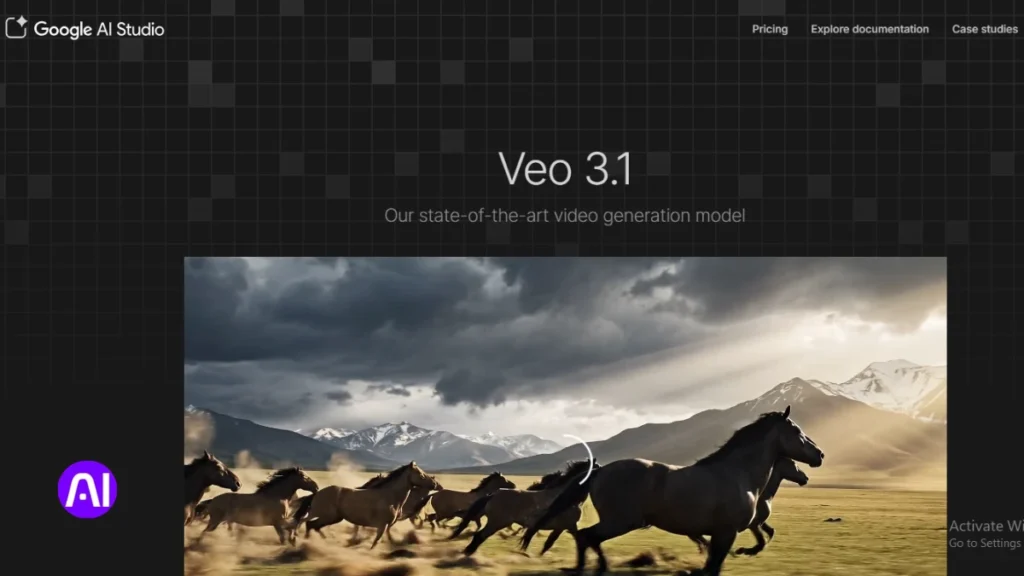
Google Veo 2 stands out when physical interactions and motion fidelity matter most in short video sequences. Its strength is technical: the model delivers high-quality physics simulations and motion consistency that hold across multiple takes.
Overview
I use Veo 2 when a project needs believable object dynamics and precise movement continuity. Access is limited, with early rollout mainly in the United States, so plan timelines around availability.
Core features
- Robust physics simulation that preserves interactions between objects and characters.
- Shot-to-shot coherence to keep movement consistent across scenes.
- Export options reported to support high resolution and industry-standard formats.
Pros and cons
Pros: exceptional motion integrity and visuals that elevate product demos and complex sequences.
Cons: restricted access can complicate team adoption and scheduling. You may need a fallback if early access isn’t granted.
Best for
I recommend Veo 2 for studios and U.S.-based teams working on demos, simulations, and production pieces that require strict control of physics and movement. Pilot tests are essential before committing to large projects, and pair Veo 2 exports with an external editor for final cuts, captions, and delivery resolution.
| Strength | Limitation | Recommended use |
|---|---|---|
| Physics-driven motion | Limited early access | Product demos and technical scenes |
| Shot coherence | Requires external editing | Multi-shot sequences needing continuity |
| High resolution exports | Access and onboarding time | Pilots, studio production |
7. Animaker AI
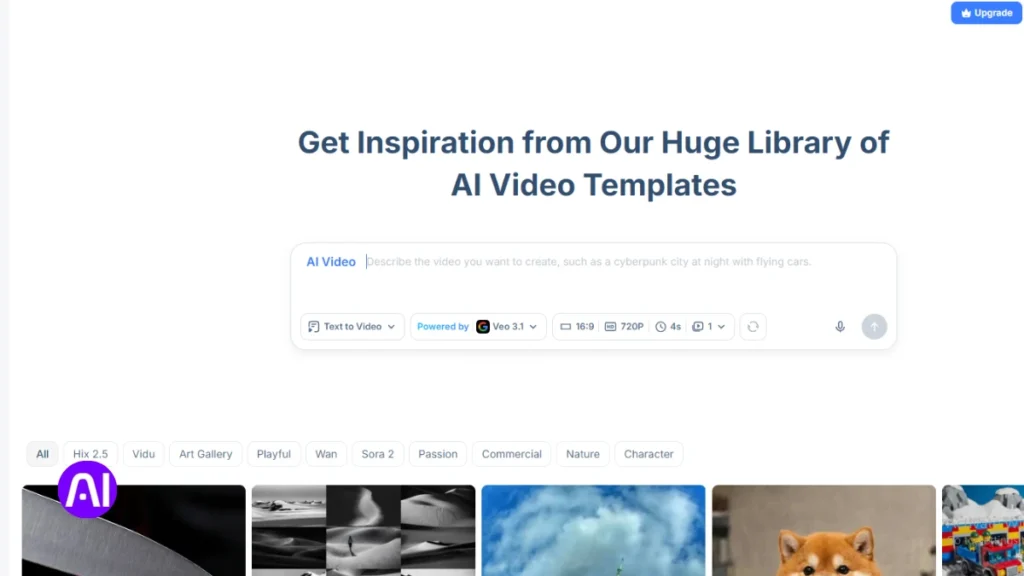
Animaker is a powerful, approachable platform that puts a script into motion quickly. I use it when teams need repeatable explainers and rapid social clips without building scenes from scratch.
Overview
Animaker analyzes text and suggests visuals, timing, and shot ideas so creators can move from script to draft fast. It supports both animated and live-action workflows and scales across languages and locales.
Core features
- AI script analysis with automatic scene visualization and pacing suggestions.
- Character customization with emotion detection and automatic lip-sync.
- 100,000+ templates and assets, 1,000+ characters, and 2,000+ voices across 172 languages.
- Multi-platform export, built-in collaboration, and timeline editing for quick revisions.
Pros and cons
Pros: Speedy production, huge template library, voice-to-animation that streamlines narration-heavy videos. The platform helps teams test hooks and run quick A/Bs for marketing and training content.
Cons: Advanced controls have a learning curve if you push beyond templates. Teams should plan time to build a custom brand library after a few pilots.
Best for
I recommend Animaker when you need explainers, training modules, or social media content that must iterate fast and reach multiple markets. Start with templates, add custom characters, and use the audio and subtitling tools to improve accessibility for U.S. audiences.
| Strength | Trade-off | Ideal use |
|---|---|---|
| Template breadth & speed | Some advanced controls require practice | Explainers, quick marketing clips |
| Voice-to-animation & lip-sync | Fine-tuning needed for complex scenes | Narration-heavy videos, training |
| Multi-language voices & export | Large libraries need curation | Localized social media campaigns |
8. DeepMotion
I often capture short phone takes to turn live movement into polished character motion. DeepMotion converts ordinary smartphone footage into motion data that you can reuse across projects. It reduces manual keyframing and speeds motion design for complex sequences.
Overview
DeepMotion is a mocap-centric platform that translates real movement into believable character animations. The system focuses on physics-aware motion so interactions and weight feel natural in each scene.
Core features
- AI motion capture from phone video that produces rig-ready tracks.
- Physics-based animation and a model that preserves object interactions.
- Automatic rigging and real-time iteration for faster previews.
Pros and cons
Pros: authentic motion, less manual keyframing, reusable clips across characters and scenes. It shines in video demonstrations and training content where movement clarity matters.
Cons: clean captures are essential—careful setup improves results. You still need external editing to assemble final shots and polish audio.
Best for
I recommend DeepMotion for biomechanics demos, sports clips, medical training, and product interaction sequences. Pair mocap exports with voiceover and captions to deliver complete educational content.
| Strength | Trade-off | Typical use |
|---|---|---|
| Realistic motion capture | Requires clean source footage | Training and biomechanics |
| Physics-based interactions | Needs tuning per scene | Product demos and simulations |
| Reusable rigged clips | External editing for final cuts | Mixed 2D/3D pipelines and rapid iteration |
9. Steve.AI
Steve.AI turns plain scripts into ready-to-use, animated lessons and short clips in minutes. I use it when speed and curriculum alignment matter more than cinematic polish.
Overview
Steve.AI is a script-to-scene platform built to simplify video creation for educators and corporate training teams. It analyzes learning objectives and maps text to storyboarded scenes so subject-matter experts can publish faster.
Core features
- Text-to-animation conversion that turns scripts into timed scenes.
- Learning objective analysis to align shots with pedagogy and training goals.
- Built-in voice-over generation with multiple accents and captions for accessibility.
- One-click style transfer and sector-specific templates to speed design choices.
Pros and cons
Pros: fast iteration cycles, template organization that reduces ramp-up, and voice generation that supports multi-accent delivery. It helps teams move from slides or scripts to polished content quickly.
Cons: output can need tighter visual alignment when scripts are vague. You’ll often revise scene choices and fine-tune text or do light editing to match brand guidelines.
Best for
I recommend Steve.AI for curriculum-aligned modules, quick explainers, slide-to-video repurposing, and recurring marketing or training series. Its templates cut onboarding time for instructors and SMEs.
Workflows I use: draft a clear script, run the first pass, then adjust scene prompts and replace templates with brand assets. Exports are friendly to social media and common LMS platforms, so final delivery needs little rework.
| Strength | Trade-off | When to use |
|---|---|---|
| Speed & templates | Less cinematic control | Training modules, quick explainers |
| Voice-over & captions | Voice nuance needs review | Accessible e-learning and marketing clips |
| Script-to-scene mapping | Requires clear text prompts | Slide repurposing and rapid publishing |
Best AI Tools for Animation: Quick Use-Case Matches
I grouped quick use cases to help you pick the right generator for short campaigns and recurring content.
Social media shorts and vertical videos
I reach for Runway when I need fast edits and mixed-media b-roll that fits tight timelines. Animaker AI and Steve.AI speed script-to-vertical workflows with templates, captions, and multi-language support.
Explainers, training, and product demos
Animaker AI and Steve.AI handle script analysis, captions, and voice options well for training and explainer videos. DeepMotion adds realistic human motion when product interactions need accurate movement.
Mixed media, avatars, and brand storytelling
HeyGen is my go-to for avatar-driven spokesperson clips and localized messaging. Hailuo works best when style and character continuity matter. Kling and Sora suit high-fidelity teasers if you can accept slower renders and external editing.
| Project Type | Top Matches | Key Trade-off |
|---|---|---|
| Social shorts / vertical | Runway, Animaker AI, Steve.AI | Speed over ultra-high fidelity |
| Explainers & training | Animaker AI, Steve.AI | Template limits if you need cinematic style |
| Product demos / motion | DeepMotion, Veo 2 | Requires clean captures or access |
| Avatar & spokesperson | HeyGen, Runway (b-roll) | Higher cost for custom avatars |
| Stylized / cinematic | Hailuo, Kling, Sora | Longer renders and external NLE work |
Quick decision cue: choose speed and templates when you need volume; pick Kling, Sora, or Veo 2 when fidelity and motion integrity drive the brief. Hybrid mixes—avatar clips from HeyGen plus Runway b-roll and Animaker graphics—cover many production needs efficiently.
Pro Tips to Level Up Quality, Style, and Resolution
A few focused process changes will raise style, motion, and output resolution across short clips. I’ll keep these practical so you can apply them in real projects and save time during edits.
Prompting and scene control
Write tight text prompts with shot descriptors, camera moves, and timing cues. Use Elements or storyboards where available to lock poses and reduce creative drift in scenes.
Editing, audio cleanup, and subtitling
Assemble clips in an NLE, add transitions, and align beats across videos. Do noise reduction, basic EQ, and level normalization to improve audio clarity quickly.
- Use captions with clear placement and short lines for accessibility.
- Plan resolution: export master files from higher-res tools or upscale Runway output when needed.
- Leverage templates and preset looks to keep brand style while cutting revision time.
| Focus | Action | When to use |
|---|---|---|
| Prompt control | Add camera, mood, and timing in text prompts | Initial generation to reduce reshoots |
| Audio & editing | Noise reduction, EQ, align beats in NLE | Final assembly and export |
| Media management | Versioning, reusable lower-thirds, preset color | Complex projects and team handoffs |
Quick skills checklist: basic NLE editing, simple audio cleanup, captioning, prompt writing, and file version control. These cover most common use cases and keep quality consistent across content.
Conclusion
I’ll summarize which platforms shine in key scenarios and how to stitch them into a workflow.
Runway speeds mixed‑media edits, Kling delivers high‑value quality with slower renders, HeyGen leads on avatar realism, Hailuo nails stylized looks, Sora favors cinematic visuals, and Veo 2 adds physics realism with limited access.
Animaker and Steve.AI streamline script-to-scene work, and DeepMotion turns phone footage into reusable motion. These AI tools for animators cut production time while keeping creative control in your hands.
Choose by use case, pilot two platforms side‑by‑side, plan captions and clean audio early, and document settings so you can reproduce wins across campaigns. Test one this week and turn your ideas into on‑brand videos and content.
FAQ
What types of creators benefit most from these animation platforms?
I find that social media creators, marketing teams, instructional designers, and small businesses get the biggest gains. These platforms speed production and let me prototype visuals, avatars, and short videos without a full studio.
How do I pick the right platform based on my project?
I match tools to needs: choose editors with strong templates and vertical output for shorts, avatar- and voice-enabled platforms for brand storytelling, and motion-capture or physics-based engines for realistic movement. Consider cost, control, and output resolution.
Can I use these services for commercial projects and ads?
Yes. Most platforms support commercial use, but I always check licensing, model-release rules, and trademark policies before publishing ads or product demos to avoid rights issues.
How much editing skill do I need to get professional results?
Minimal editing skills can produce solid results thanks to templates and automation. I recommend basic timeline editing, color tweaks, and audio cleanup to lift quality. For complex scenes, some motion-design experience helps.
Will these tools replace my animation team?
No. I see them as productivity multipliers. They handle repetitive tasks, speed drafts, and broaden creative options, while skilled animators and directors still shape style, timing, and brand voice.
What file formats and resolutions do platforms typically export?
Most export MP4, MOV, and image sequences. I usually get 1080p by default and 4K on higher tiers. Always confirm codec, frame rate, and aspect ratios for social platforms or broadcast.
How do I ensure consistent character style across multiple videos?
I lock down character presets, save custom avatars or templates, and document color, lighting, and motion settings. Some platforms offer training or uploadable assets to keep visuals uniform.
Are voiceovers and lip-syncing accurate enough for dialogue scenes?
Many services now offer convincing text-to-speech and automatic lip-sync. I still prefer real voice actors for nuance, but synthetic voices are great for drafts, subtitles, and low-budget projects.
What about privacy and data security when uploading footage or scripts?
I read each vendor’s privacy policy and opt for enterprise plans if I need stronger controls. For sensitive projects, I avoid uploading proprietary assets unless the contract includes secure handling and data deletion clauses.
How can I reduce rendering time without sacrificing quality?
I lower unnecessary effects, use optimized templates, select efficient codecs, and batch-render off-peak. Upgrading to faster GPU or cloud-render credits also helps when I need higher resolution quickly.
Do these platforms integrate with editing or social publishing tools?
Many offer direct exports to Adobe Premiere, Final Cut, Canva, or social schedulers. I look for plugins and API access to streamline handoffs between design and publishing workflows.
What pricing models should I expect?
Expect subscription tiers, pay-per-project options, and enterprise licensing. I compare monthly vs. annual costs, render limits, template access, and commercial rights when budgeting.
How do I maintain accessibility in animated content?
I add readable subtitles, provide audio descriptions for complex visuals, and ensure contrast and font size meet accessibility guidelines. Many platforms include auto-subtitle and caption editing to speed this up.
Can I use my own brand assets and fonts?
Yes. Most services let me upload logos, custom fonts, and color palettes. I keep a brand kit to apply consistent typography, palettes, and voice across projects.
Which platform is best for realistic motion capture and character animation?
For motion fidelity, I choose solutions with dedicated motion-capture or skeletal-tracking features and fine-grain rig controls. I also test exports into my 3D or compositing tools to confirm pipeline compatibility.