I write to help you cut through hype and find AI tools for automation and workflows that actually save time. Instead of bolt-on features buried inside legacy apps, I highlight dedicated platforms built for intelligent orchestration.
I tested and compared options like Lindy, Gumloop, Vellum.ai, Relevance AI, VectorShift, Relay.app, plus testing suites Mabl, Katalon, Applitools, and testers.ai. These solutions use agents, prompt builders, subflows, and AI blocks to turn natural language into multi-step actions.
You will see how these platforms parse documents, triage email, summarize content, and take action across apps to boost productivity in real business use cases. I explain which are beginner friendly and which fit technical teams that want control.
The list that follows gives a concise overview, core features, pros and cons, and a clear example of where each assistant-style platform shines. This helps you pick the fastest path to value without a steep learning curve.
Key Takeaways:
- I focus on dedicated AI tools for automation and workflows rather than bolt-on AI features.
- Named options include Lindy, Gumloop, Vellum.ai, Relevance AI, VectorShift, and Relay.app.
- Agentic workflows can handle email, documents, web actions, and tasks.
- Testing suites add observability and self-healing for reliable automation.
- I note which platforms suit beginners and which favor technical teams.
Why AI workflow automation matters today?

Modern automation is no longer just piping data between apps, it now reasons, adapts, and reduces busy work. New AI-native systems bring reasoning and adaptability directly into AI tools for automation and workflows, reducing manual rework.
I tested new, AI-native platforms like Lindy and Gumloop that embed agents, triggers, and prompt-led orchestration. These systems add intelligence into routing and decision points so teams spend less time wiring processes and more time on impact.
Legacy platforms such as Zapier and Make handled reliable process execution, but they relied on brittle selectors and manual updates. The third wave introduces self-healing, visual validation, and agentic planning that cut maintenance and rework time.
- AI-native platforms let a small team run complex flows with less rollout time and fewer errors.
- They reason over data and handle questions inside a flow, which improves outcomes across systems.
- This shift removes a core problem, brittle maintenance, so productivity and time savings scale.
How I chose these dedicated tools
I prioritized systems where the builder is native, so workflows behave predictably at scale. My criteria centered on selecting AI tools for automation and workflows that combine reliability, integrations, and scalable logic.
I focused on platforms that provide a full workflow canvas, not one-off features. That means you can design logic, route steps, and orchestrate actions across systems without fragile hacks.
The list emphasizes AI-native builders such as Lindy, Gumloop, Vellum.ai, Relevance, VectorShift, and Relay.app. I also included testing leaders, Mabl, Katalon, Applitools, and testers.ai, because observability and testability matter in production.
Core criteria: AI-native, workflow builder, traction, integrations
- I chose tools that show real traction with visible users and companies relying on the platform for business processes.
- Access to data and integrations was critical so teams can connect core systems without brittle workarounds.
- Model flexibility and governance were weighted: pick-your-model, prompt tuning, and versioning reduce vendor lock-in.
- I checked that testing, approvals, and observability are part of the feature set or easy to layer in.
- Documentation, pricing, and roadmap signals helped balance innovation with stability so your investment ages well.
Throughout the reviews that follow I use the same per-platform breakdown: brief overview, core features, pros and cons, and the best way teams can adopt each platform quickly.Lindy: no-code AI agents that feel familiar yet powerful
1) Lindy | No-Code AI agent with simplicity & power
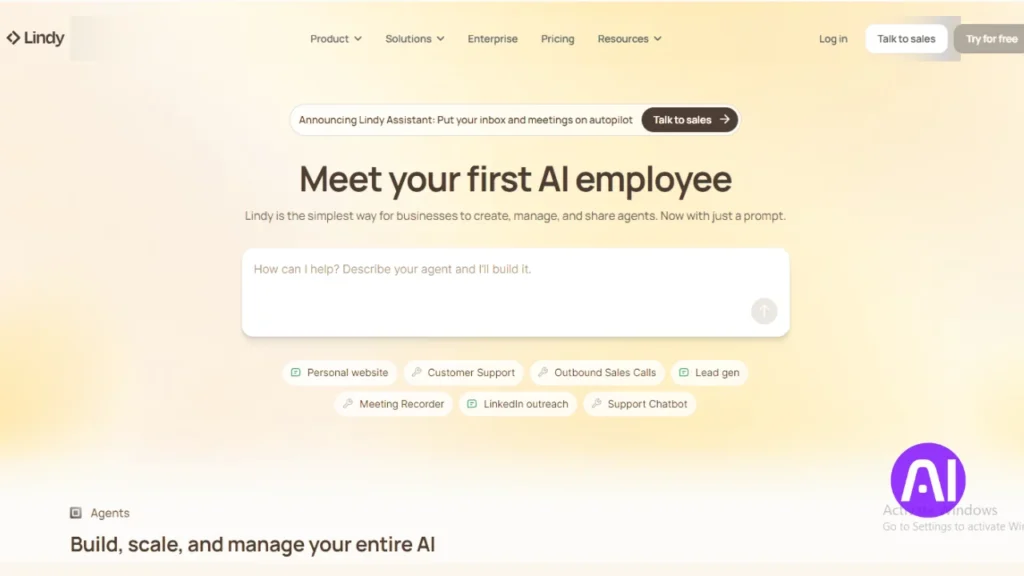
I tested Lindy to see how a no-code platform handles everyday office work. I can say it makes simple automation approachable for non-technical users while still offering useful control over behavior.
Brief overview
Lindy launched in 2023 and starts at $49 per month. It uses a trigger-and-action canvas so users can build agents that run tasks like meeting prep, email triage, content drafts, and document review.
Core features
- 100+ templates and 50+ integrations to cut setup time.
- AI triggers that start a flow from smart events and Lindy Mail for inbox access.
- Per-agent AI settings: context, model selection, and tuning.
- Lindy-to-Lindy collaboration so agents can call other agents for multi-step work.
Pros and cons
Pros: low learning curve, fast setup, strong coverage of common actions, and an intuitive platform experience for users who want quick wins.
Cons: fewer developer-grade hooks and limited control for very custom logic. Teams with deep engineering needs may find it constraining.
Best for
I recommend Lindy to operations, support, founders, and marketing teams that need a helpful assistant to manage communications and routine tasks. It’s a good next step for anyone used to Zapier-style builders who wants an agent-first example to speed up business workflows.
2) Gumloop | Node-based subflows & a browser recorder
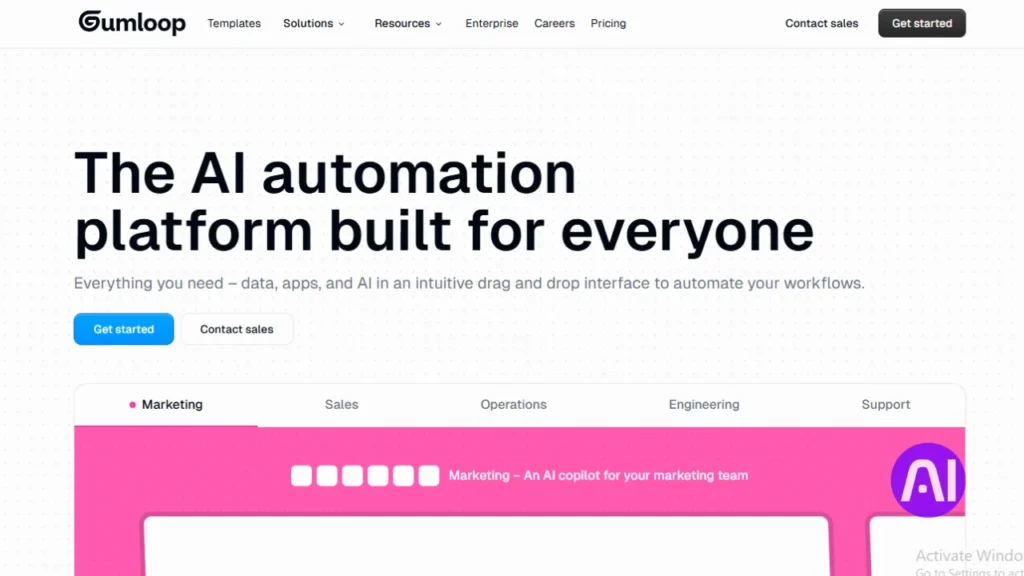
If you prefer mapping processes visually, Gumloop offers a node-based canvas to stitch complex steps together.
I tested the platform that launched in 2024 with $20M in funding and paid plans from $97 per month. It focuses on modular design so teams can build, reuse, and scale flows without starting over.
Brief overview
Gumloop is a drag-and-drop builder that favors modular workflows. You map steps visually, call reusable subflows, and move data between apps and platforms.
Core features
- Subflows to encapsulate logic and reuse steps across processes.
- Interfaces that let external users submit data to kick off a flow.
- Chrome recorder that captures browser actions for repeatable automations when no API exists.
- 90 prebuilt workflows plus templates for sales and marketing to speed adoption.
- Structured data handling to analyze documents, enrich records, and pass inputs between nodes.
Pros and cons
Pros: powerful control over steps and logic, strong data handling, and a recorder that cuts scripting time.
Cons: a steeper learning curve and more technical concepts that may slow new users who want simple automations.
Best for
I recommend Gumloop to operations leaders and analysts who need browser automation and durable processes. It’s a solid example of a platform that scales complex workflows without writing code.
| Characteristic | Gumloop | Why it matters |
|---|---|---|
| Pricing | $97+/month | Accessible for teams that need advanced features without enterprise lock-in |
| Key feature set | Node builder, subflows, recorder, Interfaces | Enables modular design, external input, and web automation |
| Use cases | Sales outreach, document processing, web scraping | Templates and recorder speed delivery of common tasks |
| Audience | Operations, analysts, technical users | Best when teams need control over steps and data |
3) Vellum.ai | Prompt-led agent design, testing & orchestration

Vellum flips prompt engineering into a collaboration surface where teams shape behavior with plain language. I used it to build multi-step agents without plumbing code between systems.
The platform launched in 2023, raised $25.5M, and offers a free plan plus paid tiers from $25 per month. Its focus is prompt design, versioning, and reliable rollout so teams can iterate fast.
Core features
- Prompt Builder that chains text, injects variables, and previews across models.
- Version control and testing tools to validate outputs before deployment.
- Orchestration to call apps and external systems in multi-step flows.
- Model comparisons to see how different models handle the same prompt.
Pros and cons
Pros: strong model tooling, clear design for language-driven workflow, and easy collaboration on prompt text.
Cons: outcomes depend on prompt quality, and complex branching needs extra guardrails or custom logic.
Best for
I recommend Vellum to product and operations teams that want agent orchestration with tight prompt management. It shines when teams iterate often and need quick model previews and repeatable examples.
| Attribute | Vellum | Why it matters |
|---|---|---|
| Funding | $25.5M | Signals active development and roadmap momentum |
| Pricing | Free; paid from $25/mo | Accessible for teams experimenting with prompts |
| Key features | Prompt Builder, versioning, testing, orchestration | Makes language-driven automation dependable |
| Ideal users | Product, operations, language engineers | Best when time to iterate and model comparison matter |
4) Relevance AI | Open-ended agents that collaborate
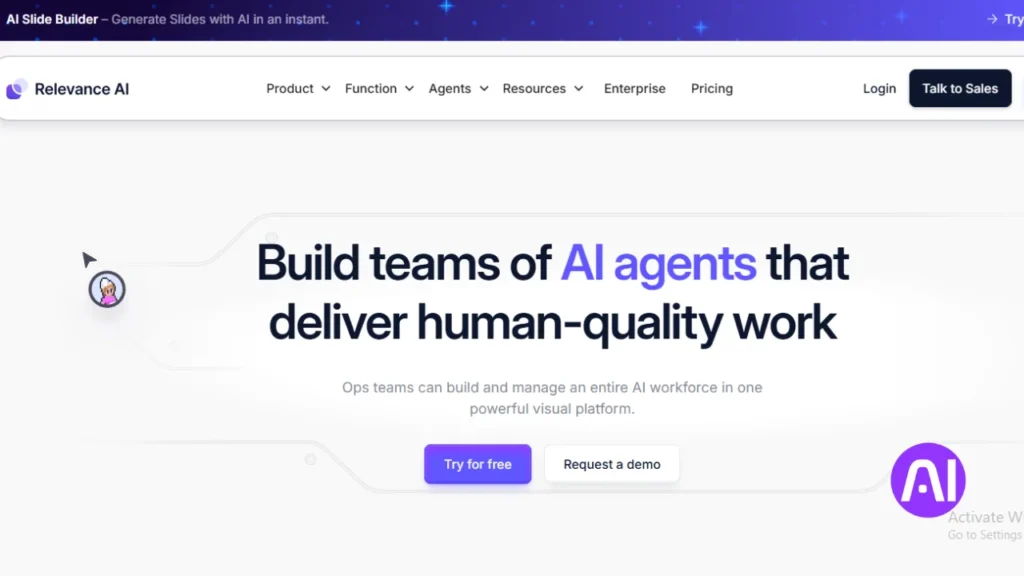
You can sketch an agent in plain language and let Relevance AI turn it into a collaborating set of specialists. I used it to model multi-step processes where each agent owns part of the work.
Brief overview
Relevance AI, founded in 2020 with $15M in funding, focuses on agent-centric automation. Paid plans start at $19 per month. The platform generates agents from descriptions and links sub-agents so work splits across focused capabilities.
Core features
- Describe your agent in plain terms and attach tools like web search and Slack posting.
- Connect sub-agents to coordinate end-to-end processes for sales and customer follow-ups.
- Templates speed creation and reduce setup time for email drafting and routing.
- Built-in email handling that drafts messages, routes replies, and logs outcomes into data stores.
Pros and cons
Pros: high flexibility, strong agent collaboration, and fast prototyping from simple descriptions.
Cons: the open-ended design has a learning curve. Teams must define goals and data boundaries to avoid drift.
Best for
I recommend Relevance AI to teams exploring agent-first automation for research, outreach, and customer operations. It helps leaders test multi-agent strategies quickly and measure impact on sales processes without rebuilding infrastructure.
| Attribute | Relevance AI | Why it matters |
|---|---|---|
| Founded / Funding | 2020 / $15M | Stable startup with runway to develop collaboration features |
| Pricing | Paid plans from $19/mo | Accessible for small teams experimenting with agents |
| Key features | Agent generation, sub-agents, templates, email handling | Enables open-ended workflows and coordinated tasks |
| Ideal use cases | Sales outreach, customer follow-up, research assistants | Where evolving agents and cross-agent coordination add value |
5) VectorShift | Developer-first pipelines across multiple LLMs
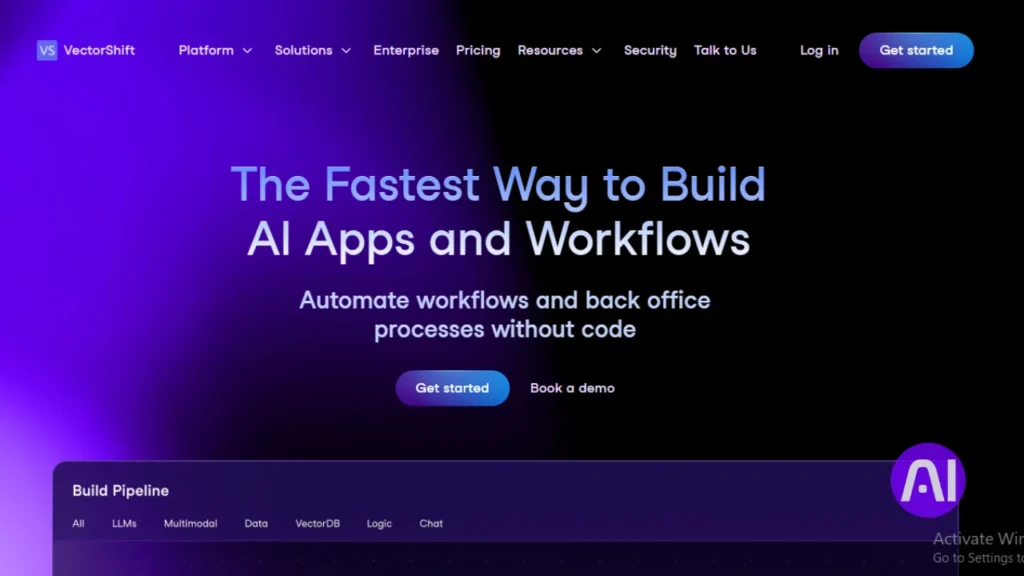
VectorShift is built for engineering teams that need precise control over model routing and deployments. I found it blends a visual canvas with a Python SDK so you can design, test, and ship pipelines that call different models in one flow.
Brief overview
Founded in 2023 with $3.5M in funding and plans from $25 per month, VectorShift targets technical users. It mixes drag-and-drop building with code-first affordances to manage complex logic and model selection. VectorShift appeals to technical teams that need code-level control within their AI tools for automation and workflows.
Core features
- Orchestrate multiple models (OpenAI, Anthropic) inside a single pipeline.
- Python SDK for custom transforms, deploy changes, and CI-friendly workflows.
- Voicebots, bulk jobs, and reusable templates to speed time to value.
Pros and cons
Pros: deep flexibility, multi-model orchestration, and strong control over data and deployment. It supports advanced logic across systems.
Cons: steeper setup and more configuration up front; non-technical users may prefer simpler tools.
Best for
I recommend VectorShift to engineering teams and businesses that need an LLM control plane. It works well when multiple units require tailored pipelines and a single way to manage models, agents, and examples across production systems.
| Founded / Funding | Pricing | Ideal audience |
|---|---|---|
| 2023 / $3.5M | $25+/month | Developers, platform teams, data engineers |
| Multi-model support | Canvas + SDK | Reusable pipelines & bulk jobs |
6) Relay.app | Modern trigger-action automation with AI blocks
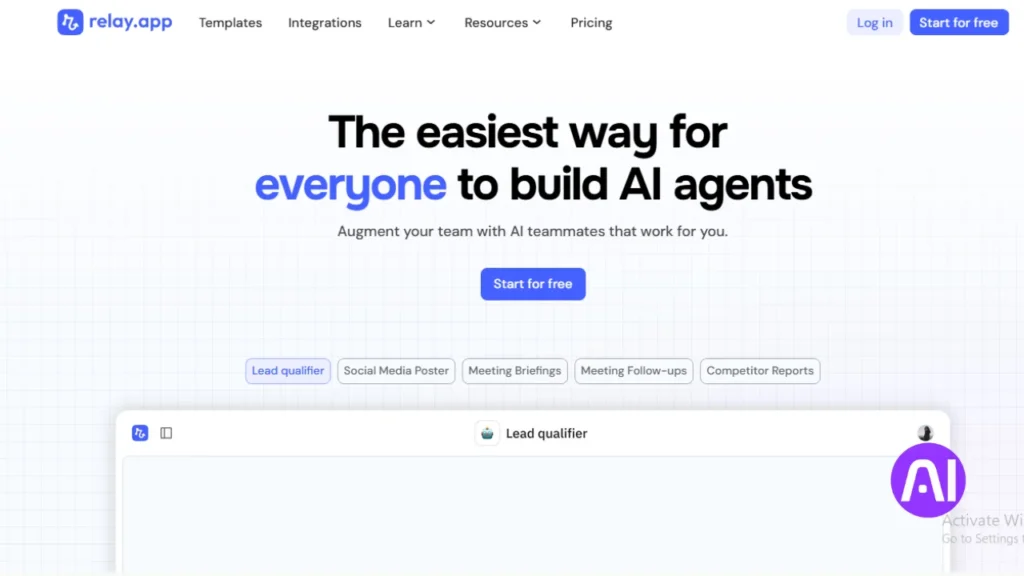
Relay.app brings a familiar trigger-action experience into modern AI tools for automation and workflows, with helpful AI blocks. I found it feels familiar to anyone who has used canvas-style builders, but it adds features that make real business work safer and more creative.
Founded in 2021 with $8.2M in funding and plans from about $11.25 per month, Relay.app offers a trigger-and-action canvas plus human-in-the-loop approvals. A beta agent block lets teams try more open-ended instructions while keeping control.
Core features
- Web scraping, transcription, and image generation action blocks for richer outputs.
- Human approvals to review sensitive steps like sending emails or posting updates.
- Beta agent block to run flexible instructions inside contained examples.
Pros and cons
Pros include an easy-to-understand canvas, thoughtful features, and approachable pricing that helps teams move fast.
Cons: fewer integrations than some legacy platforms and an evolving agent block that may need more polish for complex tasks.
Best for
I recommend Relay.app to small and mid-sized teams that want quick wins, clear approvals, and a clean UI. It works well for marketing and sales flows, simple email handling, and routine tasks where a predictable assistant and low time-to-value matter.
| Attribute | Relay.app | Why it matters | Typical users |
|---|---|---|---|
| Founded / Funding | 2021 / $8.2M | Active development with modest runway | SMB teams, ops |
| Pricing | From $11.25/mo | Accessible for small teams testing new features | Marketing, sales |
| Key features | Scraping, transcription, image gen, approvals, agent beta | Supports richer outputs and safe execution | Operations, campaign leads |
| Limitations | Fewer integrations; agent is beta | May need work for enterprise-grade systems | Power users seeking deep hooks |
7) Mabl | Agentic workflows for autonomous testing & analysis
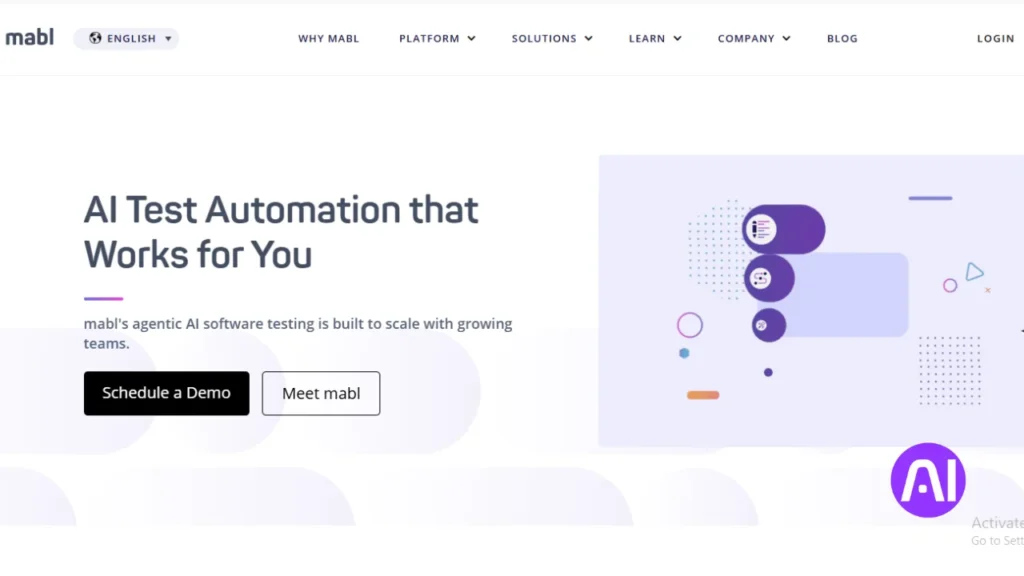
I explored Mabl to see how agent-driven testing shrinks maintenance and surfaces meaningful insights. The platform turns plain English requirements into executable tests, then keeps them healthy as systems change.
Brief overview
Mabl applies agentic automation to testing so users can describe scenarios in natural language and let the system create tests that adapt. It reduces the need to hand-write Selenium scripts and lowers time spent chasing flaky selectors.
Core features
- Test Creation Agent: generate tests from plain-text requirements.
- Visual Assist: auto-adapt checks when the UI shifts to reduce maintenance.
- Autonomous root-cause analysis that surfaces actionable insights after failures.
- IDE connectivity via mabl MCP Server and learning resources to speed team learning.
- Organized test steps and task orchestration for audits and collaboration.
Pros and cons
Pros: autonomous analysis and adaptive tests cut manual work and save hours during releases. Teams get clearer failure context and faster resolution.
Cons: the platform has a learning curve and pricing aligned to professional testing needs. Very custom edge cases may still need manual guidance or extra configuration.
Best for
I recommend Mabl to product and QA groups that want scalable test automation with less maintenance. It works well when teams want strong analysis, clear insights after runs, and a path beyond brittle selectors so work is focused on product quality, not upkeep.
| Attribute | What Mabl offers | Why it matters |
|---|---|---|
| Test generation | Plain-language to runnable tests | Saves time creating initial coverage |
| Maintenance | Visual Assist & autonomous fixes | Reduces broken tests after UI changes |
| Analysis | Root-cause insights | Faster debugging and fewer hours lost |
8) Katalon | All-in-one platform with self-healing and AI generation
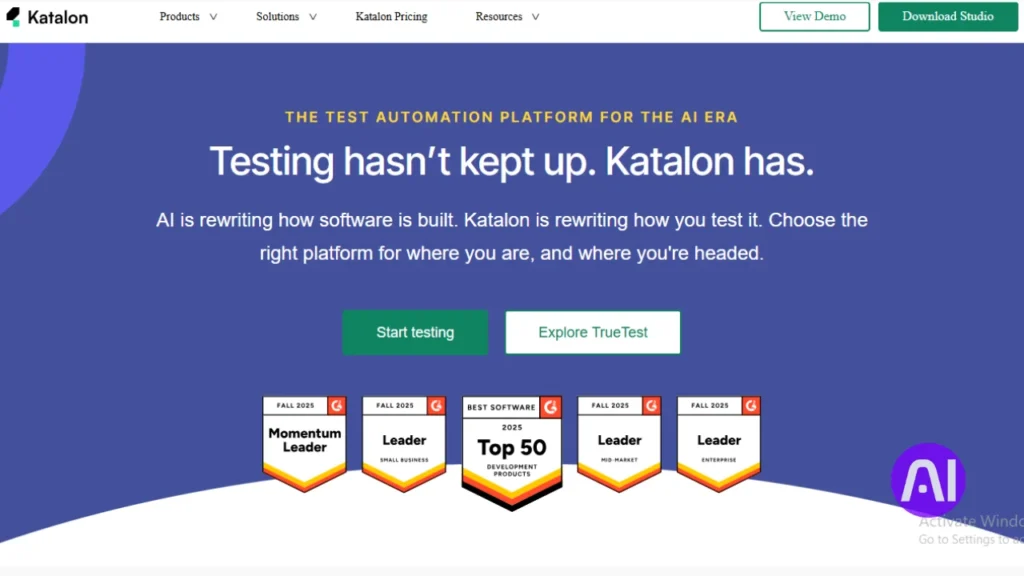
Katalon packs broad test coverage into a single console so teams stop juggling multiple systems. I like that it blends no-code creation with full scripting, giving mixed-skill groups a shared surface to ship reliable automation.
Brief overview
Katalon, named a Visionary in the 2025 Gartner Magic Quadrant, is an all-in-one platform for web, mobile, API, and desktop testing. It focuses on reducing maintenance with self-healing scripts and AI-assisted test generation.
Core features
- No-code builders that sit alongside full scripting so developers and non-developers collaborate.
- Self-healing locators that cut flaky tests and lower upkeep time.
- Text-based test creation that uses natural language to speed test authoring.
- Cross-platform coverage, governance, and reporting to consolidate multiple tools.
Pros and cons
Pros: strong coverage across systems, a clear roadmap, and approachable learning paths that help teams ramp quickly.
Cons: the platform surface is large and can take extra time to master; very niche scenarios may need supplemental tool add-ons.
Best for
I recommend Katalon to teams that want a durable single tool to reduce maintenance risk at scale. It suits businesses that value vendor maturity, enterprise features, and a straightforward path from beginner to advanced use.
9) Applitools | For smarter UI validation & maintenance
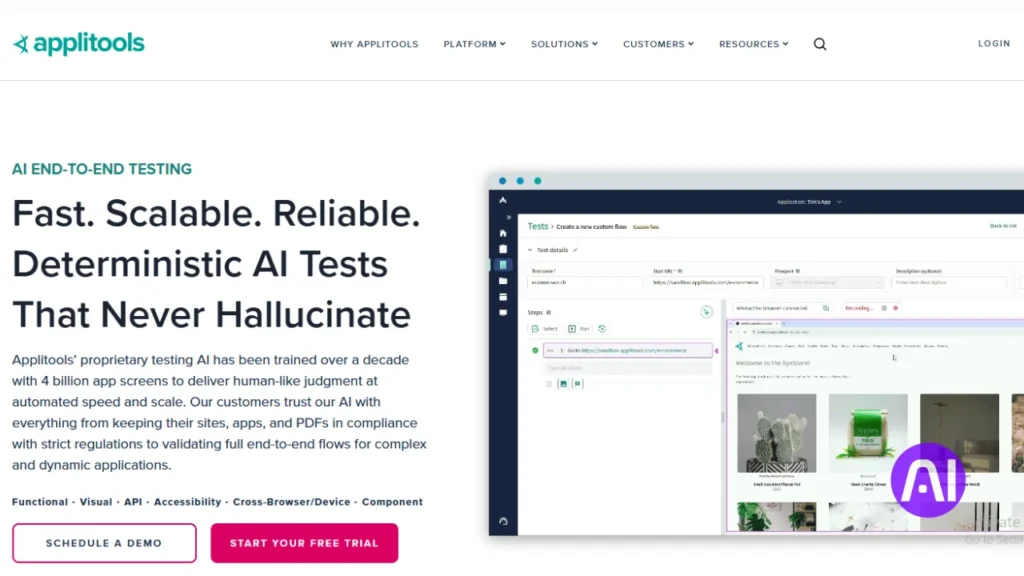
Applitools uses visual intelligence to separate meaningful UI changes from cosmetic noise. I found it skips brittle, pixel-by-pixel checks and highlights the diffs that matter to users.
Brief overview
Applitools brings visual validation into test suites so teams catch regressions faster. It layers model-backed analysis on top of existing runs instead of replacing every test.
Core features
- Smart diffing that groups similar changes and reduces noisy failures.
- Maintenance grouping and intelligent prioritization to save time release after release.
- Language-agnostic SDKs and model-backed analysis so users adopt without rewriting tests or restructuring text checks.
- Self-healing execution that lowers flaky checks and maintenance overhead.
Pros and cons
Pros: powerful visual intelligence, fewer false positives, and clearer insights about what changed and why.
Cons: you must integrate it alongside your existing test toolset, which adds an implementation step.
Best for
I recommend Applitools to teams focused on UI quality, cross-browser consistency, and products where visual design drives user experience. Developers and QA benefit most when they want fewer false positives and less manual upkeep.
| Attribute | What Applitools offers | Why it matters | Ideal users |
|---|---|---|---|
| Core capability | Visual AI diffing & grouping | Reduces noisy failures, surfaces real regressions | QA engineers, frontend devs |
| Integration | Language-agnostic SDKs | Works with existing tests without full rewrites | Teams with diverse tech stacks |
| Maintenance | Self-healing & prioritized alerts | Saves time and lowers long-term costs | Product teams that release often |
| Outcome | Actionable visual insights | Focus debugging on issues that affect users | Design-led products, e‑commerce |
10) testers.ai | Autonomous agents that write & run tests
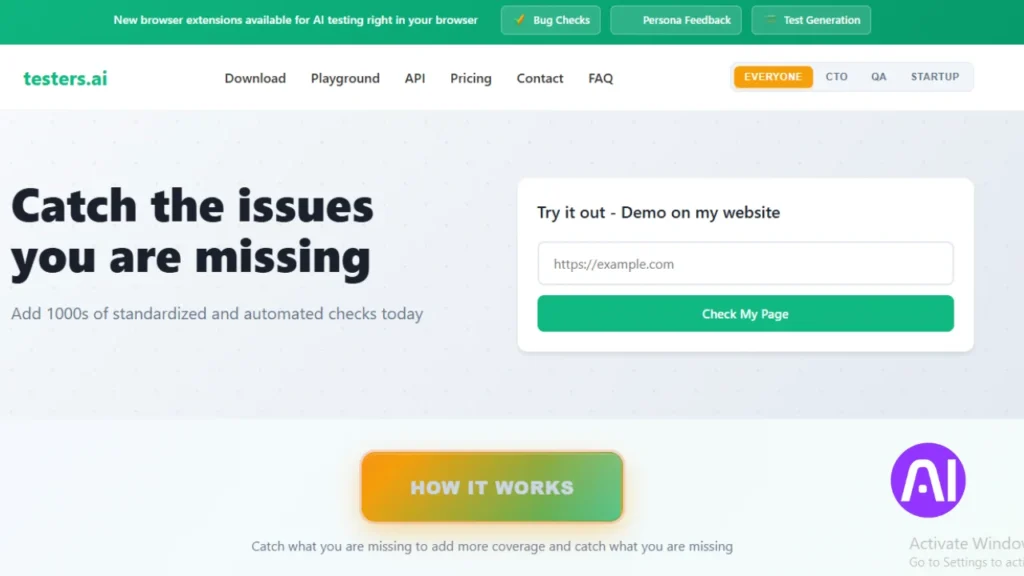
I used testers.ai to see how autonomous agents speed test coverage without heavy scripting. The platform was built by engineers with deep Chrome testing experience, so the focus is practical checks that matter.
Brief overview
testers.ai scans applications with autonomous agents that run static and dynamic checks. Static analysis looks for performance, privacy, and security risks early.
Dynamic exploration generates tests for happy paths, edge cases, invalid inputs, and likely bugs. Results are delivered as natural language test cases and executable checks.
Core features
- Dynamic analysis that converts text-level exploration into runnable tests.
- Static risk checks for performance, privacy, and security before release.
- Copilot-friendly fix prompts that suggest code-level changes you can paste into your editor.
- Outputs designed to integrate with existing CI and other testing tools to preserve data boundaries.
Pros and cons
Pros: fast, broad coverage that reduces repetitive scripting and frees engineers for higher-value tasks.
Cons: less manual control over exact test structure and a need to align scanning with your data policies.
Best for
I recommend testers.ai to teams that want a rapid baseline of quality. It complements existing suites by exploring paths and producing actionable fixes that fit modern developer flows. Learn more at testers.ai.
| Capability | What testers.ai does | Why it helps |
|---|---|---|
| Exploration | Autonomous agents scan journeys | Finds real-world bugs without manual scripts |
| Static checks | Performance, privacy, security | Surface risks early in development |
| Developer output | Natural language tests + fix prompts | Speeds remediation and CI integration |
| Integration | CI hooks and paste-ready suggestions | Fits into existing testing pipelines |
Best AI Tools for Automation and Workflows: quick comparison by team and use case
I map practical choices to team size and skill so you can pick a platform that starts delivering value quickly.
By team size and technical depth
Small teams get fast wins with Lindy or Relay.app. These options use templates and simple UIs so you start saving time within days.
Mid-size groups often choose Katalon or Mabl. They add governance and broader test coverage without forcing a full rewrite.
Technical teams lean toward VectorShift or Gumloop. Those platforms expose SDKs and deep orchestration for complex apps and pipelines.
By primary workflow or testing pain point
- Relevance AI: good for agent-first research and outreach use cases.
- Relay.app: fits marketing and sales routing with approvals and low friction.
- Lindy: strong for business communication and inbox-driven flows.
- Testing map: Mabl (agentic analysis), Katalon (all-in-one governance), Applitools (visual quality), testers.ai (autonomous coverage).
| Team | Recommended option | Primary focus | Why it fits |
|---|---|---|---|
| Small | Lindy / Relay.app | Quick automation | Templates, easy onboarding, fast productivity |
| Mid-size | Katalon / Mabl | Governance & testing | Broader coverage, approval paths, observability |
| Technical | VectorShift / Gumloop | Developer pipelines | SDKs, model routing, browser recorder |
| Agent-first | Relevance AI | Coordinated agents | Sub-agents, email handling, rapid prototyping |
My guidance: pick one automation platform and one testing solution to reduce tool sprawl. Start with templates, then add complexity as your team gains confidence.
How these tools fit real workflows: data, email, documents, and customer processes
I walk through examples that show how a short text instruction becomes a multi-step process across apps.
Start with a plain request: “Summarize these documents and email the summary to support.” That text spawns clear steps. A platform like Lindy can triage emails, summarize documents via templates, and draft messages automatically.
From natural language to branching logic
Gumloop records browser actions to handle sites without APIs. That lets you extract data and update CRM records in one run.
Relay adds approvals and AI blocks so sensitive emails can be drafted fast and held for review. Testing tools such as Mabl and Applitools run in CI to catch visual regressions that would break a live process.
- Email-centric flows: triage incoming emails, draft replies, escalate exceptions to a person.
- Document-heavy flows: parse files, extract key data, and push updates to customer systems with auditable steps.
- Customer-facing flows: outreach, follow-up, and ticket handling that keep tone helpful and actions traceable.
| Use case | Platform role | Why it matters |
|---|---|---|
| Email triage | Lindy drafts replies; Relay gates send with approvals | Keeps emails timely and compliant |
| Web-only tasks | Gumloop recorder automates browser actions | Runs processes where no API exists |
| Quality guard | Mabl/Applitools in CI | Catches regressions so production stays dependable |
| Data sync | Pipelines update CRMs and support systems | Ensures a single source of truth for customer records |
These patterns turn short text into routed logic and reliable action. Teams keep data consistent across systems, reduce manual tasks, and raise productivity while keeping customer outcomes clear and auditable.
Buyer’s checklist: integrations, model access, approvals, and observability
When I evaluate a platform I run a short checklist that answers practical questions fast. This helps me spot gaps before a purchase and avoid costly rework.
Start by verifying integrations with your core apps and the platform’s path to new models. Confirm access today and a clear migration path so you avoid vendor lock‑in.
- Confirm connectors for CRM, ticketing, storage, and identity; test a real sync to prove it works.
- Check human approvals, rollback options, and audit logs to keep risky steps gated and reversible.
- Evaluate observability: does the platform show why a run failed, surface root‑cause insights, and store run history?
- Test prompt and logic versioning so you can iterate without breaking a live process.
- Validate troubleshooting flows: dashboards, alerts, and playbooks that help your team prioritize fixes.
- Ensure security, RBAC, and audit trails are built in so procurement and compliance are simplified.
| Area | What to check | Why it matters |
|---|---|---|
| Integrations | Real connector tests | Keeps data consistent across systems |
| Models & access | Choice and upgrade path | Avoids lock‑in and keeps outputs reliable |
| Observability | Root cause & logs | Speeds troubleshooting and reduces downtime |
My setup tips to get value in hours, not weeks
Get a working workflow live in hours by leaning on templates and tight scope. I focus on one clear task and prove value fast so the team trusts the change.
I recommend starting with a template (Lindy and Gumloop both offer large libraries). Use that as your base, then add a human-in-the-loop step where needed to supervise sensitive action.
Practical, fast-start steps
Keep the initial scope small. Automate a single repeatable task and measure the time saved. Schedule a weekly review to refine the flow and grow your learning.
- Use templates to stand up a first flow in hours, then iterate.
- Add approvals and action logs so the team stays visible to changes.
- Track time saved and completion rates to prioritize the next workflow.
| Step | Why it matters | Quick tip |
|---|---|---|
| Template | Fast launch with proven patterns | Pick one with similar inputs |
| Human check | Reduces risk on sensitive work | Gate only high‑impact sends |
| Weekly review | Prunes drift and boosts productivity | Remove unused steps each week |
Conclusion
I’ve tested these dedicated platforms and seen how agentic features cut maintenance while improving outcomes. The list shows practical tools that save time on routine tasks and raise quality across teams and companies.
Start small: pick one clear example, ship it, and measure results. Use your checklist to validate integrations, governance, and dashboards that surface useful insights.
The best way forward is iterative. Launch an assistant-driven flow, track impact, then expand into wider workflows. With that approach you free people from repetitive work so teams can focus on creative, high-value work.
FAQ
What criteria did I use to pick these platforms?
I focused on AI-native design, a visual or code-friendly workflow builder, real customer traction, and rich integrations with apps and data sources. I also checked model access, observability, and whether teams can add human approvals.
How do AI-native platforms differ from legacy automation?
AI-native platforms embed models and agents as first-class parts of logic, not bolt-on features. That means natural language steps, dynamic decision-making, and easier handling of unstructured data like emails, documents, and chat transcripts.
Can nontechnical teams use these systems?
Many offer no-code builders, templates, and recorders so product, marketing, or support teams can assemble flows. Developer-first platforms remain available when you need custom code, SDKs, or multi-LLM orchestration.
How fast can I get value — hours or weeks?
If you start with templates, connect a single data source, and limit scope to a well-defined workflow (like ticket triage or email parsing), you can see results in hours. Complex integrations and governance take longer.
Do these tools support multiple LLM providers?
Yes — many platforms let you switch models or route tasks across providers for cost, latency, or capability trade-offs. I verified multi-LLM support or pluggable model endpoints as a core criterion.
How do I evaluate observability and approvals?
Look for audit logs, step-by-step run playback, metrics on performance and cost, and built-in approval gates or human-in-the-loop nodes. Those features are crucial for compliance and iterative tuning.
What common integrations matter most?
Email, CRM (like Salesforce), cloud storage, collaboration tools (Slack, Teams), and developer platforms (GitHub) are high priority. Connectors to document stores and vector databases speed up retrieval-based tasks.
Which platforms are best for testing and QA automation?
I highlight tools focused on autonomous testing, visual validation, and self-healing scripts. They accelerate UI checks, regression suites, and root-cause analysis with less manual upkeep.
How do I balance automation with human oversight?
Start by automating low-risk, repetitive steps while keeping decision points manual. Gradually add confidence thresholds, review queues, and explainability features so humans can audit or override outcomes.
What are typical pitfalls when deploying agentic workflows?
Common issues include unclear acceptance criteria, poor data hygiene, lack of monitoring, and underestimating cost from model usage. Plan guardrails, rate limits, and fallback logic to avoid surprises.
How should I measure ROI for these projects?
Track time saved, reduction in manual errors, throughput improvements, and customer experience metrics. Also include indirect gains like fewer escalations and faster onboarding of new staff.
Are there security or compliance concerns I need to watch?
Yes — ensure platform-level encryption, tenant isolation, role-based access, and data residency controls. Review how models log data and whether you can disable telemetry that sends sensitive content to third-party endpoints.
Can I mix no-code flows with developer pipelines?
Absolutely. The best setups let product teams prototype with visual builders while engineers expose APIs, write custom actions, or orchestrate multi-LLM pipelines behind the scenes.
How do I choose between node-based, prompt-led, and agent-centric interfaces?
Node-based flows suit visual thinkers who want explicit control over steps. Prompt-led tools excel when you iterate on conversational or generative behavior. Agent-centric platforms help when you need persistent, stateful collaborators across tasks.
What should I include in a buyer’s checklist?
Verify integrations, model access and costs, approval workflows, observability, scalability, and support for human intervention. Also confirm SLAs, exportability of data, and vendor roadmaps.