About 90% of industry is run by small business owners, and they produce nearly half of global GDP so small shifts in how owners work add up fast. In this guide to the best AI tools for small businesses, I write from direct experience evaluating practical, purpose-built tools that cut heavy lifting in marketing, admin, compliance, and customer service.
I focus on real gains you can see quickly: faster content creation, clearer meeting summaries, and video assets made in minutes.
This guide profiles nine dedicated options, including Microsoft 365 Copilot, Salesforce Agentforce Assistant, Freshdesk Freddy AI Copilot, Adobe Express with Firefly, Descript, Canva Magic Studio, Monday.com, and Shopify Sidekick. I test each by standout features, business impact, and how fast it raises productivity for solo owners and small teams.
Expect clear examples, usable insights, and a focus on tools that fit your stack so you avoid disruptive replacements and get value from day one.
Key Takeaways
- Small businesses drive most of the economy practical tools can multiply that impact.
- I evaluate each tool by features, real-world ROI, and onboarding speed.
- You’ll see examples for marketing, social media, video creation, and operations.
- Choose options that integrate with your stack to avoid costly rip-and-replace moves.
- This guide helps you pick a version that scales with your business needs.
These best AI tools for small businesses help teams move faster without major process changes. By focusing on the best AI tools for small businesses, owners can reclaim hours each week with very little disruption.
Best AI Tools for Small Businesses
I look for practical solutions that reduce repetitive tasks and speed decision-making. When I evaluate the best AI tools for small businesses, I look for real-world gains you can feel within days. My goal is to show options that deliver real productivity gains within days, not months.

How I chose: real-time productivity, integrations, and ROI
I prioritized tools that save measurable time each week and offer clear features that speed common tasks. I test integration depth with email, calendars, e-commerce, CRM, and project systems so setup does not disrupt your process.
Key categories
- Marketing and content: publish faster with repeatable templates and brand controls.
- Customer service: reduce response time and track sentiment.
- Analytics and data: get clear insights without complex queries.
- Project management: automate reminders, prioritization, and task routing.
What to prioritize in 2026
Pick options with transparent data policies like SOC 2 and GDPR, and lean plans that scale as you grow. Run a 7–14 day trial with one person as a champion to test adoption, measure time saved, and evaluate the process change before wider rollout.
1. Microsoft 365 Copilot for everyday productivity, meetings, and data
Among the best AI tools for small businesses, Copilot stands out for embedded productivity and everyday usability. When your team lives in Outlook and Teams, adding an embedded assistant feels less like a change and more like a shortcut. I like Copilot because it appears inside the apps people already open, so adoption is fast and the payoff shows up quickly.
Overview
Copilot brings generative help into Word, Excel, PowerPoint, Outlook, and Teams. It drafts email and web content, recommends formulas, and turns meeting conversations into clear action lists.

Core features
- Summarizes Teams conversations and meeting notes into tasks and follow-ups.
- Analyzes Excel data to surface trends, charts, and actionable insights.
- Drafts documents and emails, and converts outlines into PowerPoint slides.
- Copilot Studio builds custom agents to automate multi-step workflows.
Pros and cons
Pros: quick productivity lift across teams, strong meeting summaries, and embedded analytics inside Excel that turn raw data into usable insights.
Cons: it requires Microsoft 365 licensing and delivers full value when most users operate inside the Microsoft platform.
Best for
U.S. businesses already using Outlook, Teams, Excel, and SharePoint that want an assistant to reduce manual work, speed reporting, and convert meetings into tasks.
Notable integrations in the U.S. SMB stack
| App | How it connects | Primary benefit | Typical impact |
|---|---|---|---|
| Teams | Native integration | Meeting summaries and action items | Reduce follow-up time by hours/week |
| Outlook | Embedded drafting | Faster email composition | Quicker responses, clearer threads |
| Excel | In-sheet analytics | Formula suggestions and trends | Faster reporting and better insights |
| Third-party apps | Microsoft Graph and connectors | Custom workflows and data sync | Automates cross-app processes |
Adoption tip: start with one department, track time savings, and expand once workflows and integrations prove their value.
2. Salesforce Agentforce Assistant for CRM insights and agentic workflows
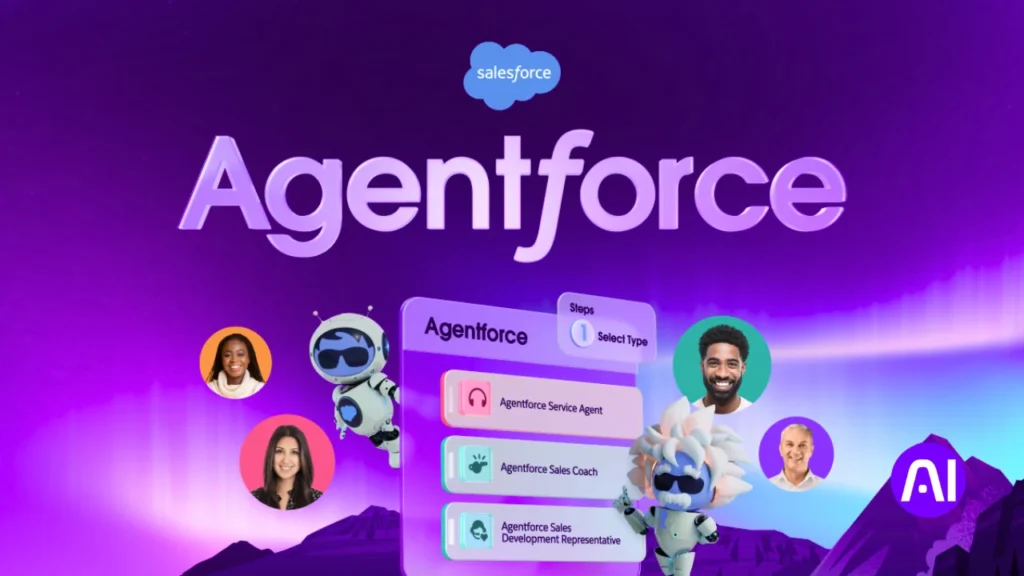
Salesforce Agentforce Assistant turns your CRM into a proactive partner that flags opportunities and next steps.
Overview
I rate Agentforce highly because it answers deep questions about your customer records and surfaces timely insights. The assistant leverages Salesforce domain knowledge and acts inside the same platform you already use.
Core features
Agentforce drafts sales content, updates records, and auto-generates follow-up tasks so reps stay focused on conversations. It mines data for analytics and patterns to call out churn risk, upsell paths, and new opportunities. This makes Agentforce one of the best AI tools for small businesses that rely heavily on CRM-driven decisions.
| Feature | What it does | Primary benefit | Typical impact |
|---|---|---|---|
| Smart email drafts | Generates personalized outreach | Speeds content creation | Shorter response time, more replies |
| Automated updates | Writes and tracks record changes | Reduces manual management | Cleaner data, fewer errors |
| Pipeline analytics | Surfaces patterns and risks | Improves forecast accuracy | Faster decisions, higher win rates |
Pros and cons
Pros: deep CRM-native insights, assistant behavior tied to workflows, and proven data expertise. It gives quick answers without exporting spreadsheets.
Cons: it performs best with clean data. Setup can take time if your CRM requires management work.
Best for
Sales-led businesses that live in Salesforce and want faster pipeline decisions. Start with lead qualification to train teams and measure the impact on management and close rates.
3. Freshdesk Freddy AI Copilot for customer support and sentiment-driven answers
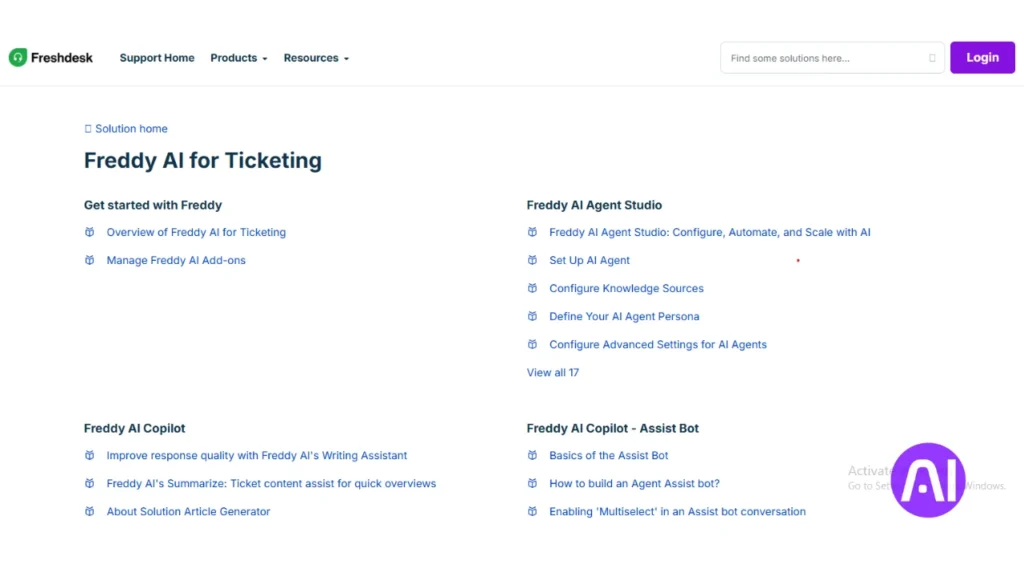
Support-focused platforms like Freddy remain essential in the lineup of the best AI tools for small businesses. When customers hit support, they expect quick, helpful answers across every channel. Freddy is a dedicated support platform that gives 24/7 coverage so small teams do not get stretched thin.
Overview
Freddy answers common customer questions, drafts knowledge base content, and escalates complex issues. It reads sentiment in conversations and can trigger real actions like refunds or case escalations.
Core features
- Resolves routine cases and drafts FAQs and help articles to reduce repeat requests.
- Detects sentiment and routes conversations to the right team based on urgency.
- Automates tasks such as refunds, refunds and escalations so things move forward while you sleep.
| Feature | What it does | Benefit |
|---|---|---|
| Sentiment detection | Analyzes tone in chats and emails | Faster routing to resolve upset customers |
| Knowledge drafts | Generates help content and FAQs | Deflects repeat questions and saves time |
| Action triggers | Initiates refunds or escalations | Reduces manual tasks and backlog |
Pros and cons
Pros: rapid response time, sentiment-aware routing, and automation that shrinks backlog and lifts satisfaction. It fits businesses needing consistent experiences across multiple channels.
Cons: you must keep knowledge content updated for best accuracy. Edge cases still need human review and tuning.
Best for
I recommend Freddy for lean support teams that need scalable assistance, consistent answers, and measurable time savings. Start by automating your top five question types, then expand to more channels when results stabilize.
4. Adobe Express with Firefly for branded content and social media assets
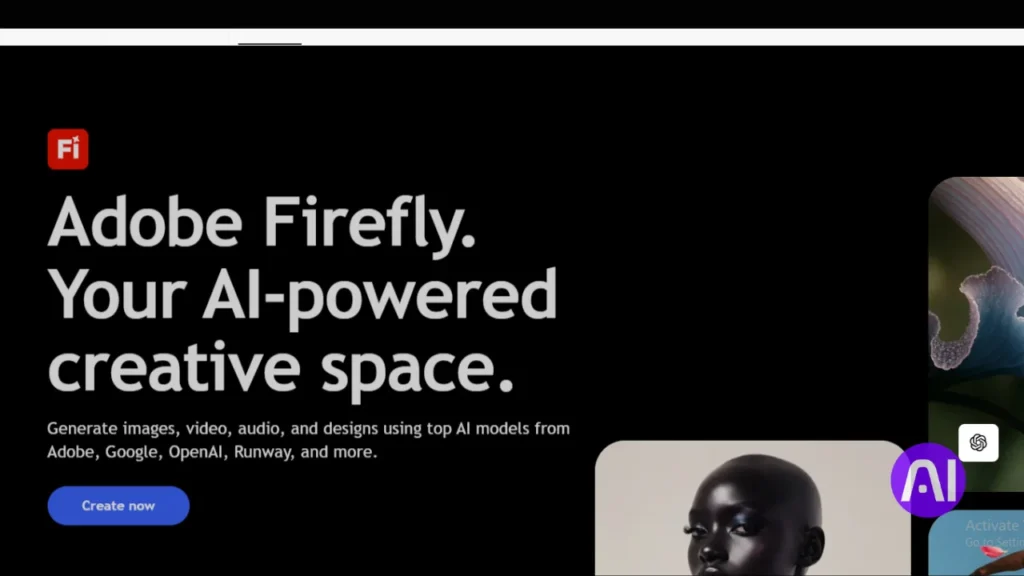
For on-brand graphics and short videos, I turn to a streamlined Adobe experience. It speeds up content creation and keeps posts consistent with minimal fuss.
Overview
Adobe Express is a genAI-powered version of Adobe’s creative suite, driven by Firefly. I use it when I need polished content fast, brand-friendly graphics, quick video edits, and ready-to-publish posts.
Core features
- Text-to-image generation and template-driven layouts for faster creation.
- Brand kits that lock colors, logos, and fonts to keep every asset cohesive.
- Firefly is trained on Adobe-owned data, which lowers copyright risk for marketing content.
Pros and cons
Pros: easy templates, rapid iteration, and features that let non-designers produce professional work. It helps teams follow trends while keeping campaigns cohesive.
Cons: power users may outgrow this version and need full Creative Cloud apps. Some advanced features require higher tiers.
Best for
This tool fits owners who need attractive social media assets, lightweight video edits, and on-brand copy without hiring a designer. I’ve seen teams build a week of posts in an afternoon, freeing time for higher-value marketing work.
| Feature | What it does | Primary benefit | Typical impact |
|---|---|---|---|
| Templates | Pre-built layouts for posts and ads | Speeds design and keeps look consistent | One person can publish a week of content in hours |
| Brand kit | Locks fonts, colors, and logos | Keeps assets on-brand across media | Reduces revision time and approvals |
| Firefly generation | Creates images and assists copy | Mitigates copyright concerns with Adobe data | Faster iteration with lower legal risk |
5. Descript for video creation, editing by transcript, and voiceover
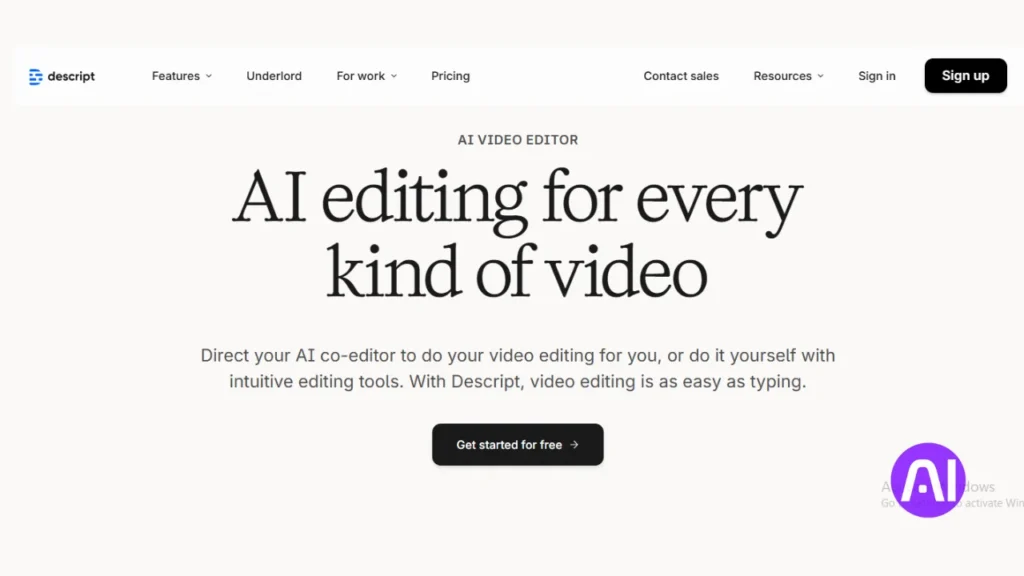
When I need polished videos without a steep learning curve, Descript gets the job done fast. I reach for it when I want to turn raw recordings into clean, publishable content without hiring an editor.
Overview
Descript edits by transcript so you cut words instead of scrubbing timelines. It auto-transcribes recordings, removes filler words in one click, and offers overdubbing to fix lines without re-recording.
Core features
| Feature | What it does | Benefit | Typical use |
|---|---|---|---|
| Transcript editing | Edit video by text | Simplifies cutting and timing | Tutorials, demos |
| Overdub | Clone voice for fixes | No re-shoots for small errors | Narration updates |
| Green-screen & cleanup | Virtual backgrounds and filler removal | Polished look with less time | Social clips, product videos |
Pros and cons
Pros: it saves huge time on production and unifies audio cleanup, captioning, and language clarity so your message stays sharp.
Cons: cinematic, high-end edits still need a traditional editor; power users may hit limits for complex projects.
Best for
This tool fits a business that needs consistent video content and quick copy narration. I’ve seen owners cut production time from days to hours.
- Adoption tip: convert a top-performing blog post into a short video to test engagement before scaling output.
6. Jasper for AI copywriting, SEO optimization, and campaign content
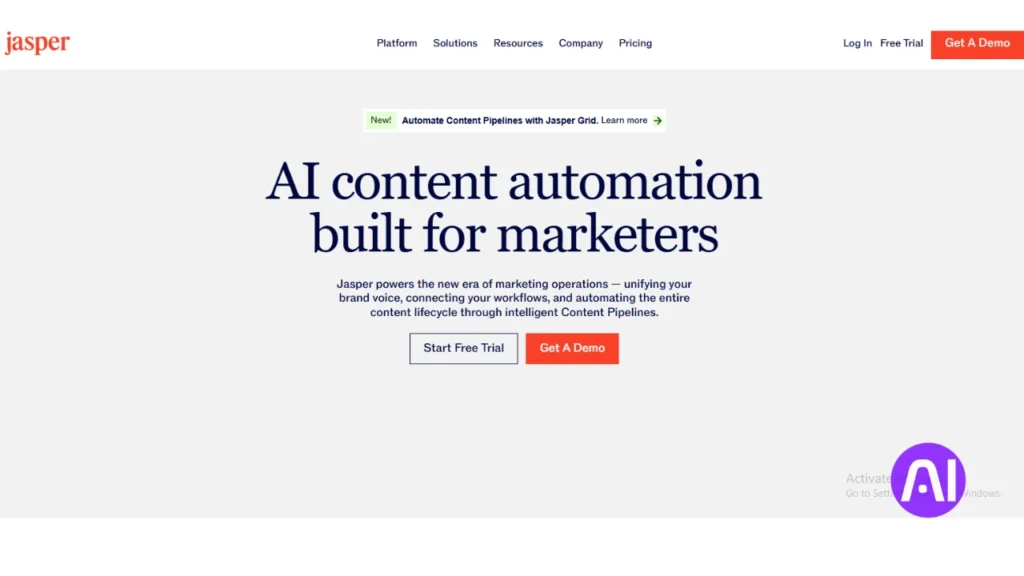
When deadlines stack up, a purpose-built writing system lets me produce more content with less friction. Jasper helps turn briefs into publish-ready writing fast, covering blogs, ads, emails, and landing page copy.
Overview
I use Jasper to speed campaign production for small teams. It suggests SEO structure and keywords, adapts language to match brand voice, and transforms simple prompts into full content assets.
Core features
- SEO suggestions for keywords, headings, and structure to improve search visibility.
- Tone and language controls so copy matches brand voice across channels.
- Templates and batch prompts that standardize content creation for marketing campaigns.
Pros and cons
Pros: it keeps a steady flow of content when marketing resources are limited and shortens ideation time for campaigns.
Cons: you need clear inputs and a short brand guide. Human editing remains essential for nuance and accuracy.
Best for
Jasper is ideal for businesses that need dependable writing support to scale marketing without adding headcount. I’ve seen teams double output while improving message consistency.
Adoption tip: create a one-page brand style guide and feed it into prompts to align tone from the start. For more on adapting writing workflows, see this copywriters resources.
7. Canva Magic Studio for fast design, text-to-image, and multi-channel posts
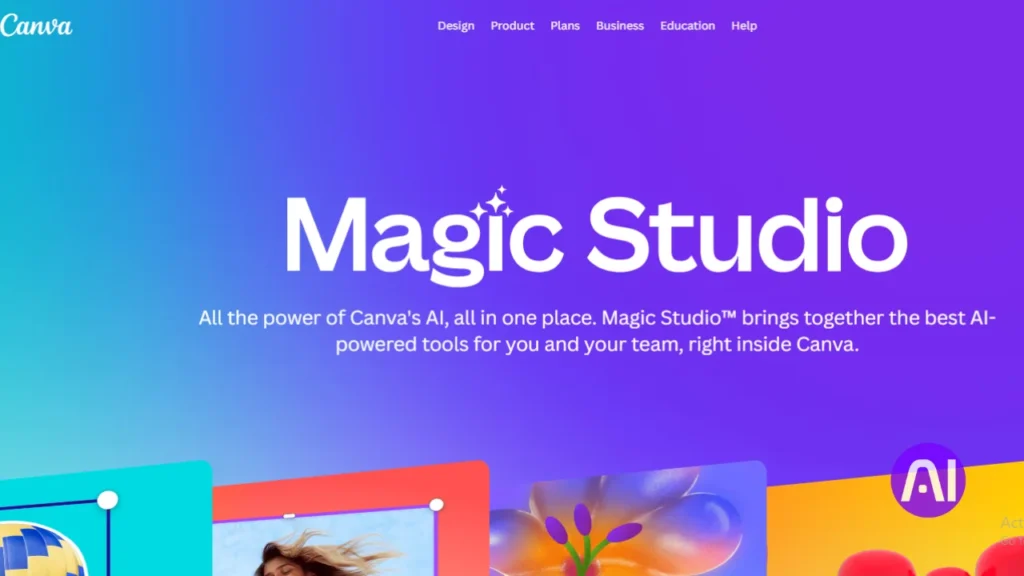
Canva’s Magic Studio speeds design work so you can publish cohesive social posts in minutes. I use it when I need clean, branded graphics and short video snippets without a steep learning curve.
Overview
Magic Studio is a design tool that turns prompts into polished assets. It helps with text-to-image generation, quick resizing, and trend-driven templates.
Simple collaboration and a large template library let teams move from idea to published content fast.
Core features
- Text-to-image prompts that jumpstart visual creation.
- Magic Resize to adapt a single design across multiple posts and media channels.
- Template library and trend-based layouts to keep content current.
- Team folders and comment threads to keep each project organized.
| Feature | What it speeds | Primary benefit |
|---|---|---|
| Text-to-image | Visual concept to draft | Faster idea-to-art pipeline |
| Magic Resize | One design to multi-format posts | Save time on formatting |
| Template library | Asset creation | Consistent, on-trend content |
Pros and cons
The pros are an intuitive editor, huge template options, and time-saving features that fit everyday marketing needs.
Cons: very complex brand systems may need advanced creative suites, and asset organization requires discipline as projects scale.
Best for
This tool fits owners and lean teams that must keep content production steady without extra hires. I recommend building a shared brand folder and a few base templates to speed every project.
Learn more about practical workflows at meet Magic Studio.
8. Monday.com for real-time project management, automation, and team insights
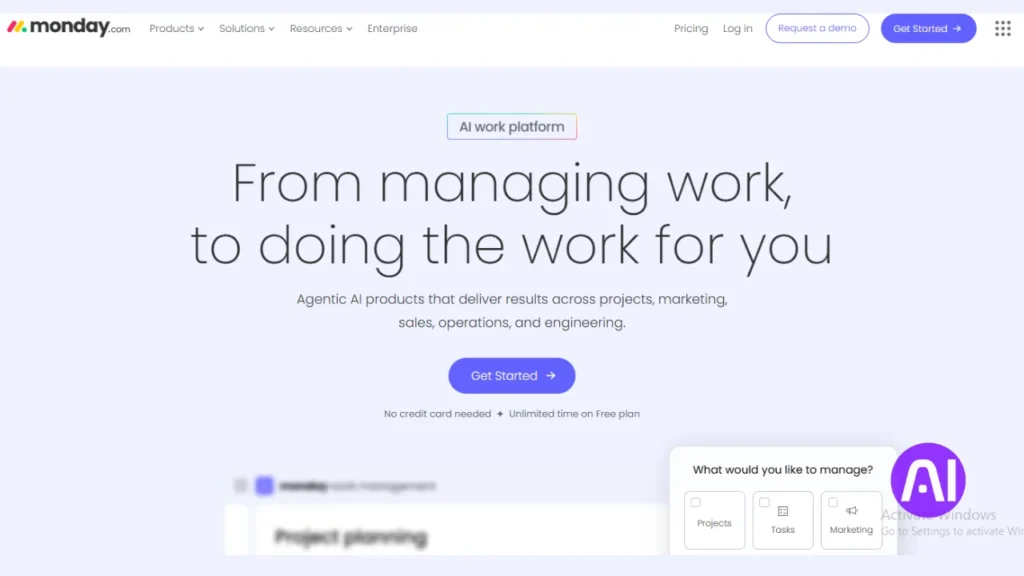
I choose Monday.com when I need a single visual hub that makes team priorities obvious at a glance.
Overview
I pick this platform when teams need one place to track projects, assign tasks, and reduce manual updates. It gives real time visibility so leaders see progress and blockers without chasing people.
Core features
- Real-time dashboards that show workload and project status at a glance.
- Automations to assign tasks, update status, and escalate delays without manual steps.
- AI-assisted prioritization to align workloads and keep workflows moving.
- Simple analytics and data exports that surface trends and time sinks.
Pros and cons
Pros: fast setup, clear collaboration across departments, and productivity gains from automations that replace repeated updates.
Cons: heavy customization can sprawl. Define naming rules and guardrails early to avoid chaos.
Best for
This tool fits teams that need one place to coordinate content and ops projects, track tasks, and deliver work on time without extra overhead.
Notable integrations in the U.S. SMB stack
| Integration | How it connects | Primary benefit | Typical impact |
|---|---|---|---|
| Slack | Real-time alerts and updates | Keeps conversations tied to tasks | Faster responses, fewer missed items |
| Google Workspace | Calendar and file sync | Centralizes schedules and attachments | Reduce email back-and-forth |
| Microsoft 365 | File and calendar integration | Aligns Outlook and Teams with boards | Better visibility across users |
| HubSpot | CRM workflow links | Connects sales and delivery tasks | Fewer handoffs, clearer ownership |
Adoption tip: start with one project template, measure reclaimed time, then expand automations as your team gains confidence.
9. Shopify – Sidekick for e-commerce workflows

Shopify Sidekick helps merchants cut the busywork of running a storefront so they can focus on growth. I like that it lives inside the same platform millions of users already use, which keeps setup simple.
Overview
Sidekick automates routine store tasks: it drafts SEO-friendly product copy, suggests merchandising tweaks, and surfaces quick analytics so decisions feel less guesswork.
Core features
- Product description generation with SEO suggestions and consistent voice.
- Campaign setup across channels and routine maintenance tasks like price or inventory checks.
- Quick analytics summaries that highlight trends and conversion insights from store data.
Pros and cons
Pros: purpose-built for Shopify users, tight integration with the app ecosystem, and strong alignment with marketing and customer needs.
Cons: it adds the most value when your catalog and workflows live inside Shopify; utility falls outside that ecosystem.
Best for
I recommend Sidekick to U.S. merchants on Shopify who want faster product launches, consistent content, and data-backed merchandising without hiring extra staff.
| Feature | What it speeds | Primary benefit | Typical impact |
|---|---|---|---|
| Product copy | Description drafting | Consistent, SEO-ready pages | Faster launches; improved conversion |
| Analytics summaries | Data review | Clear insights for quick action | Better merchandising decisions |
| Campaign tasks | Multi-channel setup | Reduce manual steps | Lower time-per-campaign |
Adoption tip: start with your top 20 SKUs, standardize copy and attributes, then roll updates across the catalog to measure lift before broad rollout.
Conclusion
Choosing the best AI tools for small businesses comes down to workflow fit, integration depth, and measurable impact. A smart rollout changes how a business moves day to day. Pick one project, add a practical tool, and watch routine work shrink while useful insights appear.
I used the same review format across each option overview, core features, pros and cons, and best for so you can compare quickly and choose plans that fit your stack and goals.
Start with two or three tools that match immediate needs: meeting summaries, on‑brand writing, or customer support. Run a short trial, measure time saved, and keep a simple knowledge hub of prompts, examples, and answers to common questions.
Stay mindful of data handling, security, and upgrade paths so the version you pick can grow with your team. With clear measures and small steps, each tool becomes a compounding advantage for product, content, and customer experience.
FAQs
How did I choose the platforms featured in this guide?
I focused on real-time productivity, integrations with common U.S. stacks, measurable ROI, and ease of team adoption. I tested workflows that connect marketing, customer service, and analytics to see which options save time and improve outcomes.
Which categories should I prioritize when evaluating solutions?
I recommend prioritizing marketing, customer service, content creation, analytics, and project management. These areas drive revenue and efficiency, and they often determine how well a tool will fit into existing processes and team workflows.
What should I look for in 2026 when picking a platform?
In 2026 I prioritize data privacy, seamless team adoption, and workflow fit. Look for strong compliance controls, clear training resources, and integrations with tools like Microsoft 365, Shopify, and your CRM so the platform reduces friction rather than adding it.
Is Microsoft 365 Copilot a good match for daily work and meetings?
Yes. I find Copilot helpful for drafting emails, summarizing meetings, and analyzing Excel data. It works best when your team already uses Microsoft 365, since integrations are deep and it speeds common office tasks.
How does Salesforce Agentforce Assistant help with CRM workflows?
Agentforce Assistant provides CRM insights, automates routine tasks, and suggests next-best actions for agents. I recommend it if you need tighter sales and service coordination and real-time context inside Salesforce.
When should I use Freshdesk Freddy AI Copilot?
I use Freddy when I need faster support responses, sentiment-aware suggestions, and automated ticket triage. It performs well for teams that want to boost first-response times and maintain consistent messaging.
What makes Adobe Express with Firefly useful for social content?
The combination speeds branded asset creation with templates, text-to-image, and easy resizing for channels. I rely on it when I need polished social posts and ads without hiring a designer for every variant.
Why choose Descript for video work?
Descript simplifies editing by transcript, offers fast voiceover tools, and reduces production time. I pick it for quick social clips, repurposing webinars, and editing interviews without complex timelines.
How does Jasper help with campaign copy and SEO?
Jasper streamlines copy generation and offers SEO-focused templates that speed content creation. I use it to draft headlines, blog outlines, and campaign variants, then refine the tone for my audience.
When is Canva Magic Studio the right pick?
Canva is ideal for teams that need fast, multi-channel visual content. I use Magic Studio for quick social posts, branded templates, and basic text-to-image tasks when turnaround time matters.
What does Monday.com bring to project management?
Monday.com provides real-time boards, automations, and team insights that keep projects on schedule. I choose it for cross-functional work where visibility, custom workflows, and integrations with tools like Slack or Google Workspace matter.
Are there notable integrations I should check for with Monday.com or Microsoft 365?
Yes. I always verify integrations with Slack, Google Workspace, Microsoft Teams, Salesforce, and common analytics tools. Those connections help maintain a single source of truth and reduce duplicate work.
How can Shopify Sidekick improve e-commerce operations?
Shopify Sidekick helps with product copy, workflow automation, and basic analytics. I use it to speed listing creation, optimize product descriptions, and surface simple insights without leaving the Shopify admin.
How do I evaluate cost versus ROI across these platforms?
I calculate time saved, reduced outsourcing, and revenue gains from improved campaigns or faster support. Compare subscription tiers, estimate hours reclaimed, and look for features that directly impact customer acquisition or retention.
What questions should I ask vendors during trials?
Ask about data residency, user limits, available integrations, API access, training resources, and roadmap. I also probe how the vendor measures uptime and supports onboarding to reduce adoption friction.
How do I ensure team adoption after choosing a new product?
I run short pilots with clear KPIs, provide role-based training, and create simple playbooks. Start with high-impact use cases, collect feedback, and iterate on processes so people see quick wins.
Can I combine several platforms without creating friction?
Yes. I recommend mapping your workflows, prioritizing native integrations, and using automation middleware like Zapier or Make when needed. Clear ownership of processes prevents duplication and keeps data consistent.
What privacy or compliance items should I verify?
I check data processing agreements, encryption standards, and whether the vendor supports SOC 2, HIPAA, or GDPR where relevant. Ensure you know how data is stored, who can access it, and how to export or delete it.
How often should I reassess my tech stack?
I reassess annually or after major business changes like hiring, scaling sales, or entering new channels. Regular reviews help you retire unused subscriptions and adopt platforms that match current priorities.