Meetings often move quickly, making note-taking difficult. The best AI tool for meeting notes automatically records, transcribes, and summarizes the key points of discussions. These tools help teams save time, improve accuracy, and stay focused on meaningful collaboration.
The best AI tool for meeting notes depends on needs. Otter.ai and Fireflies.ai excel at real-time transcription, while Notion AI and Evernote AI shine in structured knowledge. Your choice should balance features, budget, and integration preferences.
Why Businesses Need AI Note-Taking Tools
Manual notes miss key details. AI meeting assistants generate accurate transcripts, highlight tasks, and create summaries. They integrate with Zoom, Meet, or Teams, reducing workload. Teams gain accountability while boosting collaboration and ensuring meeting outcomes stay documented.
Accessibility is another major advantage. AI transcripts allow absent members to catch up quickly. This ensures continuity across projects and compliance with record-keeping. Over time, machine learning improves accuracy, making these tools even more reliable and personalized.
Comparison Table: Top AI Note-Taking Tools
| Tool | Best For | Starting Price | Key Integrations |
|---|---|---|---|
| Otter.ai | Real-time collaboration | Free / $16.99 | Zoom, Meet, Teams |
| Fireflies.ai | Action items & insights | Free / $10 | Slack, Zoom, Salesforce |
| Notion AI | Organized knowledge base | $8 | Notion ecosystem |
| Fathom | Free transcription | Free | Zoom, Meet |
| Sembly AI | Enterprise meetings | $10 | Teams, Zoom, Meet |
| Avoma | Sales & customer meetings | $19 | HubSpot, Salesforce |
| Grain | Video snippet sharing | Free / $15 | Zoom, Slack |
| Airgram | Global collaboration | Free / $18 | Meet, Teams |
| Evernote AI | Personal productivity | $14.99 | Multi-platform sync |
| Supernormal | Automated notes in seconds | Free / $9 | Meet, Teams, Zoom |
Top 10 Best AI Tools for Meeting Notes
1. Otter.ai: Best for Real-Time Collaboration
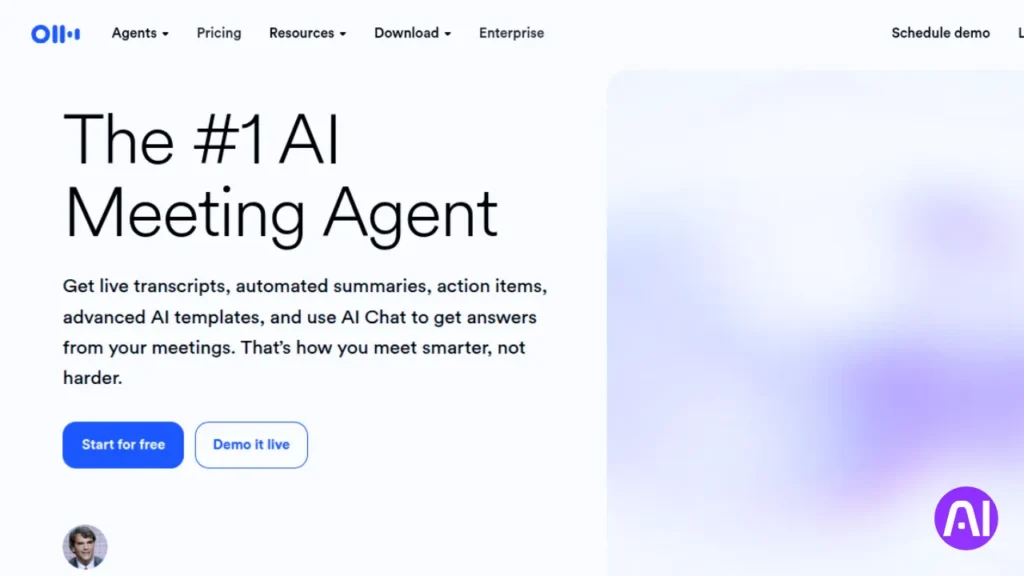
Otter.ai delivers live transcription, syncing across devices instantly. Teams rely on it for webinars, interviews, and collaboration. With strong integrations into Zoom and Meet, it helps capture every word accurately while boosting productivity during meetings.
Otter adds task tagging and highlights. Managers can assign responsibilities directly within transcripts. This makes post-meeting follow-ups easier while keeping conversations actionable. Its speed, accuracy, and simplicity make it one of the most trusted note-taking tools.
Pros and Cons of Otter.ai
| Pros | Cons |
|---|---|
| Real-time transcription with live display | Limited free plan |
| Syncs across devices instantly | Accuracy varies with accents |
| Integrates with Zoom, Meet, Teams | Few advanced analytics tools |
2. Fireflies.ai: Best for Action Items and Insights
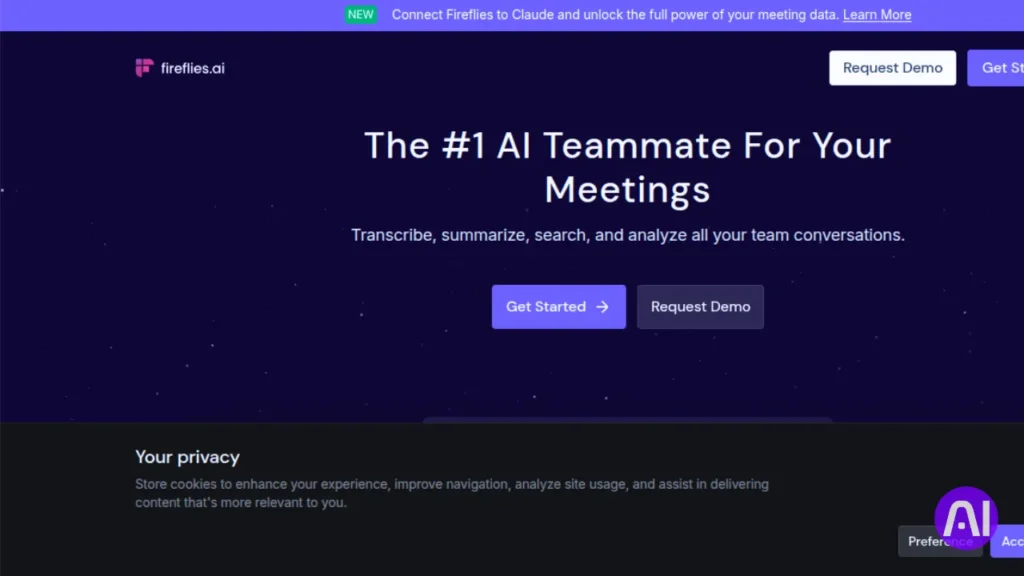
Fireflies.ai records, transcribes, and extracts meeting highlights. It identifies key decisions and builds task lists. Teams enjoy integrations with Slack, Asana, and Salesforce. This makes it effective for tracking outcomes beyond transcription and ensuring smooth follow-ups.
Its searchable transcript library saves time when revisiting past meetings. By turning conversations into actionable insights, Fireflies creates more structure. Teams appreciate its ability to convert notes into workflows instead of leaving them as passive text.
Pros and Cons of Fireflies.ai
| Pros | Cons |
|---|---|
| Captures decisions and tasks clearly | Free plan has limits |
| Integrates with CRM and project tools | Setup can feel complex |
| Searchable meeting archive | Accuracy drops in noisy settings |
3. Notion AI: Best for Organized Knowledge Base
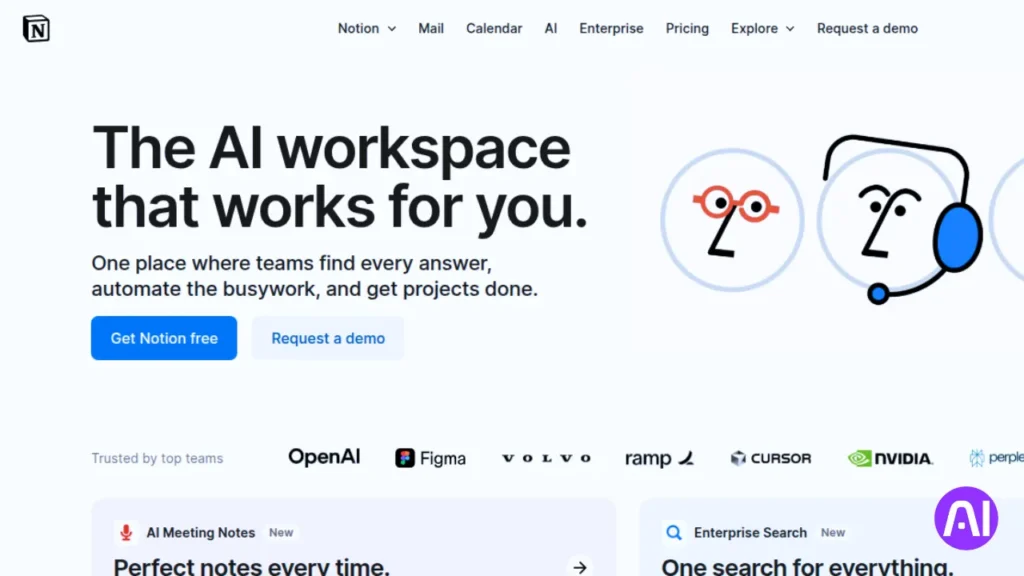
Notion AI combines meeting notes with project data. It transforms discussions into structured pages, tasks, and wikis. For teams already using Notion, it centralizes everything in one place. This saves time by linking meetings directly with projects or documentation.
The AI helps by drafting summaries, rewriting notes, and creating task lists. Its deep customization makes it flexible for various teams. While it requires adopting the Notion ecosystem, it is excellent for managing knowledge and organizing workflows.
Pros and Cons of Notion AI
| Pros | Cons |
|---|---|
| Centralized knowledge management | Steep learning curve |
| Strong customization and linking | Requires Notion adoption |
| AI summaries and task generation | Limited offline use |
4. Fathom: Best Free Transcription Tool
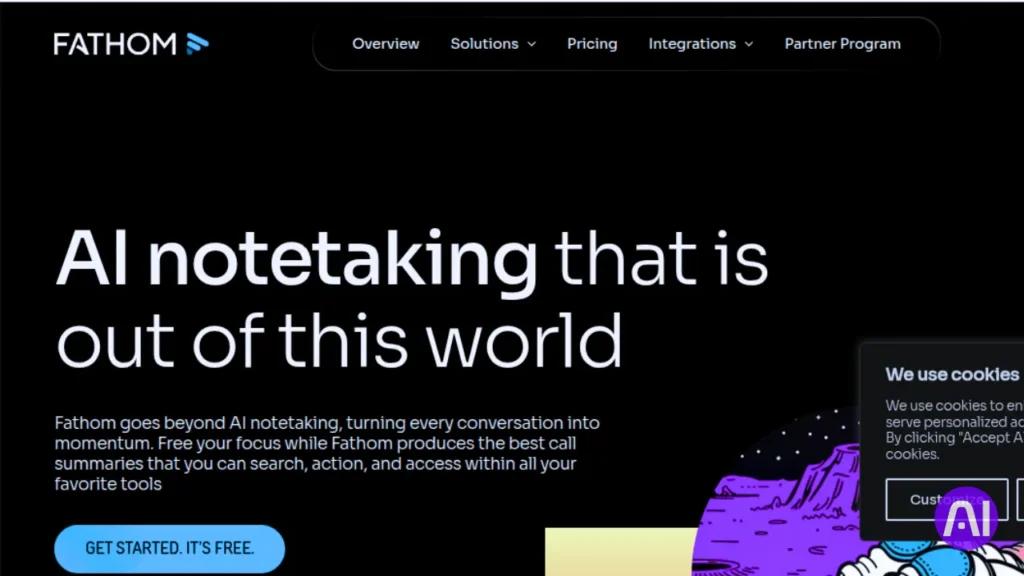
Fathom delivers accurate AI transcription for free. It records and highlights meetings automatically. It integrates smoothly with Zoom and Google Meet. This makes it an excellent choice for startups or smaller teams seeking affordability without compromising quality.
While not feature-heavy, Fathom shines in simplicity. Its free model ensures accessibility for users with limited budgets. For those seeking clear notes without advanced analytics, Fathom stands as a dependable, no-cost solution.
Pros and Cons of Fathom
| Pros | Cons |
|---|---|
| 100% free transcription | Fewer premium features |
| Easy integration with Meet, Zoom | Limited editing tools |
| Automatic highlights and summaries | Best for small teams only |
5. Sembly AI: Best for Enterprise Meetings
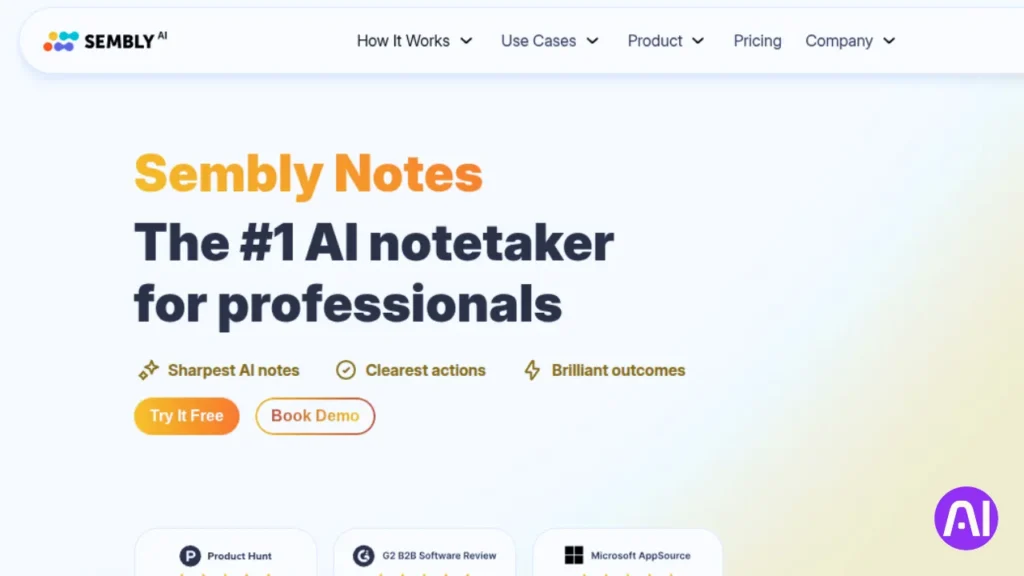
Sembly AI specializes in large-scale, enterprise-level note-taking. It provides transcription, insights, and advanced analytics. With integrations into Teams and Zoom, it is built for security-conscious organizations requiring reliable compliance and long-term storage.
Its NLP identifies key topics and organizes them into summaries. Action items and important discussions are structured for clarity. With enterprise-grade compliance, it helps organizations maintain accountability while securely storing sensitive meeting records.
Pros and Cons of Sembly AI
| Pros | Cons |
|---|---|
| Enterprise-ready security and compliance | Paid plans only |
| Advanced NLP insights | Setup may feel complex |
| Strong integrations with Teams and Zoom | Higher cost for features |
6. Avoma: Best for Sales and Customer Meetings
Avoma helps customer-facing teams by analyzing sales and support calls. It offers transcription, coaching insights, and conversation intelligence. Sales leaders value it for handling objections, identifying opportunities, and training new employees effectively with the support of AI.
It connects directly with HubSpot and Salesforce. Avoma highlights strategies that work and suggests areas for improvement. For sales-driven teams, it extends beyond note-taking to support deal management, training, and fostering customer relationships.
Pros and Cons of Avoma
| Pros | Cons |
|---|---|
| Strong for sales enablement | Higher pricing tiers |
| CRM integrations like Salesforce | Focused more on sales, not general use |
| AI coaching features | Limited free version |
7. Grain: Best for Video Snippet Sharing
Grain records meetings and creates shareable highlights. Its main strength lies in clipping important moments. Teams use these snippets for presentations, training, or sharing customer feedback. This reduces the need for replaying long recordings.
Grain integrates with Slack and Zoom, making knowledge sharing seamless. It is particularly useful for research or marketing teams who benefit from quick access to key meeting highlights. Its storage limitations make premium plans more practical for heavy users.
Pros and Cons of Grain
| Pros | Cons |
|---|---|
| Shareable video snippets | Limited transcription depth |
| Ideal for knowledge sharing | Paid features for full use |
| Integrates with Slack and Zoom | Storage limits on free plan |
8. Airgram: Best for Global Collaboration
Airgram stands out for multilingual transcription. It records, assigns tasks, and builds agendas. Teams working across borders appreciate its accuracy in multiple languages. This makes it a reliable option for international collaboration.
The tool also offers shared editing and agenda creation. Integration with Teams and Google Meet improves adoption across global organizations. With premium features, it becomes even more powerful for cross-border teamwork.
Pros and Cons of Airgram
| Pros | Cons |
|---|---|
| Multilingual transcription support | Free plan restricted |
| Shared note editing | Accuracy varies by language |
| Meeting agendas and task assignment | Premium features locked |
9. Evernote AI: Best for Personal Productivity
Evernote AI is designed for individual productivity. It organizes meeting notes into notebooks and syncs across devices. Its AI makes suggestions, summarizes discussions, and enhances daily planning for freelancers and professionals managing multiple tasks.
For individuals needing organization beyond meetings, Evernote AI is effective. It functions as both a note manager and productivity assistant. While it is costlier than alternatives, its strength lies in personal use and structured organization.
Pros and Cons of Evernote AI
| Pros | Cons |
|---|---|
| Great for personal productivity | Pricier than alternatives |
| Strong organizational features | Collaboration limited |
| Smart AI suggestions | Complex for new users |
10 Supernormal: Best for Instant Automated Notes
Supernormal generates meeting notes instantly. Within seconds, it records, transcribes, and creates structured summaries. Its simplicity appeals to smaller teams needing immediate outputs. Integration with Meet, Teams, and Zoom makes it highly accessible.
It is best for teams needing speed rather than advanced analytics. Supernormal delivers notes quickly without heavy setup. While its free plan is limited, its paid version balances affordability with powerful instant note-taking capabilities.
Pros and Cons of Supernormal
| Pros | Cons |
|---|---|
| Extremely fast summaries | Free plan limitations |
| Works with Zoom, Teams, Meet | Lacks deep analytics |
| Simple and user-friendly | Best for small teams |
How to Choose the Best AI Tool for Meeting Notes
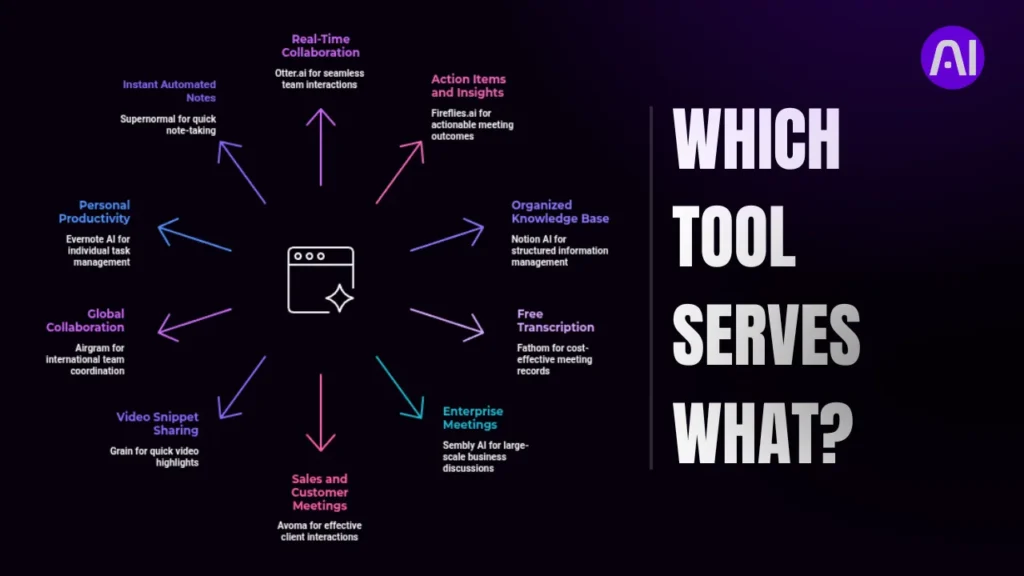
Selecting the right AI notetaker depends on workflow. Real-time transcription tools benefit fast discussions, while sales-focused tools support revenue teams. Consider budget, required integrations, accuracy, and ease of adoption before committing.
Checklist for Selection
- Budget and pricing model
- Accuracy of transcription
- Integrations with current tools
- Collaboration features
- Security and compliance support
Also, go through this trending comparison between two giants: Perplexity vs ChatGPT: Which AI Tool Is Best for 2025?
Future of AI Meeting Note-Taking
AI meeting assistants are advancing quickly. Expect multilingual accuracy, real-time translation, and smarter summaries. Tools will integrate deeper into workflows, automatically updating dashboards and project systems, transforming meetings into actionable outcomes.
This shift will reduce manual work while improving accessibility and productivity. As AI evolves, expect meetings to become more efficient, ensuring teams focus less on documentation and more on meaningful collaboration.
Conclusion
The best AI tool for meeting notes depends on needs. Otter.ai supports collaboration, Fireflies automates insights, and Avoma drives sales productivity. Each tool excels in specific contexts, making it vital to match features to goals.
With AI-powered note-taking, meetings deliver lasting value. Start with free versions to explore the benefits. Once confident, upgrade to premium plans for deeper analytics, better integrations, and enhanced productivity across your organization.
If you like to explore different AI tools lists for various purposes, this one is for you: Best AI Tool for Sales Calls | Top 10 Software Compared
Frequently Asked Questions
1. What is the best AI tool for meeting notes?
The best AI tool for meeting notes depends on your needs. If you want quick transcription, Otter.ai is a strong choice. For collaboration, Fireflies.ai works well. Sembly AI is great for action items, while Avoma suits businesses that need detailed insights.
2. How accurate are AI meeting note tools?
Most modern AI note-taking tools reach accuracy rates above 90% in clear conditions. Accuracy improves when speakers use good microphones and avoid background noise. Some tools also learn from repeated use, increasing precision over time.
3. Are AI note-taking apps safe for business meetings?
Yes, many AI meeting assistants are designed with security in mind. Leading tools include end-to-end encryption and comply with GDPR or SOC 2 standards. Businesses should always check a tool’s security policy before storing confidential discussions.
4. Can AI meeting tools recognize different speakers?
Yes, advanced AI note-taking software can separate and label speakers. This makes transcripts easier to follow because each person’s contributions are clearly marked. Speaker identification is especially useful for team meetings and client calls.
5. How do I choose the right AI tool for meeting notes?
When selecting an AI meeting assistant, consider factors such as transcription accuracy, integrations with platforms like Zoom or Teams, pricing, and security. If you need summaries, look for tools with strong AI-powered analysis. For teams, collaboration features should be a priority.